8 Software version and configura-
tion file management
Topics Covered in this Chapter
▪ Updating the software
▪ Managing system configurations
▪ Deleting a module
▪ Deleting an Expansion Box
Updating the software
Having the latest software and firmware in your controller allows you to have access to all new features
and improvements.
1. Press on System main menu on the top left hand side of the screen.
2. Press on Software update from the drop down menu.
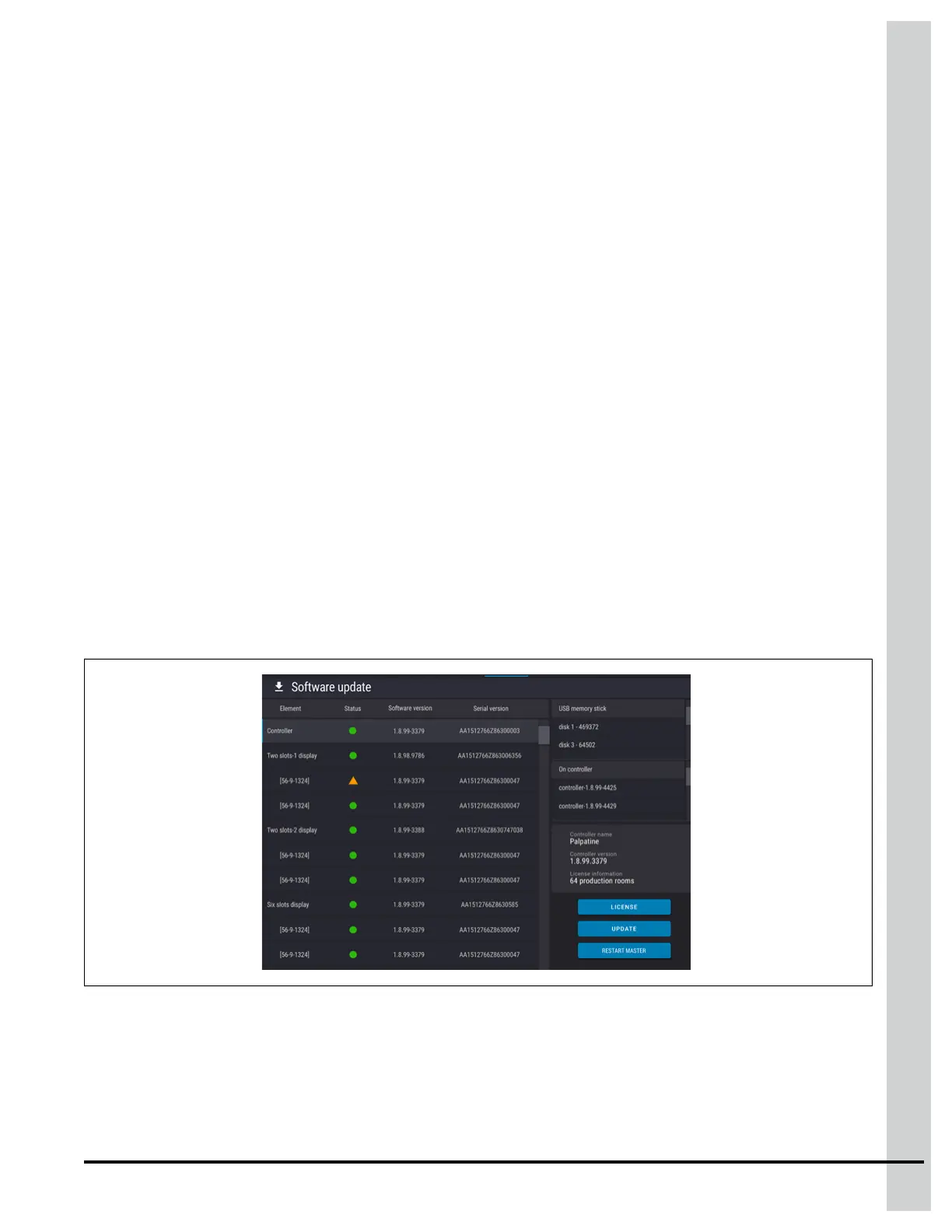
Figure 8-1 Software update interface
3. Press on the line displaying the component you want to update in the left hand pane. You can
choose between updating the complete system, just the EDGE Main Controller, or a selected
module.
890–00687 EDGE 2
95



 To Next Page