Part No. 4801-5338 Rev 2-2015 Evolution 4000 19 of 86
Refer to Section 6.4.2 & 7.9.
When Mode=Off, those stages will not
be visible on the Stage Conditions
Screen.
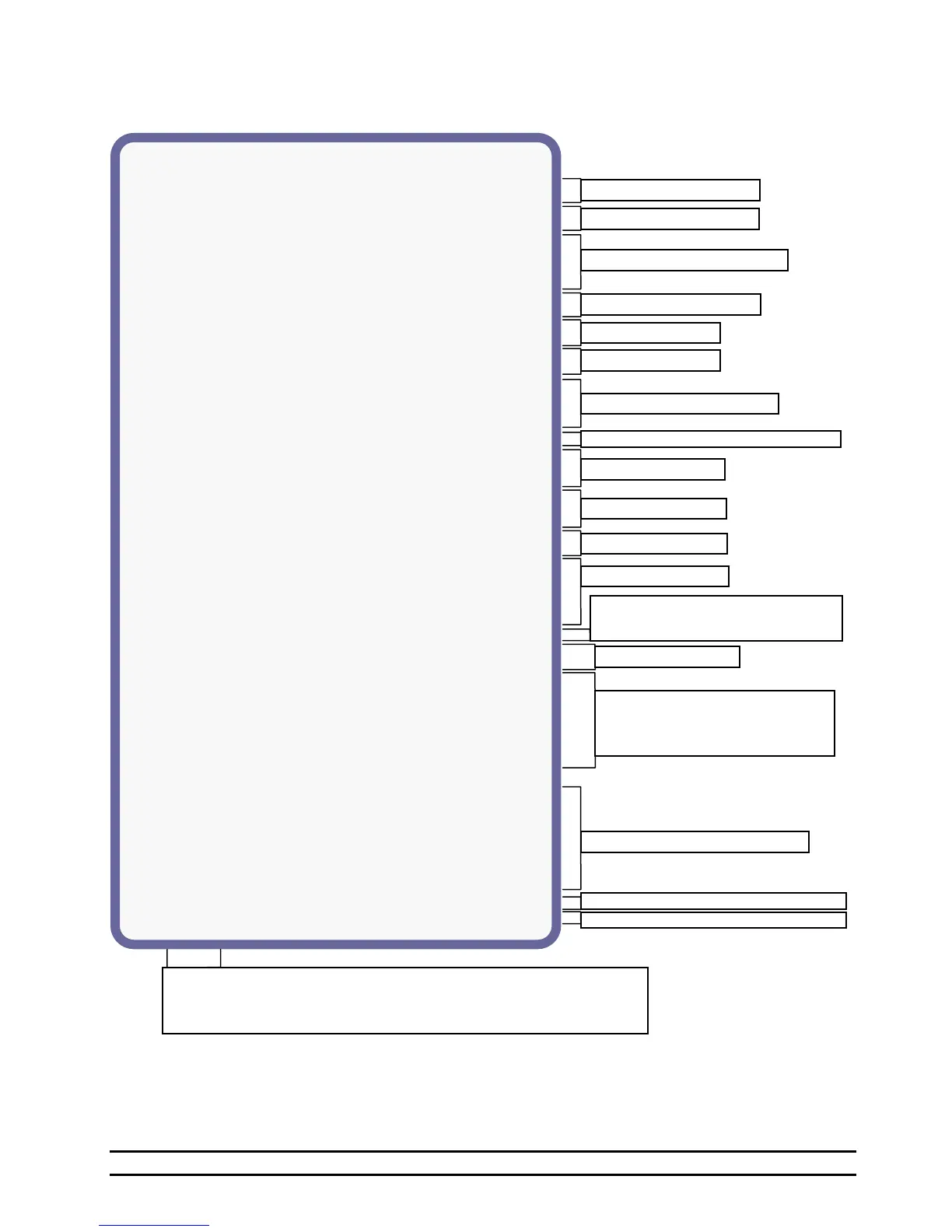
STAGE CONDITIONS SCREEN EXAMPLE:
Refer to Section 6.4.3, 7.6, & 7.11.7.
Target: The desired temp. of the building.
Enter Tun: Fans enter Tunnel at set temp.
Exit Tun: Fans exit Tunnel at set temp.
N/A: The stage is not allowed to turn on with the current set conditions.
Off: The stage is currently OFF.
On: The stage is currently ON.
Timed: The stage is currently ON with a timer.
Refer to Section 6.4.1 & 7.5.
Refer to Section 6.4.1 & 7.5.
Refer to Section 6.4.3 & 7.6.
Refer to Section 7.9 and 7.11.1.
Refer to Section 6.4.1, 7.5 & 7.8.
Maximum Tunnel Fans: The maximum number
of tunnel fans will be turning ON from this point
downward with hotter temperatures.



 To Next Page