Part No. 4801-5338 Rev 2-2015 Evolution 4000 36 of 86
**OPTIMUM GROWOUT CURVE**
(1)Number of Points = 10 (2)Ramping = Off
(3)Preheat Target = 95.0° (4)Preheat = Off
(5)Target Temperature Differential
(6)Max Reduction of Opt%: 50%
(6) Point –This table identifies the specific points. You are allowed up to 10 points at which you can
change the target at these points. This allows you to keep the same target for a couple of days and then
start ramping down. When the target temperature changes in the Target column, that target will start the
day that is in the Growout day column.
(7) Day – The day of growout that starts the set Target Temp.
(8) Target – Set the specific target temperature for each of the growout days.
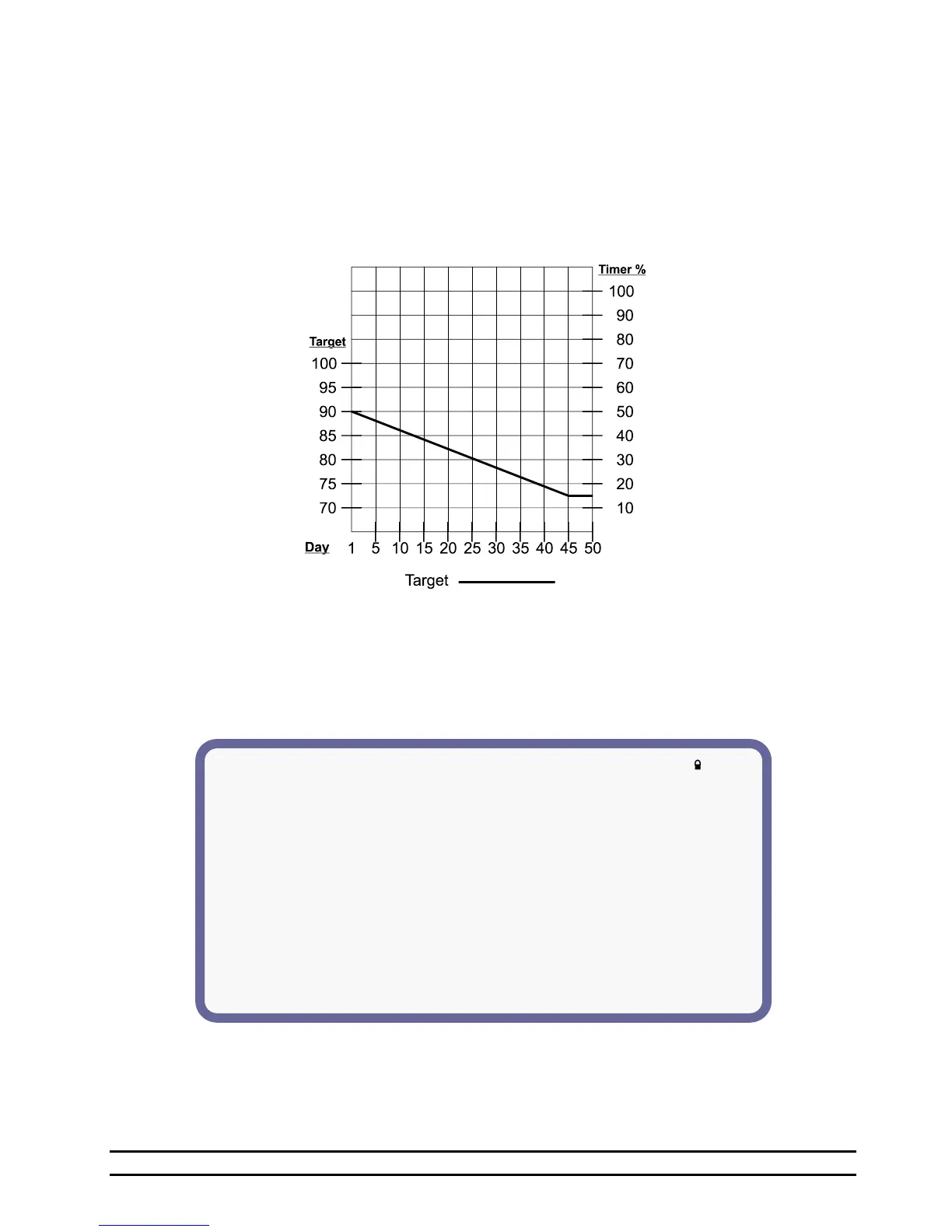
NOTE: The graph below shows an example of how the EV would adjust the target temperature based on
the growout day.
7.7.2 Growout Curve With Optimum Mode ON
If Optimum Mode is enabled, the grow-out curve screen will expand to the following form. In addition to
the Target Temperature Curve, the table expands to include a Heat Adjustment (HEAT AJST), a Tunnel
Adjustment (TUNNEL AJST), a maximum number of tunnel fans, a minimum runtime percentage, and a
minimum vent level. These allow the grower more automation when it comes to setting up their controller
for the entire grow-out.
(1) Number of Points –Select 2 through 10 points.
(2) Ramping – Select On or Off to enable or disable ramping.
(3) Preheat Target – Target Temperature for preheating.
(4) Preheat – On or Off. Preheat allows the controller to run the target to a higher set target temperature
for preheating the house.



 To Next Page