Part No. 4801-5338 Rev 2-2015 Evolution 4000 40 of 86
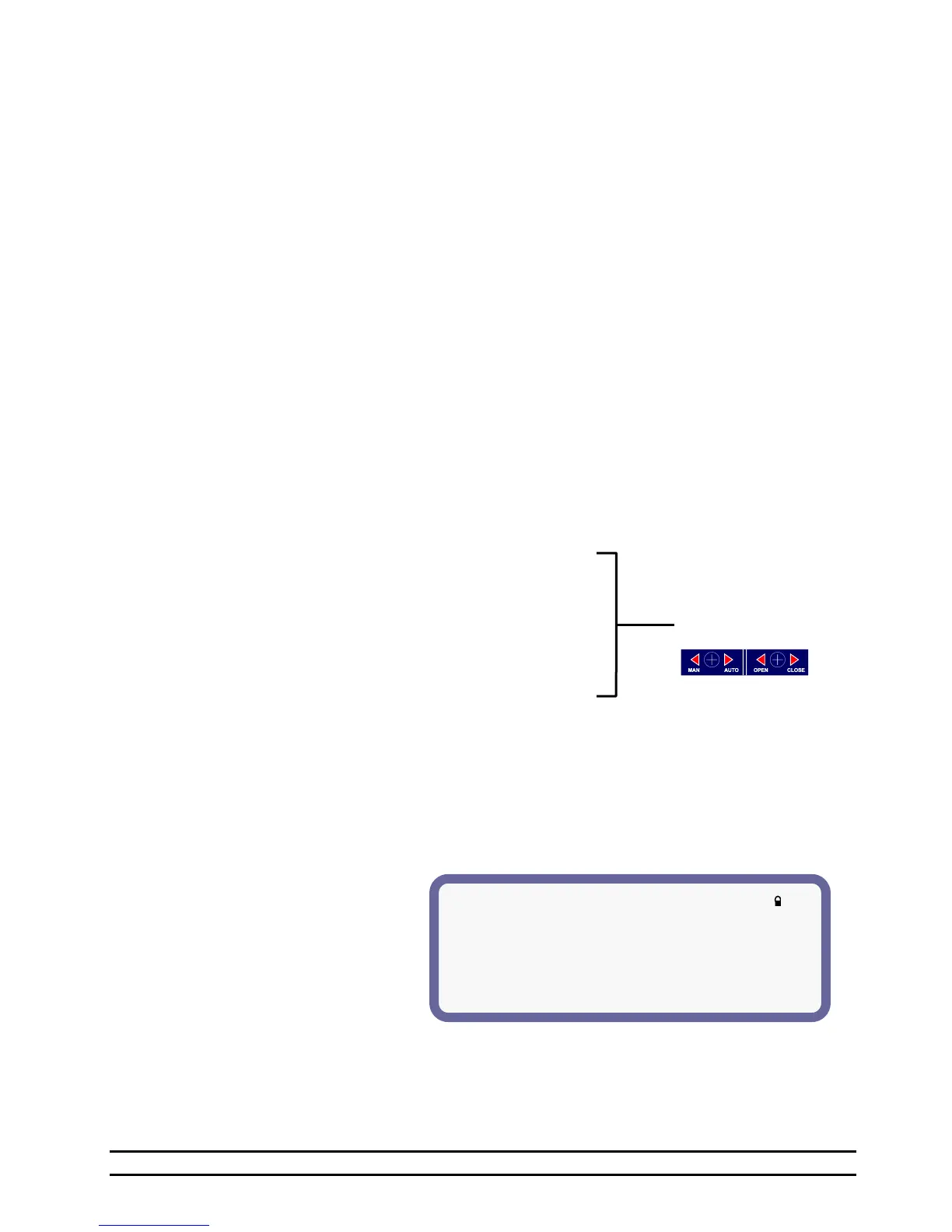
(1) ON/OFF Stage 1 (Target: 70.0)
(2) Sensor(s)= -----------1
(3) Mode = Cool Evap
(4) Timer = None
(5) On/Point = 70.4
(6) OffPoint = 70.0
(3) Sensors – The sensors which may be used to control the ON or OFF point of a stage. Sensors 1 thru 8
may be selected or unselected for each stage. The specific stage will operate from the selected
sensor/sensors.
Active sensors will be indicated by a number starting with #1 from right to left. Inactive sensors will
be indicated by a - or hyphen. When "outside-" is displayed, the outside sensor is active. To use
sensors 1,2 and 3, "-----321" should be displayed.
(4) Mode – This mode column will indicate how the stage is Programmed to operate.
(OFF) Disables stage from operating during automatic operation.
(Heat) Heat Mode: This method of heating only operates when the curtains are in the closed position
and the operating sensor is below the on temperature.
(CSTIR) Cool Stir Mode: This mode setting allows the cool stage to run whether the main curtain is
open or closed.
(CNEG) Cool Negative: Method of ventilation where air is drawn out of the building by fans,
creating a negative static pressure which draws air into the house from all openings at a even
pace. Will not operate in Tunnel or Nat.
(CNEGT) Cool Negative Tunnel: A combination of the Cool Negative and the Cool Tunnel Modes.
(CTUN) Cool Tunnel: Only operate during Tunnel operation with one exception being set as a
minimum ventilation timer which will allow the stage to operate on a timer only, in
minimum or power ventilation.
(LIGHT) The LIGHT Mode: See Section 7.13.
(FEED) The FEED mode: See Section 7.12.
(CEVAP) Cool Evaporative mode: See Section 7.11.6
(CHEAT) Cooler Heat mode: Heat stage for the Cooler.
(CCOOL) Cooler Cool mode: Cool stage for the Cooler.
(CHUM) Cooler Humidity mode: Humidifier for the Cooler.
(ATTIC) Attic mode: Inlet Stage for the Attic Ventilation.
(VENT) Vent mode: See Section 7.5.
(TUN1) Tunnel #1 mode: See Section 7.8.
(TUN2) Tunnel #2 mode: See Section 7.8.
(NAT1) Natural #1 mode: See Section 7.6.
(NAT2) Natural #2 mode: See Section 7.6.
(NAT3) Natural #3 mode: See Section 7.6.
(NAT4) Natural #4 mode: See Section 7.6.
(5&6) ON/OFF –The ON column will indicate the current setting for the onpoint temperature of the stage.
Set this to the temperature you would like for the stage to come on at. The OFF column will indicate
the current setting for the offpoint temperature of the stage. Set this to the temperature you would like
for the stage to turn off at.
(7) TIMER – None, Min1, Min2, Var, Cool, OPT1-OPT8 This Timer column will indicate what type of
timer you want the stage to operate from. If the stage doesn't need a timer then you must have this
setting to none.
7.9.1 On/Off Stage Details
(1) ON/OFF STAGE # – Stage number.
(2) Sensor(s) – Sensors used.
(3) Mode –See Section 7.9.
(4) Timer –See Section 7.9.
(5) On/Point – See Section 7.9.
(6) OffPoint –See Section 7.9.
Apply Vent Label
to cover label.
Refer to Section 9.11.



 To Next Page