Part No. 4801-5338 Rev 2-2015 Evolution 4000 57 of 86
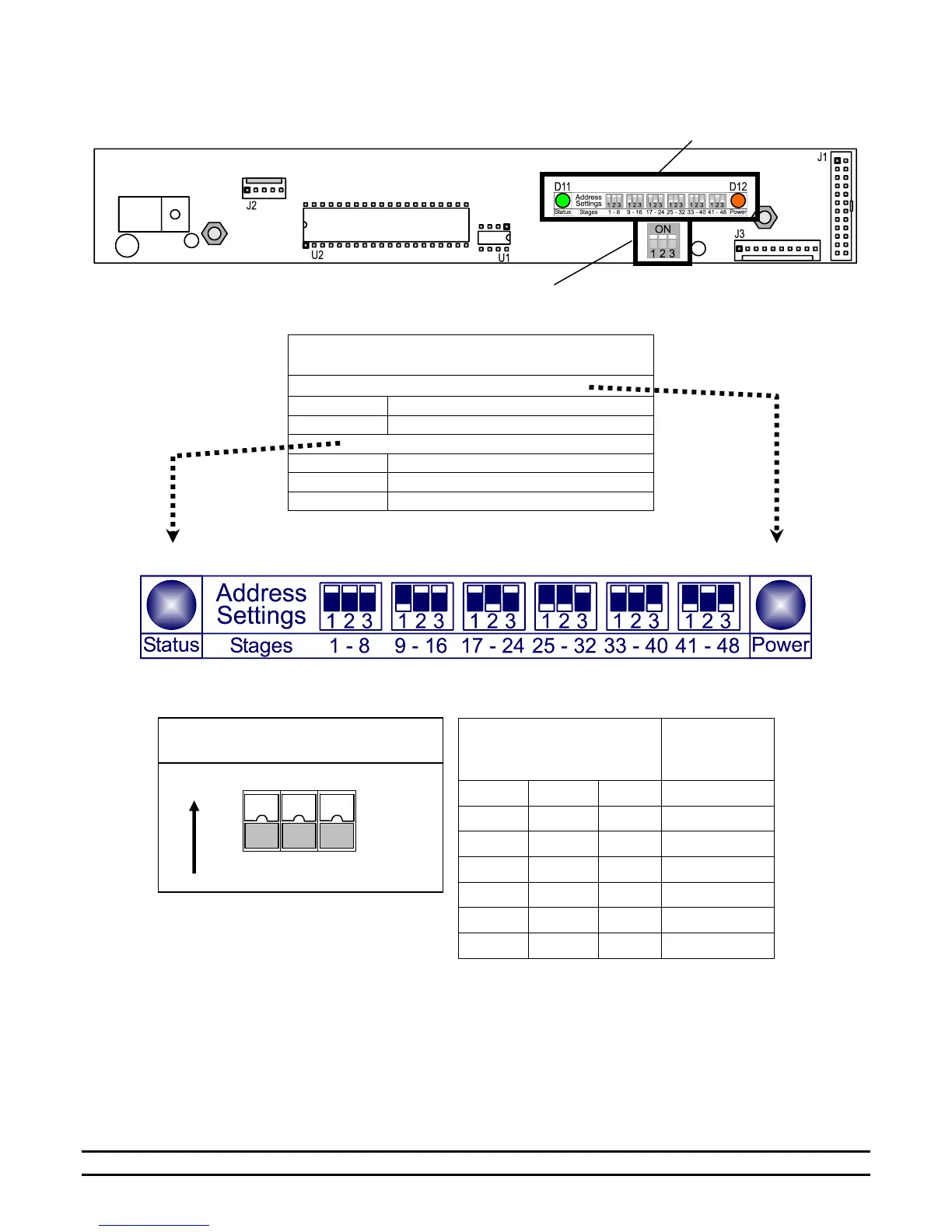
9.3 Setting Address Switches & LEDs on PCB 191 Stage Board
PCB 191 – Stage Switch Board
Inset B: Light Emitting Diode
(LED) Indicators
D12 - Power (MultiColor LED)
Both Relay & Logic Power are present.
Relay Power ONLY is present.
D11 - Board Status (MultiColor LED)
LOCAL NET ADDRESS
Local addresses are assigned by setting a series of three DIP switches on the PCB 191 circuit board. There are
three switches that can be set as shown in the above table. For example, if all three DIP switches are set to
"ON", the Stages are 1 through 8.



 To Next Page