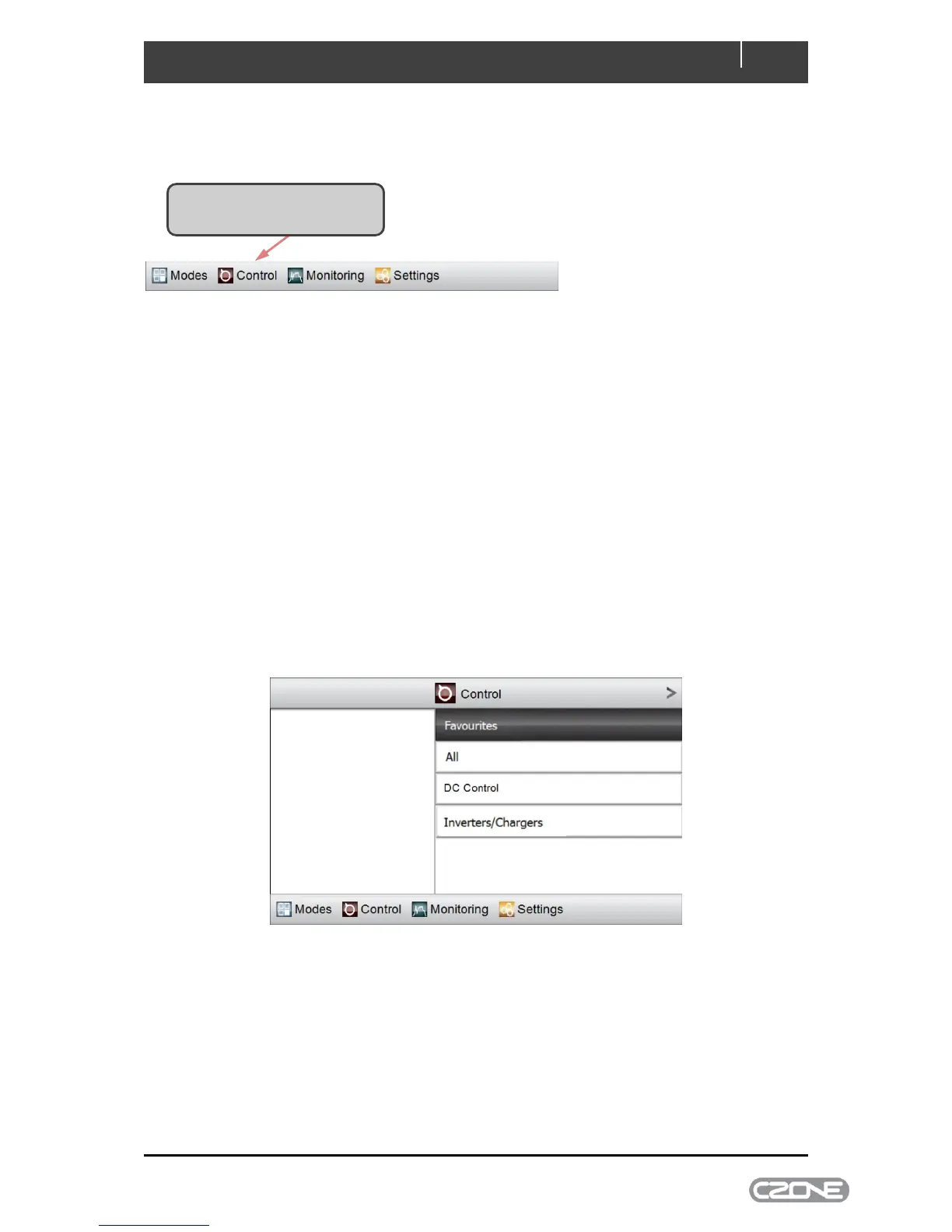
4.2.2 Control
The main menu’s Control tab accesses all configured circuits on the CZone network.
Depending on which CZone modules are on the network, you may have one or more of the following
four circuit types:
DC Control - 12V or 24V DC loads, such as LED lights and fresh-water pumps.
AC Control - 120V or 230V AC loads, such as air conditioning and AC outlets.
AC Mains Control - a page for controlling/monitoring AC mains supplies (e.g. generator
and/or shore power). (Note: Requires a CZone AC Mains Interface.)
Inverters/Chargers - a page for controlling/monitoring Mastervolt Inverter/Chargers.
All AC and DC circuit types are accessible through the All circuit category. Circuits may also be
assigned a group category such as Lights or Pumps which allows circuits on large systems to be
accessed quickly. There may also be a Favourites category which will be configured by the builder for
fast access to essential circuits.
Figure 5. Control Page



 To Next Page