1 General Information
1.1 Description
The CZone Touch 5 is a 5” colour touch-screen, which operates as a Display Interface on any new or
existing CZone network. It is designed for a wide range of applications, and can withstand the harsh
marine and recreational vehicle environments. With its bright touch screen and multiple levels of
backlighting, the Touch 5 provides fast and positive operation in all visibility conditions. Together with
toughened glass and water proofing, this makes it suitable for exposed locations. The Touch 5 can
also be configured as a Wireless Interface, allowing wireless control and monitoring with the CZone
iPad App.
1.2 Overview
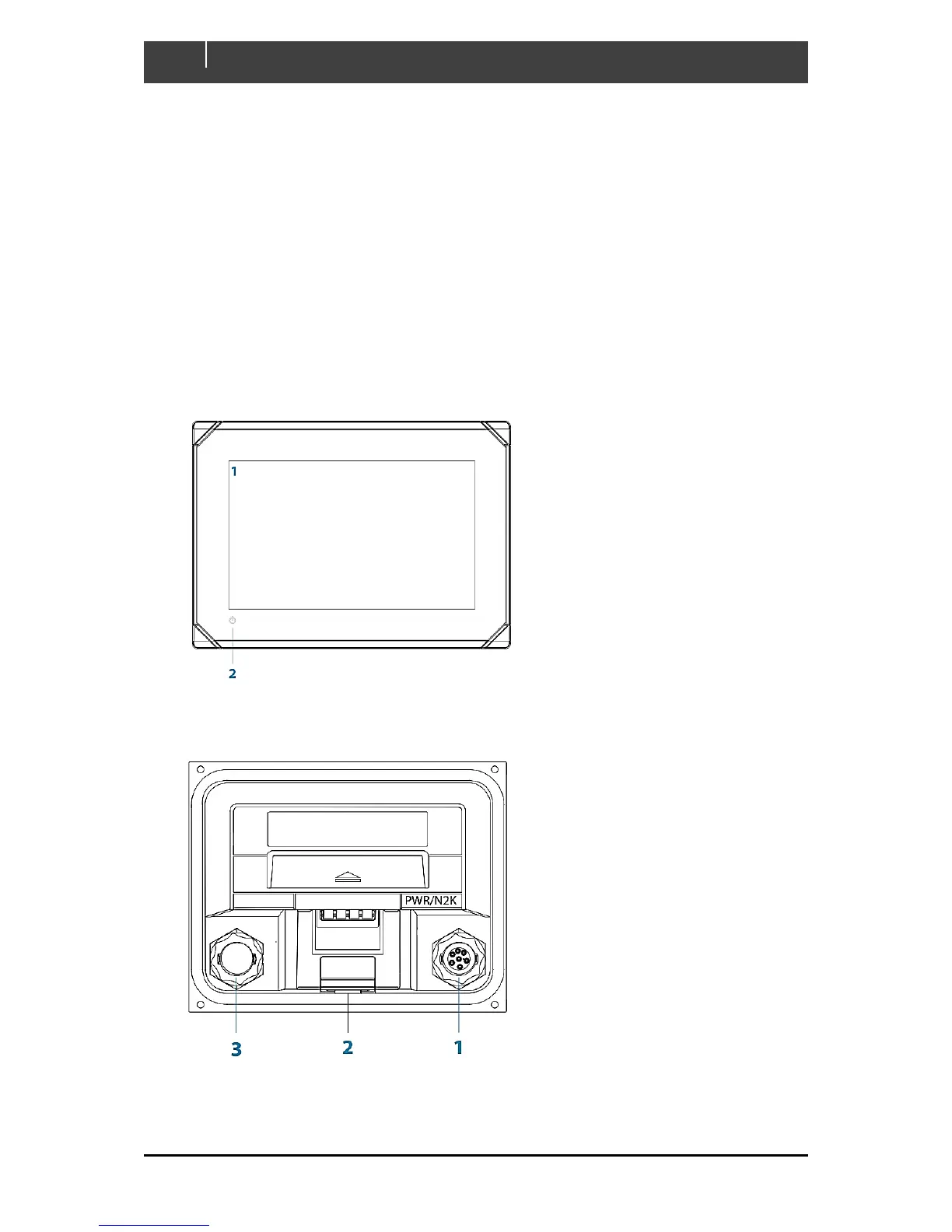
1.2.1 Front Controls
1.2.2 Rear Connections



 To Next Page