EN / CZone Touch 5 User & Installation Manual
4.2.3.4 Alarms
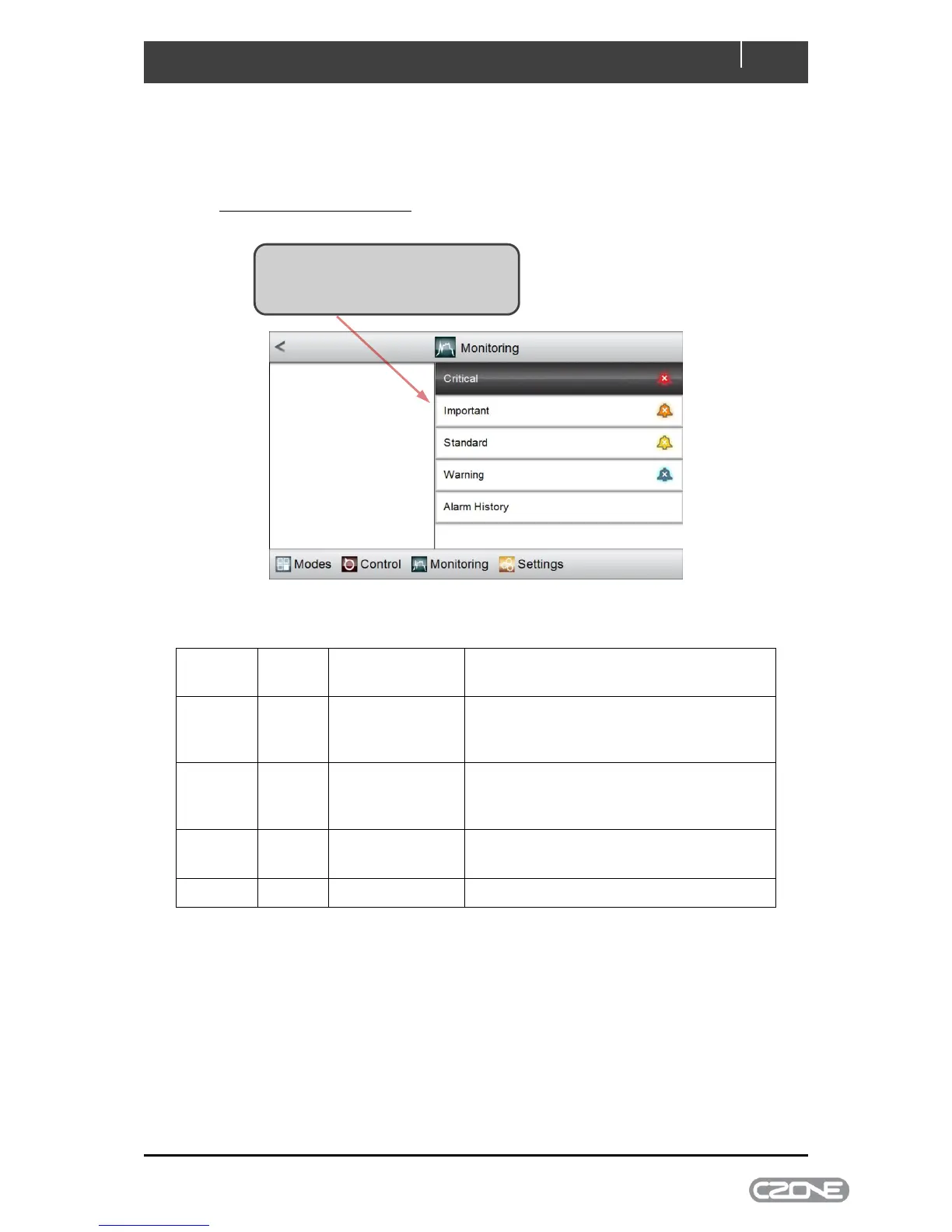
Alarm monitoring behaves in the same way for all levels of severity. On selecting Alarms from the
Monitoring home-page you can select historical alarms, or active alarms of any severity.
4.2.3.4.1 Alarms of a Selected Severity
Below is a list of the different CZone alarm severities and their behaviour:
Full-Screen
Dialog,
Audible Tone
Acknowledgement times out after 10 minutes
then re-alarms
Full-Screen
Dialog,
Audible Tone
Acknowledgement times out after 10 minutes
Full-screen dialogue disappears once alarm
is acknowledged
Bell disappears once alarm is acknowledged
Figure 7. CZone Alarm Severity Definition
Click on the severity level that you wish
to monitor (Severity levels are matched
to coloured ‘bell’ icons on the right).



 To Next Page