4.2.3.3 Tanks
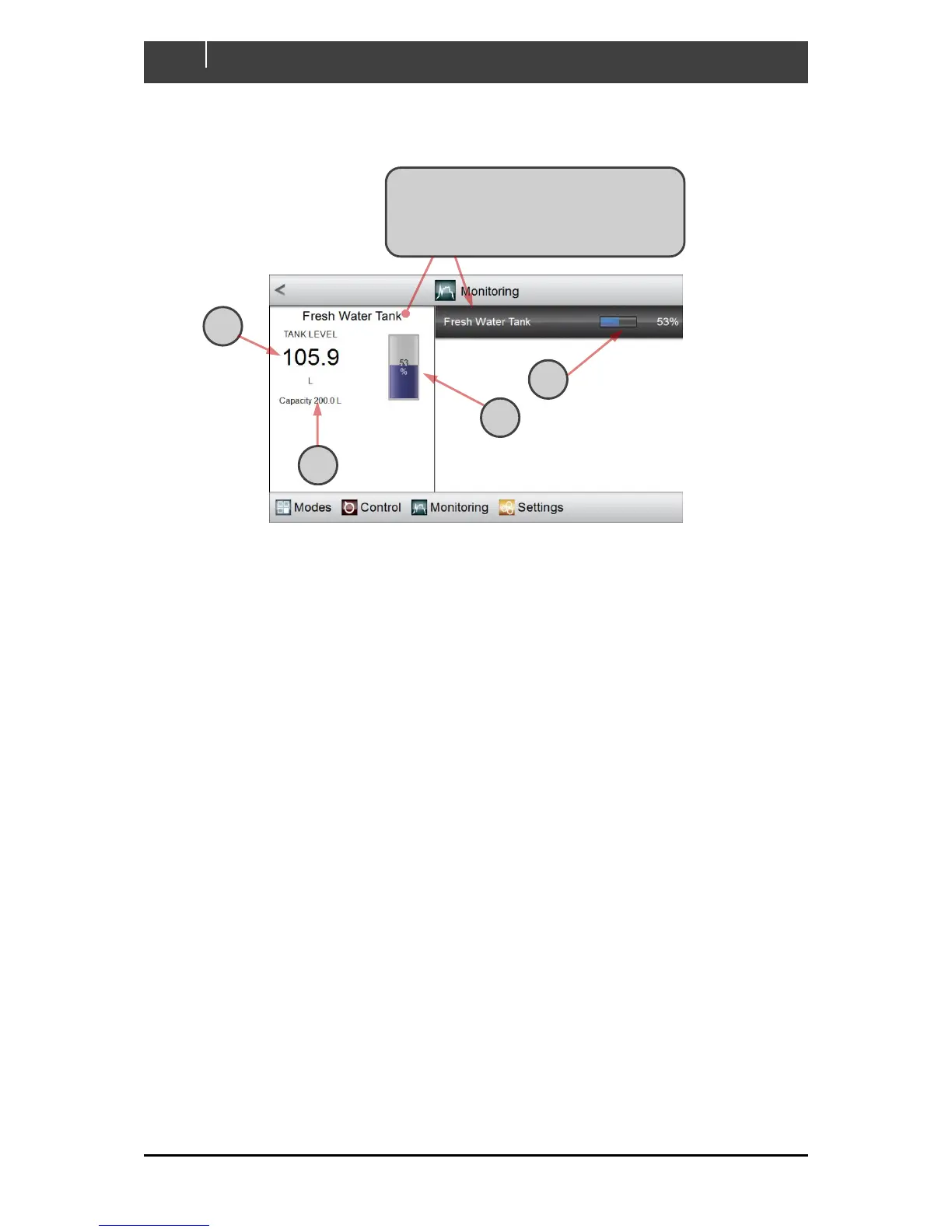
All Tank monitoring meters behave in the same way. An example is shown below:
A The current level in the tank is displayed, using the configured units
B The tank’s level is reported in the highlighted section, as a percentage and as the blue portion
of a status bar
C In the display pane, a cylindrical tank mimic shows the tank level in blue and as a percentage
D The capacity of the tank is shown in the configured units.
Click on the tank that you wish to monitor. (In
this example, only the Fresh Water Tank is
configured.) The selected tank is highlighted
and the display pane tracks its status



 To Next Page