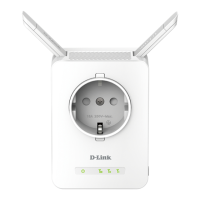
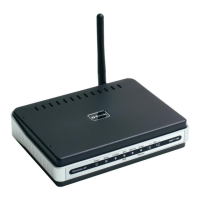
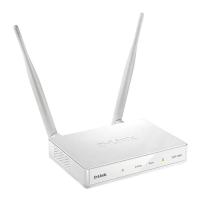
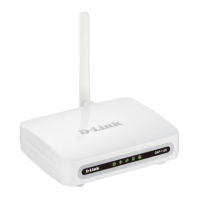
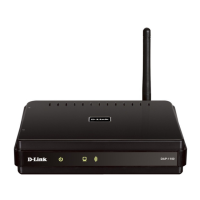
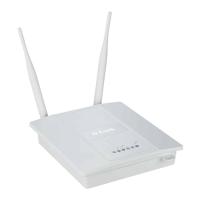
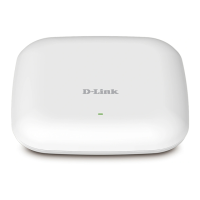
DAP-1360 Wireless N300 Access Point & Router
User Manual
Configuring Device (Router Mode)
System
In this menu you can do the following:
• change the password used to access the access point's settings
• save the current settings to the non-volatile memory
• reboot the access point
• create a backup of the access point's configuration
• restore the access point's configuration from a previously saved file
• restore the factory default settings
• view the system log
• update the firmware of the access point
• configure automatic notification on new firmware version
• configure automatic synchronization of the system time or manually configure the date and
time for the access point
• check availability of a host on the Internet through the web-based interface of the access
point
• trace the route to a host
• allow or forbid access to the access point via TELNET
• switch the device to the other mode.
Page 254 of 270


 To Next Page