14D-Link DAP-2690 User Manual
Section 3 - Conguration
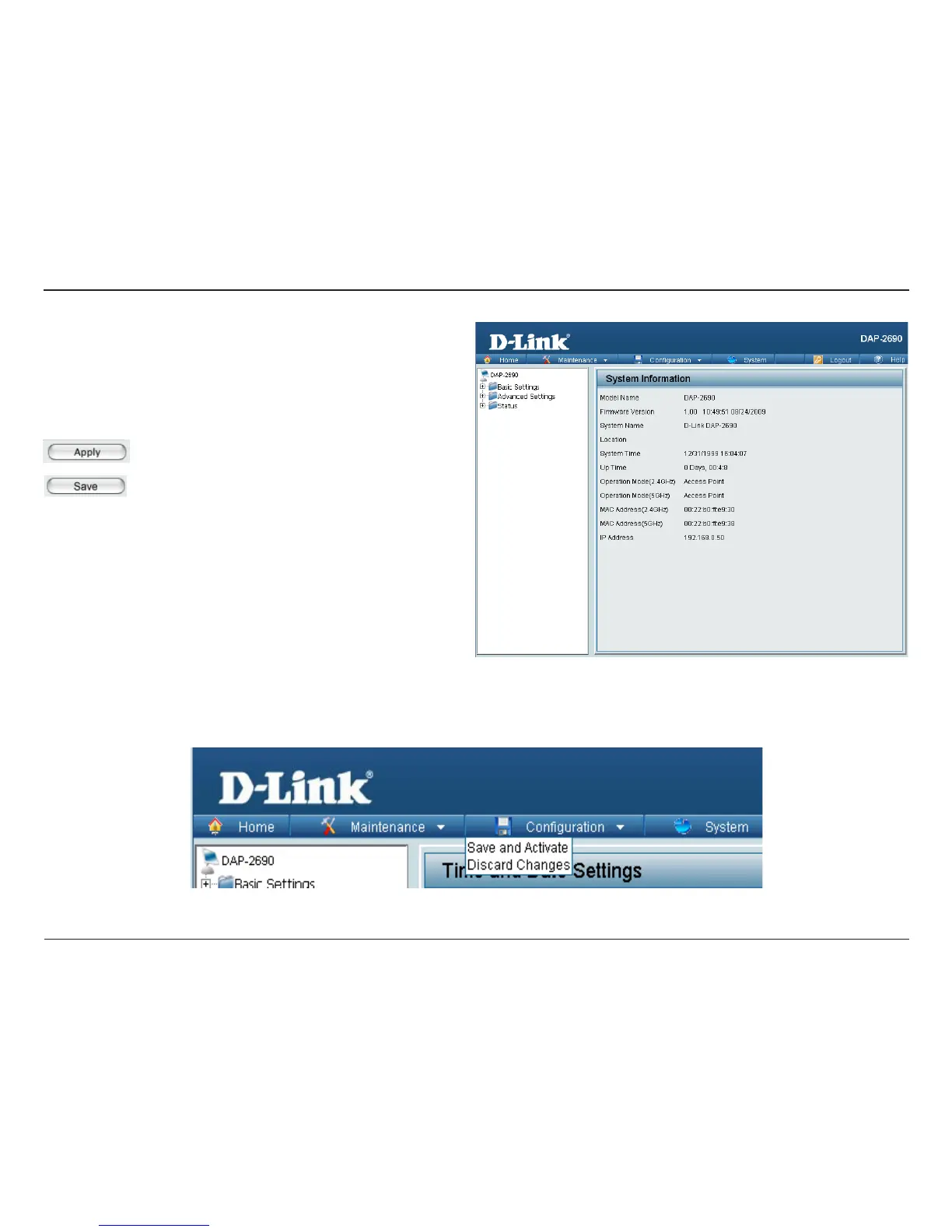
After successfully logging into the DAP-2690 the following window will appear:
When making changes on most of the conguration windows in this
section, use either the Apply button or the Save button to save your
conguration changes.
Click the Apply button to congure changes.
Alternatively, click the Save and Activate option on the Conguration drop-down menu at the top of each DAP-2690 window. This will cause the
DAP-2690 to save and reboot.
Click the Save button to congure changes.














 To Next Page