23D-Link DAP-2690 User Manual
Section 3 - Conguration
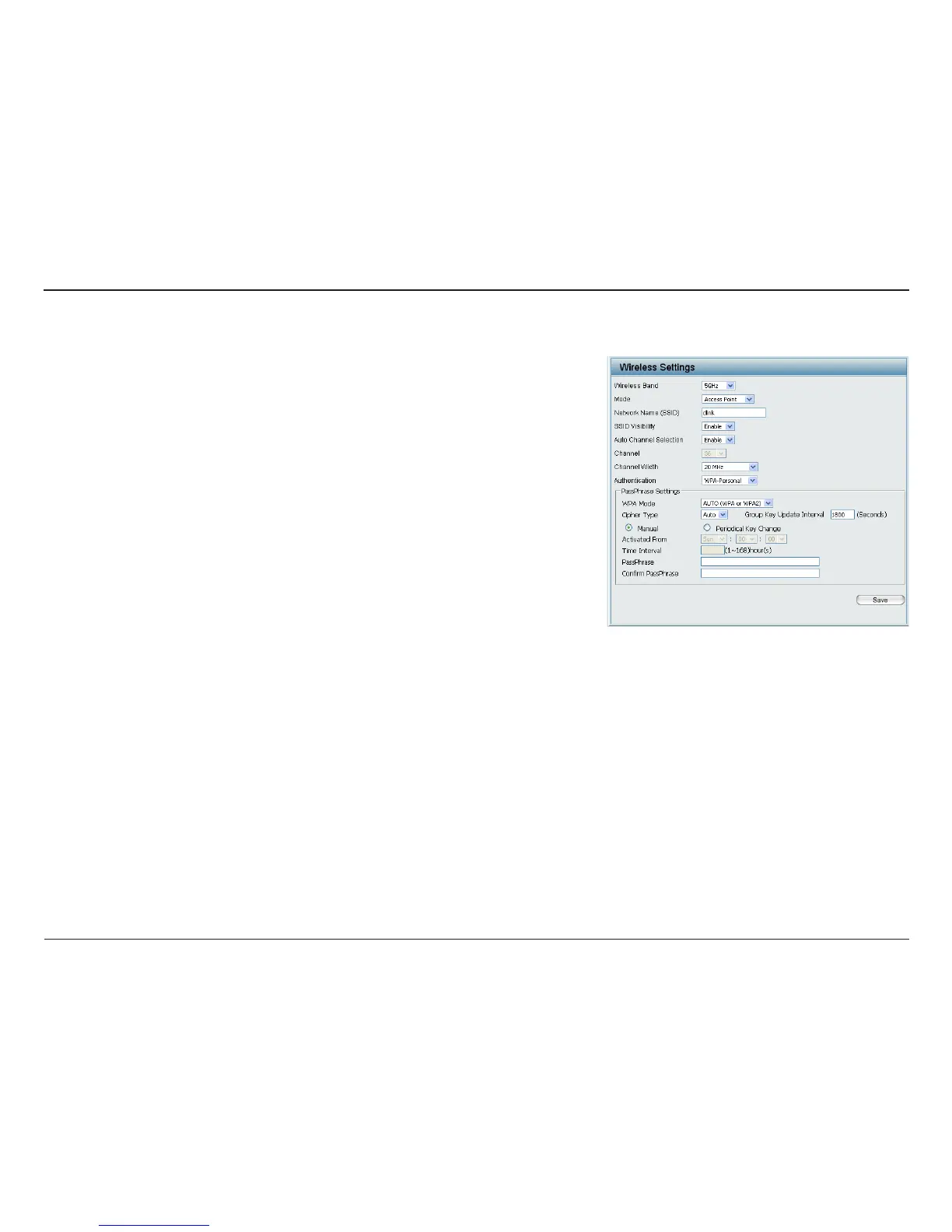
WPA-Personal Authentication
When WPA-Personal is selected for Authentication type, you must also
select a WPA mode from the drop-down menu: AUTO (WPA or WPA2),
WPA2 Only, or WPA Only. WPA and WPA2 use dierent algorithms. AUTO
(WPA or WPA2) allows you to use both WPA and WPA2.
When you select WPA-Personal, you must also select AUTO, AES, or TKIP
from the drop-down menu.
Select the interval during which the group key will be valid. The default
value of 1800 is recommended.
When you select WPA-Personal, please enter a PassPhrase in the
corresponding eld.
Retype the Passphrase entered above in the corresponding eld.
WPA Mode:
Cipher Type:
Group Key
Update Interval:
PassPhrase:
Conrm
PassPhrase:














 To Next Page