48D-Link DAP-2690 User Manual
Section 3 - Conguration
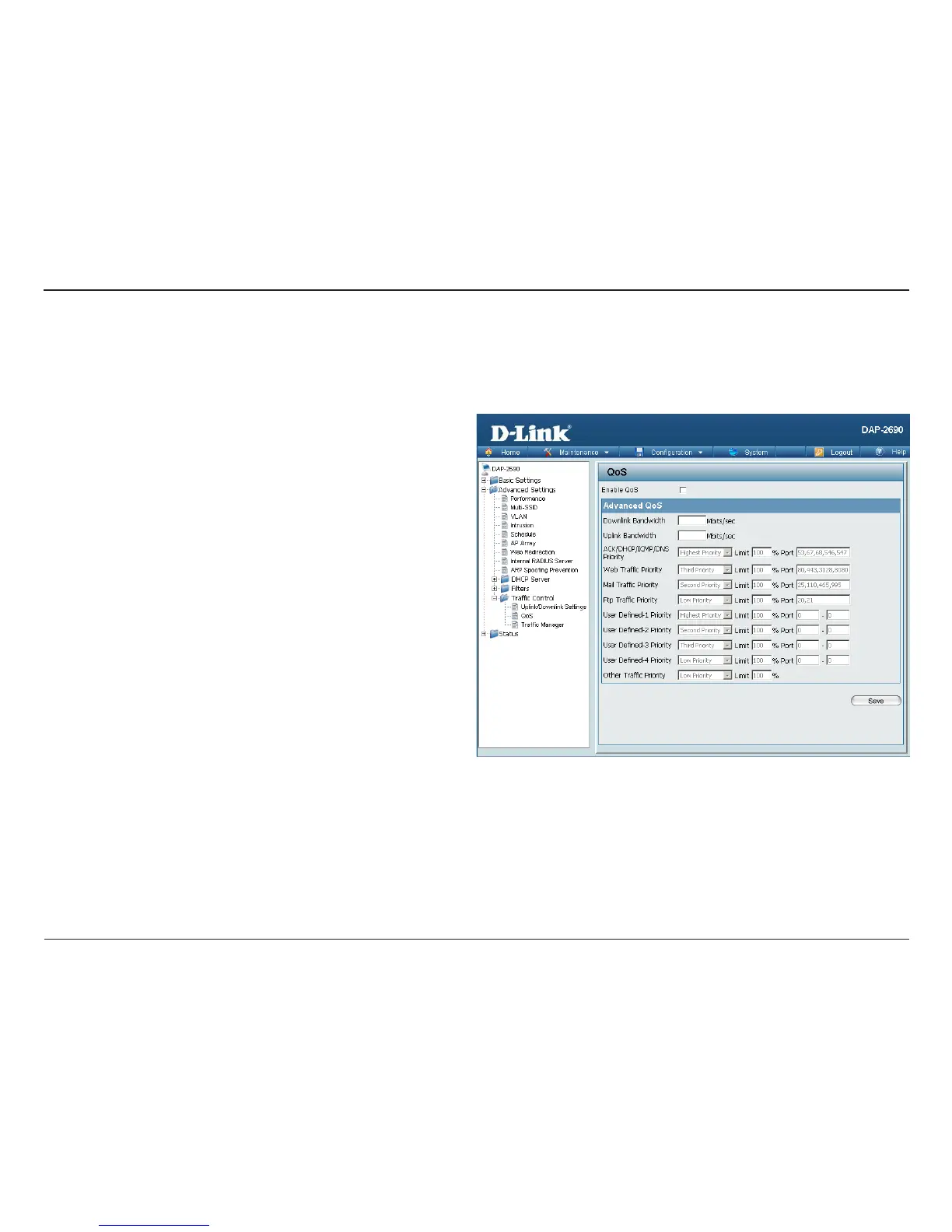
QoS
Enable QoS:
Downlink
Bandwidth:
Uplink
Bandwidth:
Quality of Service (QoS) enhances the experience of using a network by prioritizing the trac of dierent applications. The DAP-2690 supports four
priority levels. Once the desired QoS settings are nished, click the Save button to let your changes take eect.
Check this box to allow QoS to prioritize trac. Use the
drop-down menus to select the four levels of priority.
Click the Save button when you are nished.
The downlink bandwidth in Mbits per second. This value
is entered in the Uplink/Downlink Setting window.
The uplink bandwidth in Mbits per second. This value is
entered in the Uplink/Downlink Setting window.














 To Next Page