27D-Link DAP-2690 User Manual
Section 3 - Conguration
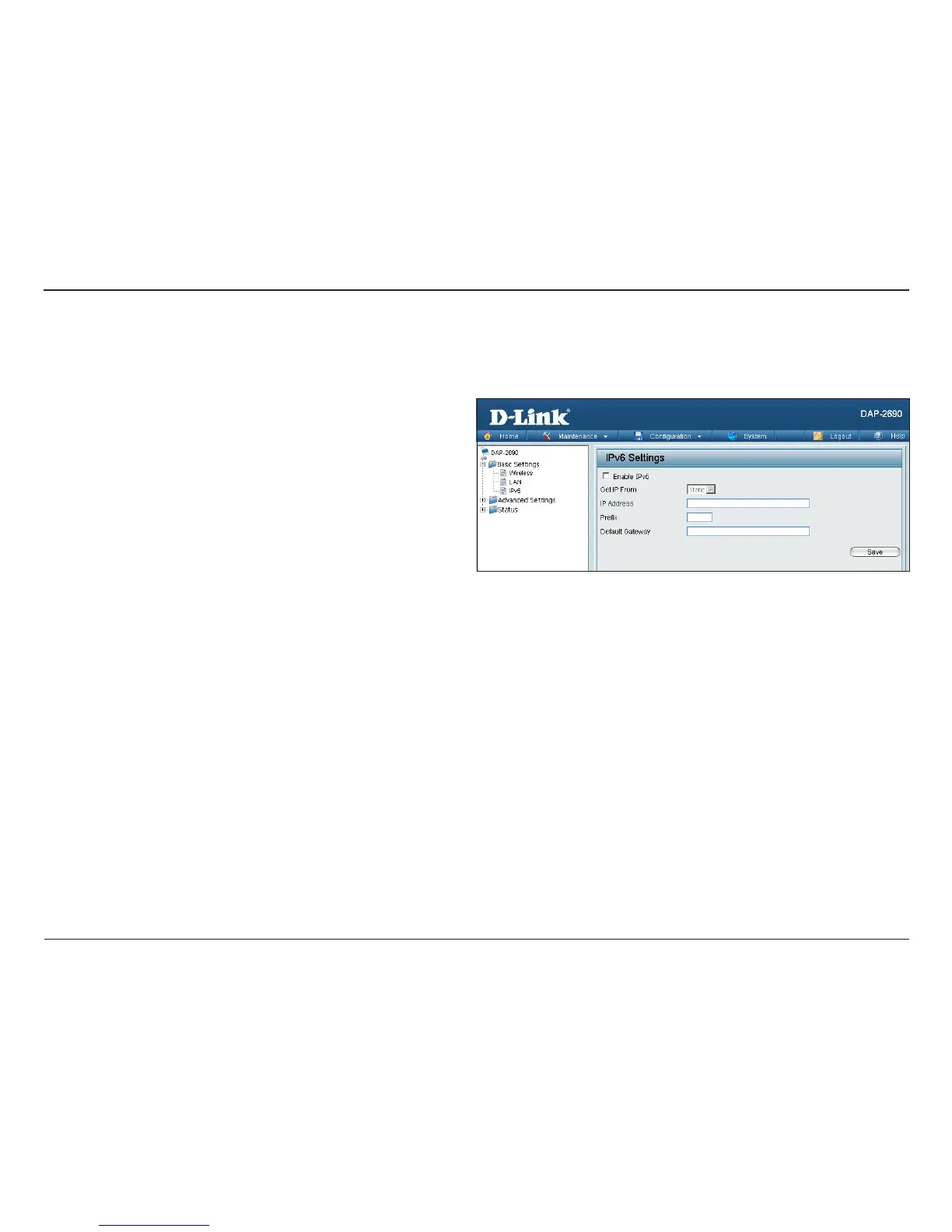
Check this box to enable IPv6.
Select either Static to enter your own IP address or Auto
to be automatically assigned by a DHCP server or IPv6
gateway.
Assign an IPv6 IP address.
The Prex is used to determine what subnet an IP address
belongs to. It must be 0~128..
Enter the default gateway address. This is usually the IP
address of your router.
IPv6
Enable IPv6:
Get IP From:
IP Address:
Prex:
Dafault
Gateway:
Note: If IPv6 is enabled, AP Array, QoS, and Trac Manager will all be disabled. Also, AP Client mode will change to AP mode.
The IPv6 function allows you access DAP-2690 using an IPv6 address.














 To Next Page