13D-Link DAP-2690 User Manual
Section 3 - Conguration
Conguration
To congure the DAP-2690, use a computer that is connected to the DAP-2690 with an Ethernet cable.
Step 1 - Disable the Access the Internet using a proxy server function. To disable this function, go to Control Panel > Internet Options >
Connections > LAN Settings and uncheck the enable box.
Step 2 - Open your web browser.
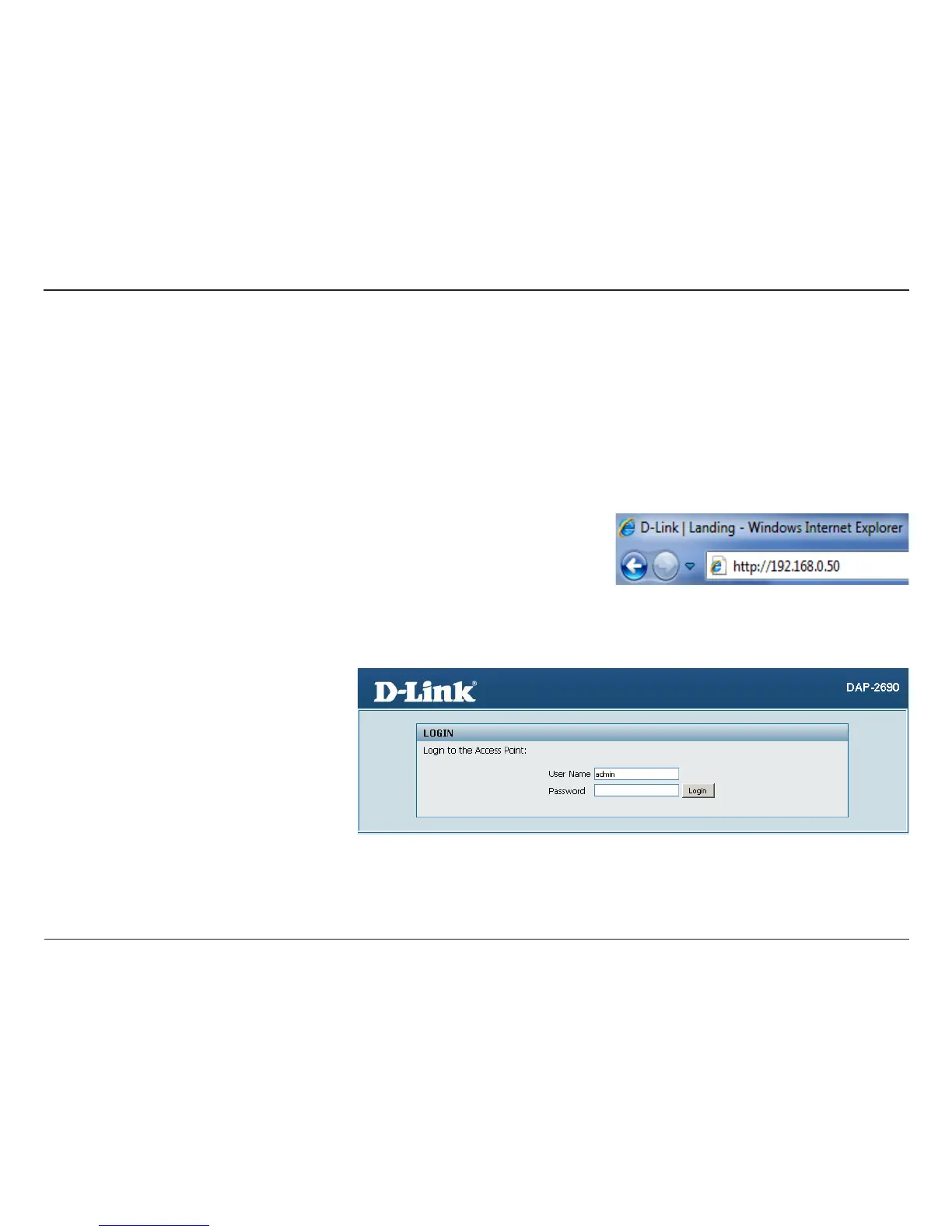
Step 3 - Type the IP address of the DAP-2690 in the address eld (http://192.168.0.50) and press Enter. Make sure that the IP addresses of the
DAP-2690 and your computer are in the same subnet.
Note: If you have changed the default IP address assigned to the DAP-2690, make sure to
enter the correct IP address.
Note: If you have changed the password, make
sure to enter the correct password.
Step 4 - Enter admin for the User Name and then click Login. By default the password is blank.














 To Next Page