DAP-600P Wireless AC2600 Wave 2 MU-MIMO Dual Band
PoE Access Point / Router
User Manual
Configuring via Web-based Interface
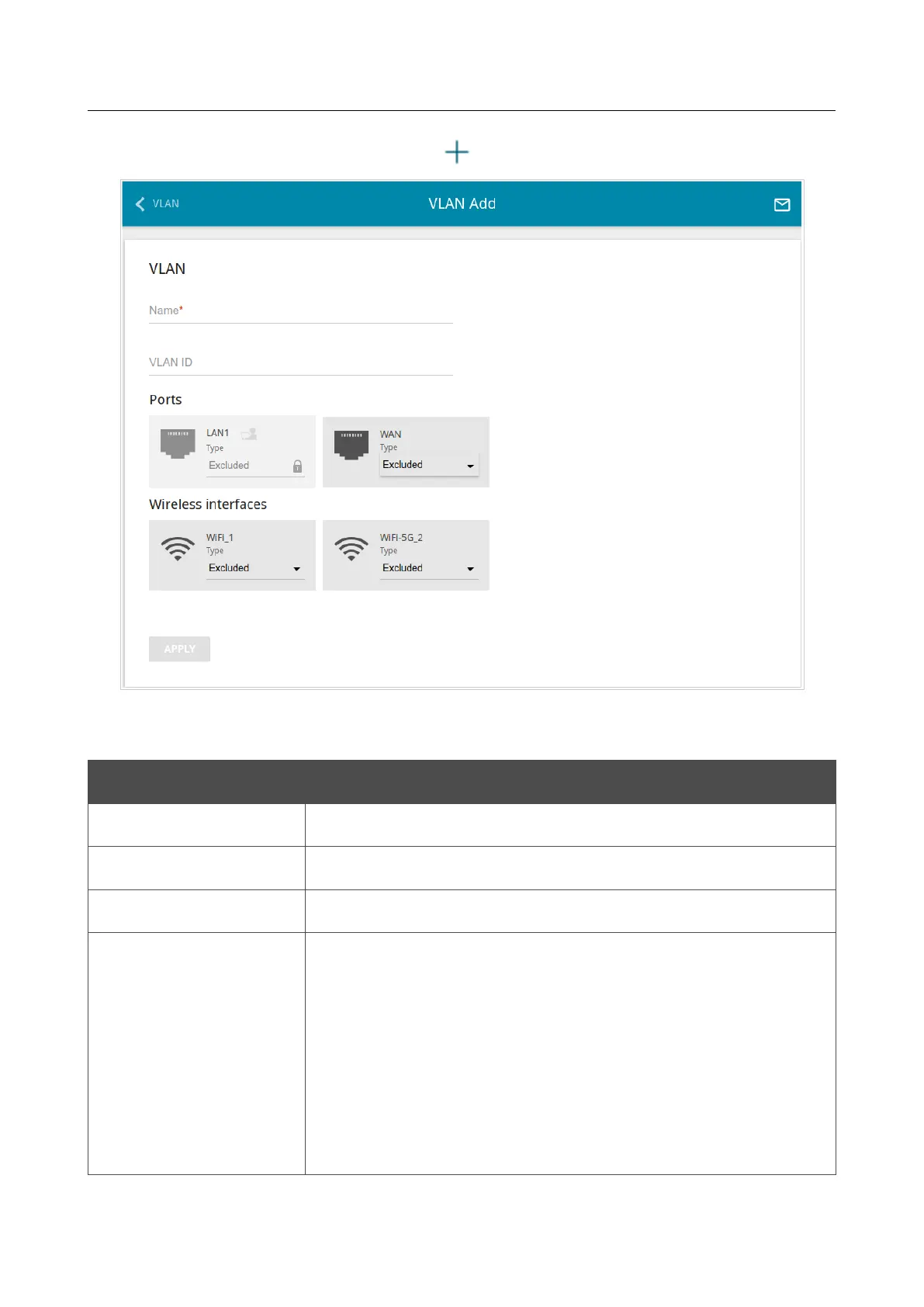
To create a new VLAN, click the ADD button ( ).
Figure 122. The page for adding a VLAN.
You can specify the following parameters:
Parameter Description
Name
A name for the VLAN for easier identification.
VLAN ID An identifier of the VLAN.
QoS
A priority tag for the transmitted traffic.
Ports
Select a type for each port included in the VLAN.
• Untagged. Untagged traffic will be transmitted through the
specified port.
• Tagged. Tagged traffic will be transmitted through the
specified port. If at least one port of this type is included to
the VLAN, it is required to fill in the VLAN ID and QoS
fields.
Leave the Excluded value for the ports not included in the VLAN.
Page 160 of 235



 To Next Page