DAP-600P Wireless AC2600 Wave 2 MU-MIMO Dual Band
PoE Access Point / Router
User Manual
Configuring via Web-based Interface
Telnet/SSH
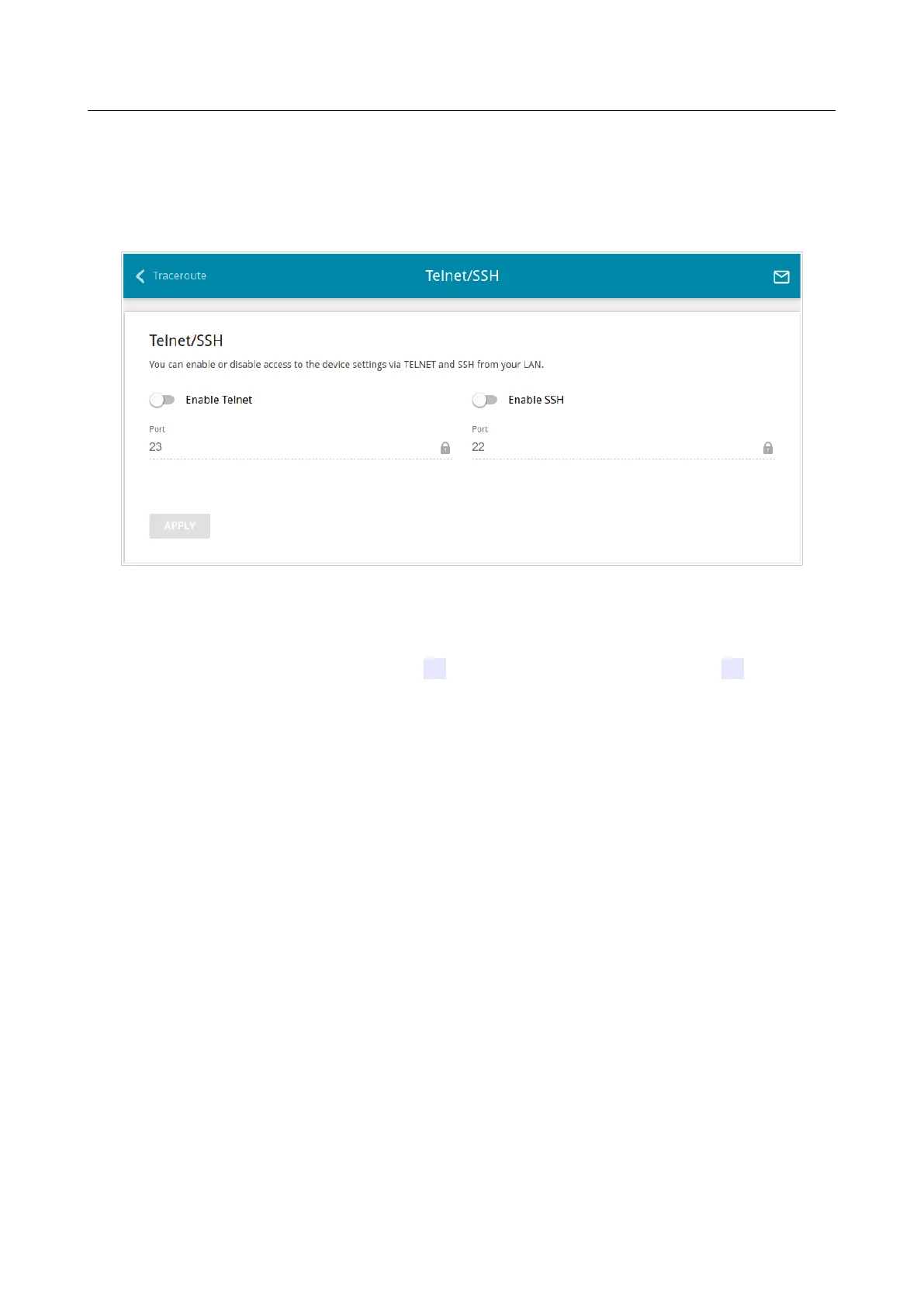
On the System / Telnet/SSH page, you can enable or disable access to the device settings via
TELNET and/or SSH from your LAN. By default, access is disabled.
Figure 159. The System / Telnet/SSH page.
To enable access via TELNET and/or SSH, move the Enable Telnet switch and/or Enable SSH
switch to the right. In the Port field, enter the number of the access point's port through which
access will be allowed (by default, the port 23 is specified for Telnet and the port 22 is specified
for SSH). Then click the APPLY button.
To disable access via TELNET and/or SSH again, move the Enable Telnet switch and/or Enable
SSH switch to the left and click the APPLY button.
Page 217 of 235



 To Next Page