DAP-600P Wireless AC2600 Wave 2 MU-MIMO Dual Band
PoE Access Point / Router
User Manual
Configuring via Web-based Interface
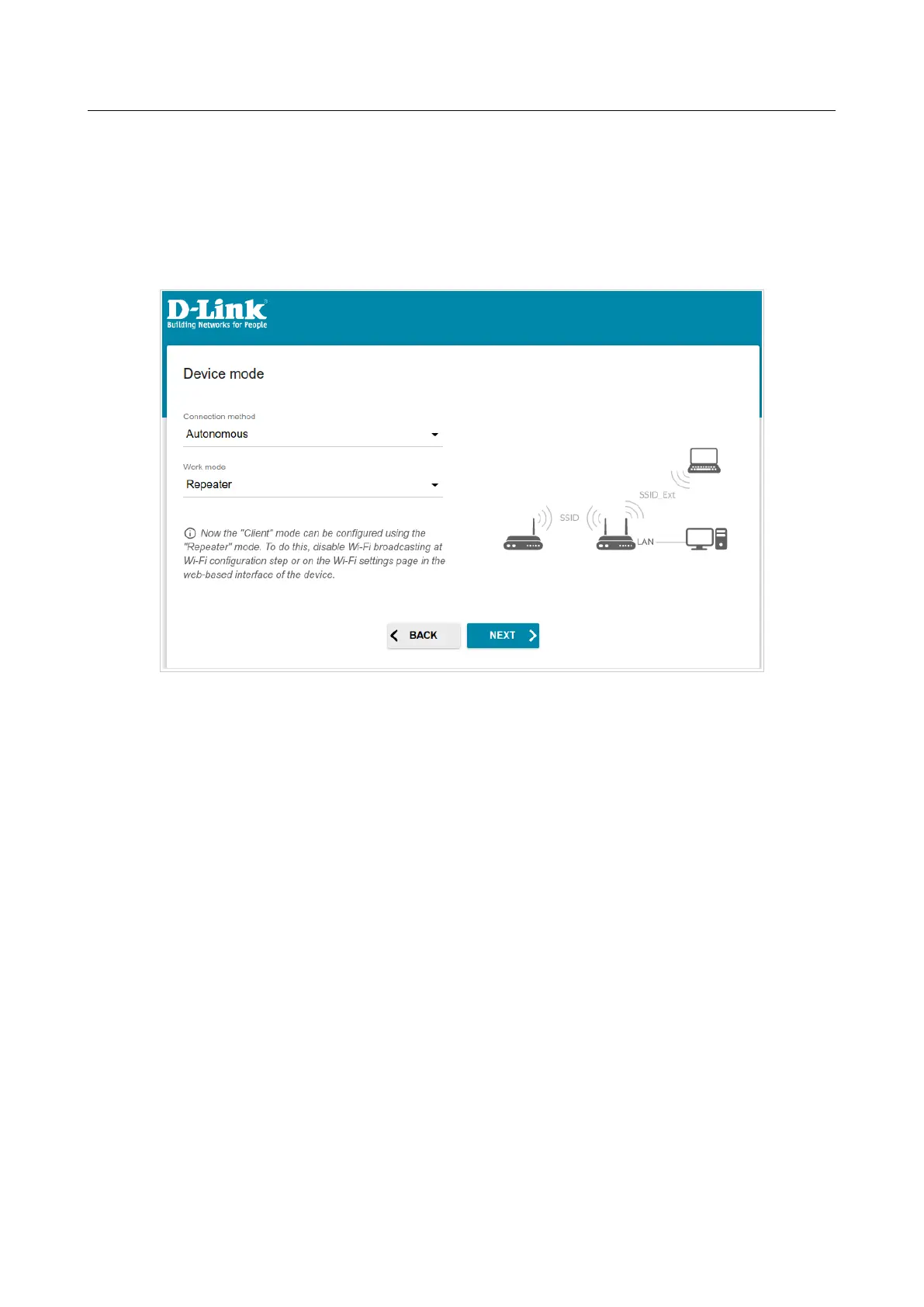
In order to connect your device to a wireless router for extending the range of the existing wireless
network, on the Device mode page, from the Connection method list, select the
Autonomous value. Then from the Work mode list, select the Repeater value. In this mode
you can change the LAN IP address, connect your device to another access point, set your own
settings for the wireless network in the 2.4GHz and 5GHz bands, and set your own password for
access to the web-based interface of the device.
Figure 39. Selecting an operation mode. The Repeater mode.
Page 52 of 235



 To Next Page