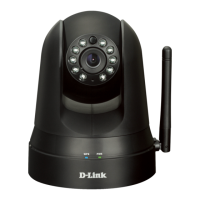
18D-Link DCS-930L User Manual
Section 2 - Installation
Camera Setup Wizard
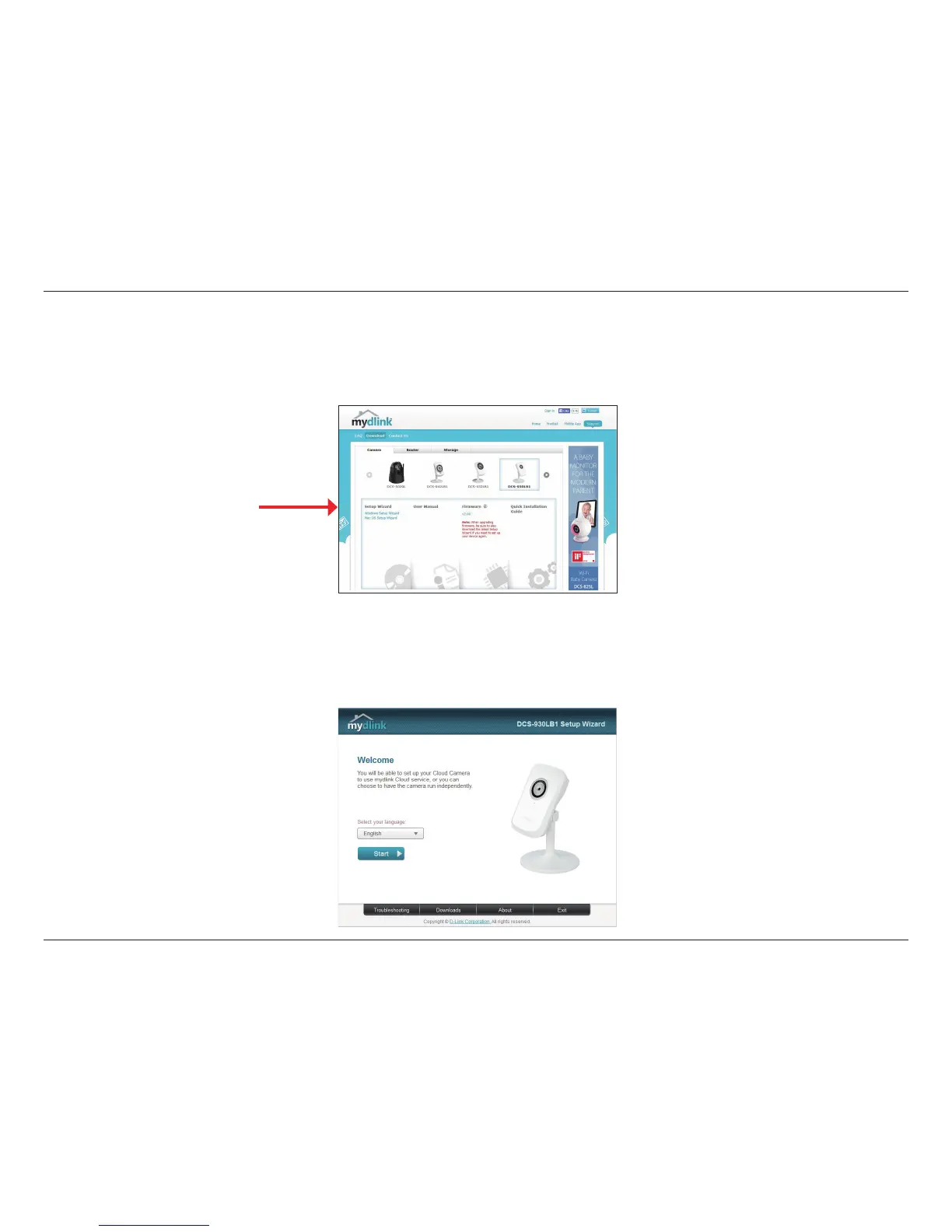
When you select the DCS-930L from the mydlink support page, you will see a list of setup wizards. Download the Windows Setup Wizard le.
Within 20-30 seconds, the Setup Wizard will open. The wizard will guide you step-by-step through the installation process, from connecting your
hardware to conguring your camera and registering it with your mydlink account.
If you do not have a D-Link Cloud Router, you can use any Windows or Mac computer to go through the Setup Wizard, which will guide you
step-by-step through the installation process. First you must download the Setup Wizard from http://www.mydlink.com/support.
Windows Users
Setup Wizard







 To Next Page