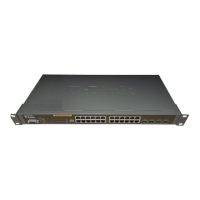
D-Link DGS-3324SR Layer 3 Stackable Gigabit Ethernet Switch
5
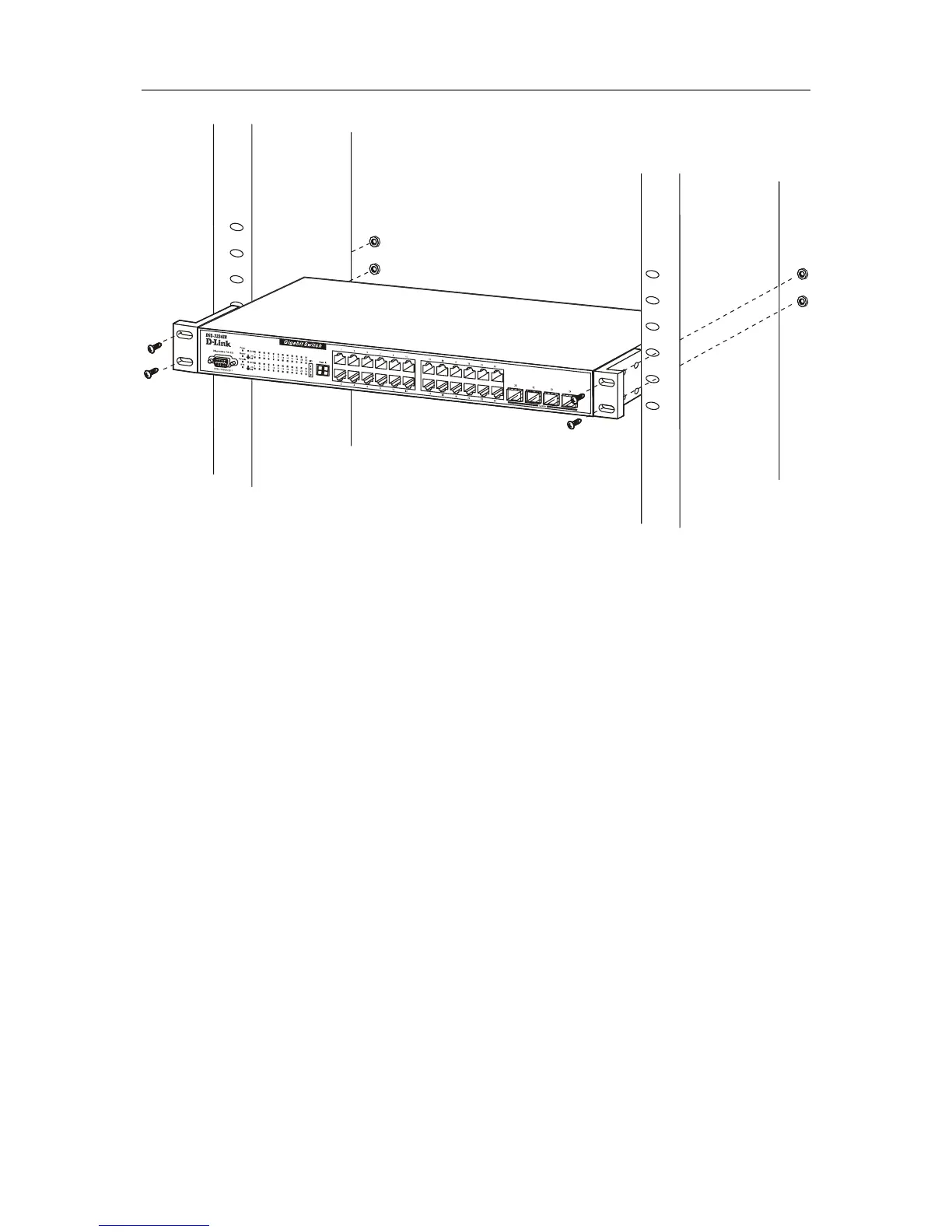
Figure 2-3. Install switch in equipment rack
Connecting Stacked Switch Groups
Up to 12 switches can be stacked together for Ring mode or Chain mode to a Master Unit or in tandem with a
second master unit via the second 10Gig stacking port. Users can add unit to reach maximum 288 GbE ports per
Ring stack or 168 GbE ports per Star stack. Switches are stacked together through a high-speed stack cables that
provide high speed of multiple Gigabit connections, allowing the entire stack to perform as a single IP entity.
User can see the number of switches stacked together from 7-segment display on front panel. Please refer to the
diagram below.





 To Next Page