11D-Link DIR-457U User Manual
Section 2 - Installation
Connection Setup
USB Modem Mode Connection
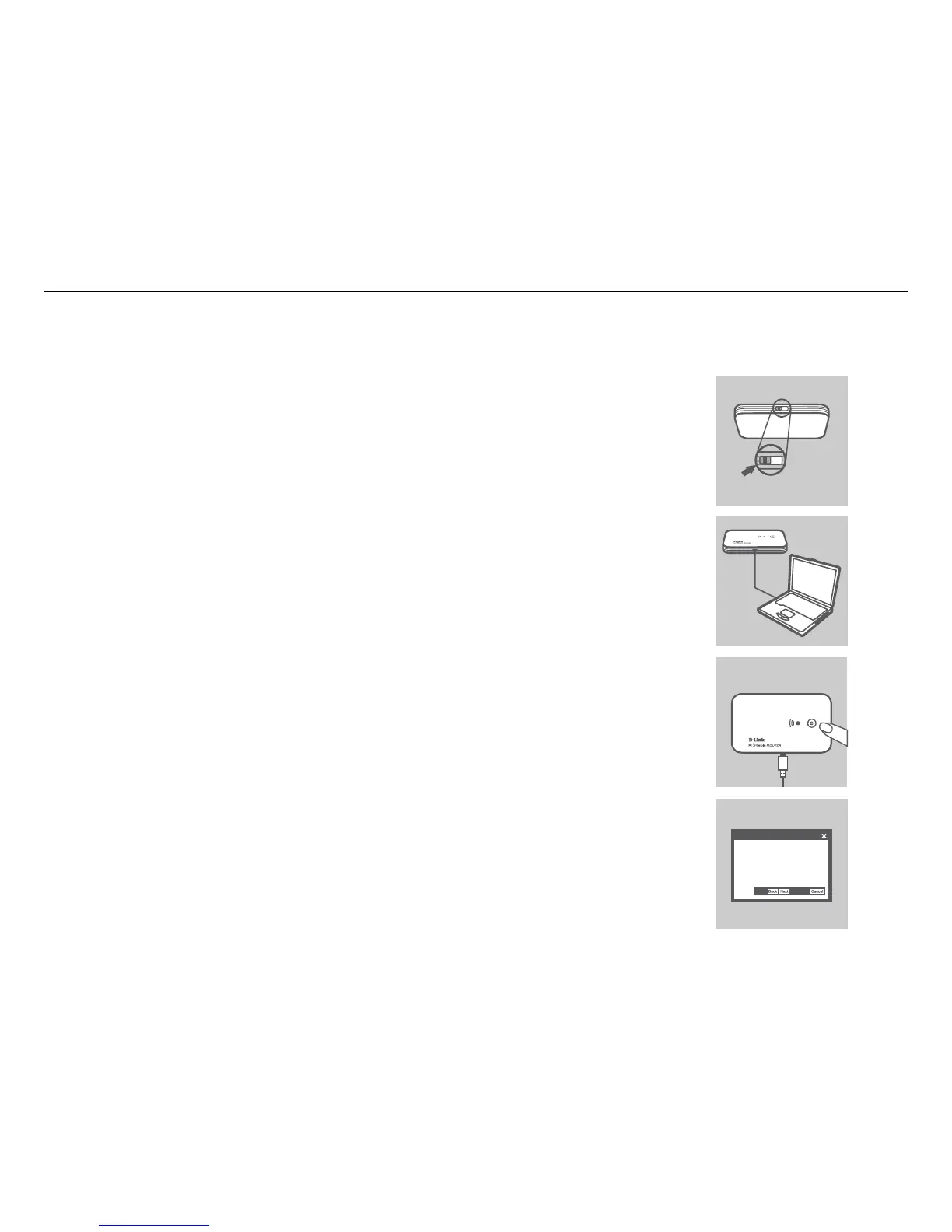
1. Move the router/modem selection switch to USB modem mode.
2. Connect the DIR-457U Portable Router to your computer with the included USB
cable. To do this, insert the USB cable into the Mini-USB port of the DIR-457U
Portable Router and the other end into a free USB port of your computer.
3. Press the power button on the DIR-457U.
4. The Connection Manager software will automatically start up.
5. Congure your router/modem settings using the Connection Manager.
6. You can now use the DIR-457U Portable Router as a USB modem.
Note: You have to install the Connection Manager software when using the DIR-457U
for the rst time. After successful installation, you can congure USB modem and Wi-Fi
router basic settings. When the DIR-457U is used in USB modem mode, you can manage
your 3G connection using the D-Link Mobile Connection Manager (please refer to session
2 - Managing 3G connection).
MODEM
MODEM ROUTER
InstallShield Wizard
Welcome to the InstallShield Wizard for
DIR-457U USB Modem



 To Next Page