47D-Link DIR-457U User Manual
Section 4 - Device Setup using D-Link Connection Manager (MAC OS)
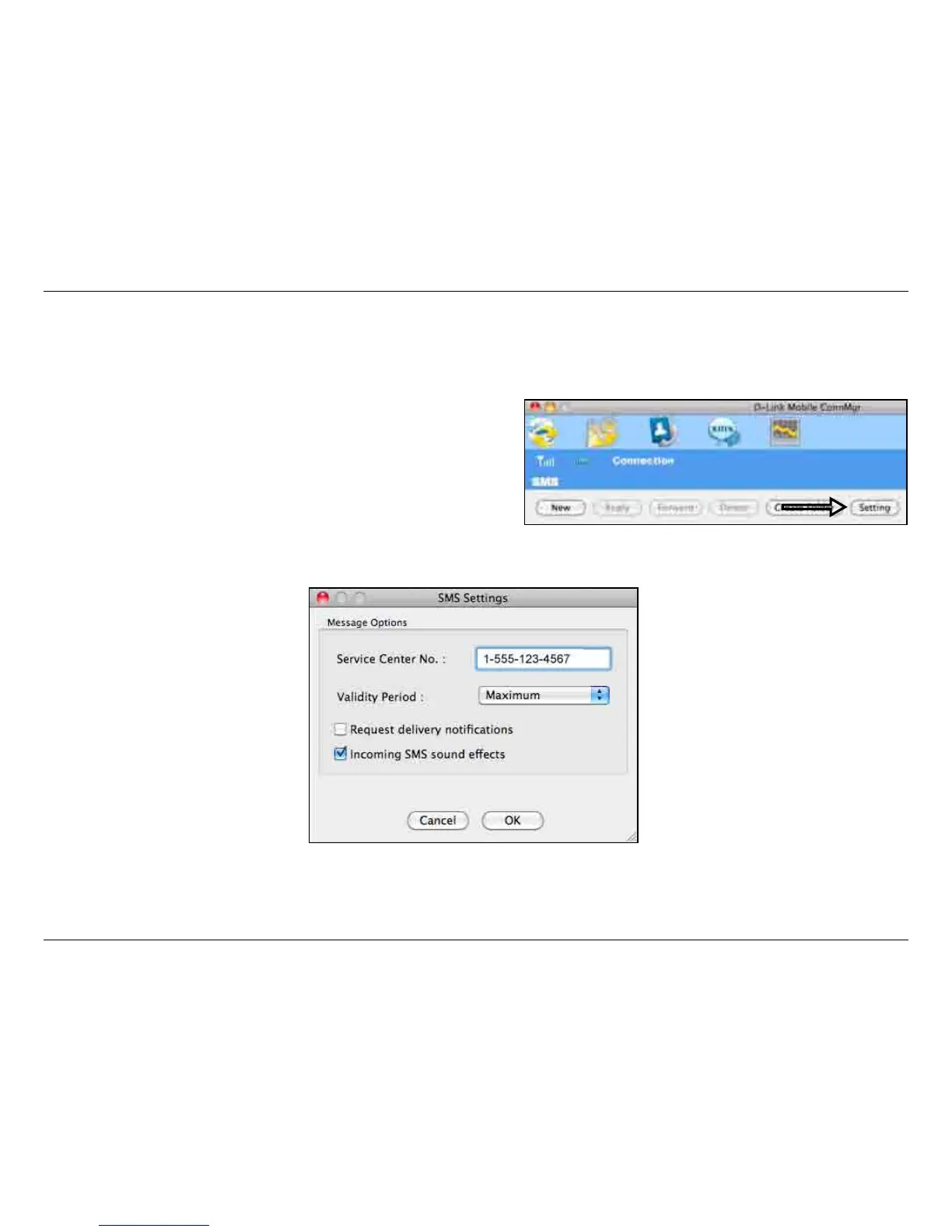
SMS Settings
This menu allows you to change the service center number, its validity period, and whether to store outgoing messages within the DIR-
457U Mobile Connection Manager.
1. Click SMS > Settings.
2. If needed, enter the new Service Center number. Choose a
Validity Period from the drop-down list.
3. Check the box to request delivery notications or play sound
effects if desired.
4. Click OK to save the details.



 To Next Page