27D-Link DIR-457U User Manual
Section 3 - Device Setup using D-Link Connection Manager (Windows)
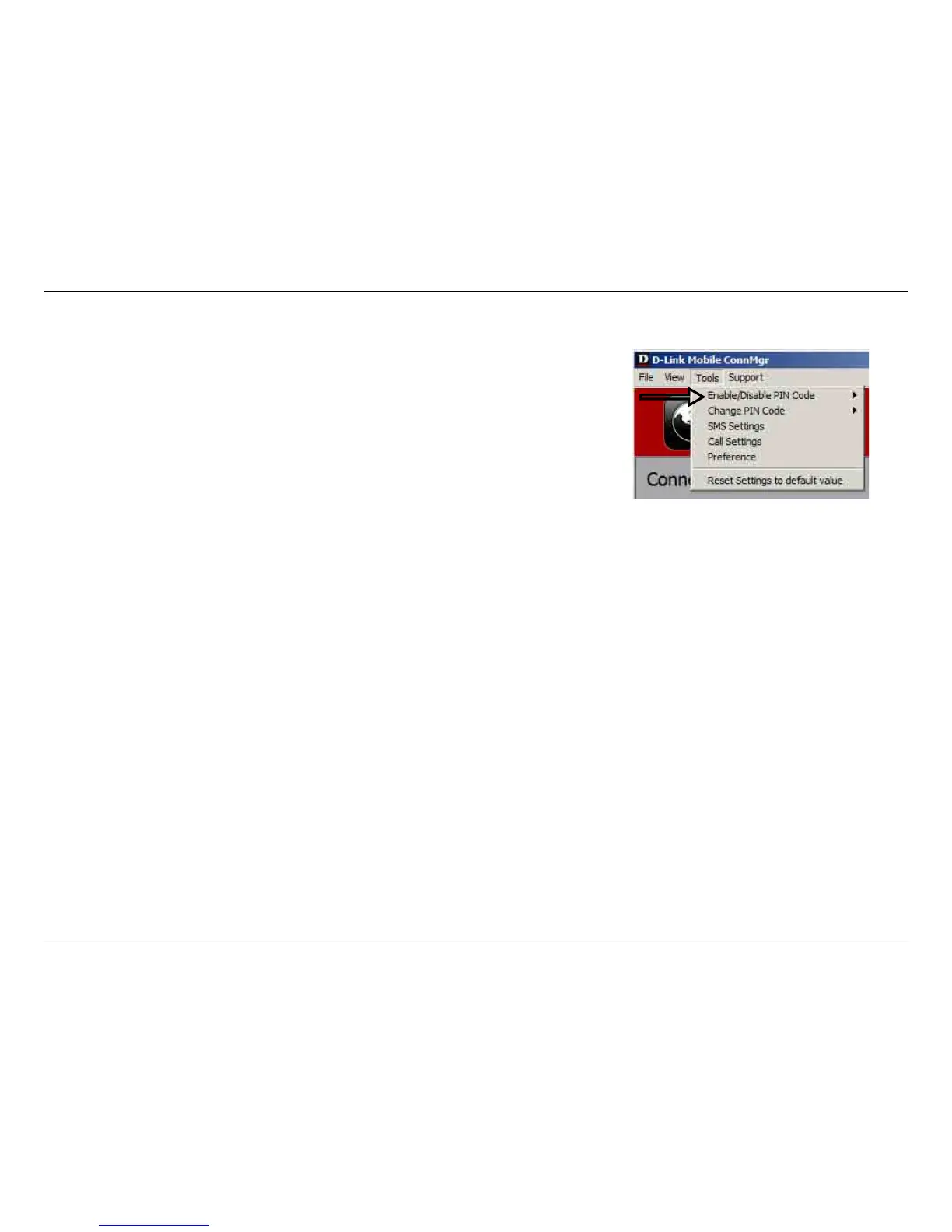
Enabling or Disabling a PIN Code
Enable PIN Code
To prevent unauthorized use of the SIM card a PIN code can be enabled.
1. Select Tools > Enable/Disable PIN code > Enabled.
2. Enter the correct PIN code to enable.
3. Click OK to enable PIN code protection.
If a PIN number has been enabled, you will always be asked to enter it before
accessing the D-Link Mobile Connection Manager software.
Disable
If a PIN code is no longer required, you may disable it via the following steps.
1. Click Tools > Enable/Disable PIN code > Disabled.
2. Enter the correct PIN code.
3. Click OK to disable the PIN.
Note: The PIN is provided by your network service provider.
Warning: The PIN code must be entered correctly within three tries. Failure to
do so will cause the SIM card to become locked.



 To Next Page