79D-Link DIR-457U User Manual
Section 5 - WEB Configuration
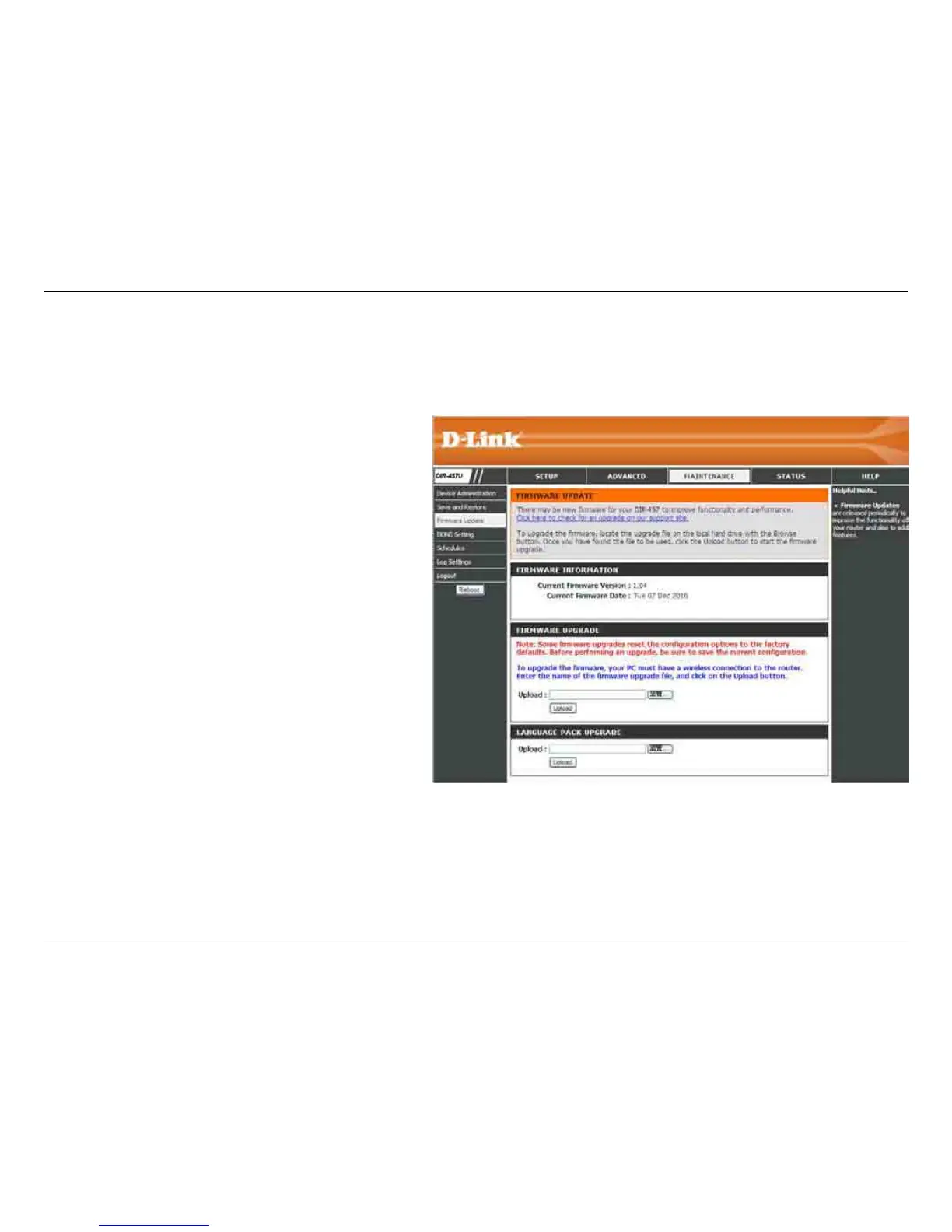
Displays the current rmware version and date.
You can also check the availability of a new
rmware version online. If so, download the
new rmware to your hard drive.
After you have downloaded the new rmware,
click the Browse button to locate the rmware
update on your hard drive. Click Upload to
complete the rmware upgrade.
Current
Firmware
Information:
Firmware
Upgrade:
Firmware Update
You can upgrade the rmware of the Router here. Make sure the rmware you want to use is on the local hard drive of the computer.
Click on Browse to locate the rmware le to be used for the update. Click on the Check Now button or go to the D-Link support site for
rmware updates at http://support.dlink.com. You can download rmware upgrades to your hard drive from the D-Link support site.



 To Next Page