14D-Link DIR-457U User Manual
Section 3 - Device Setup using D-Link Connection Manager (Windows)
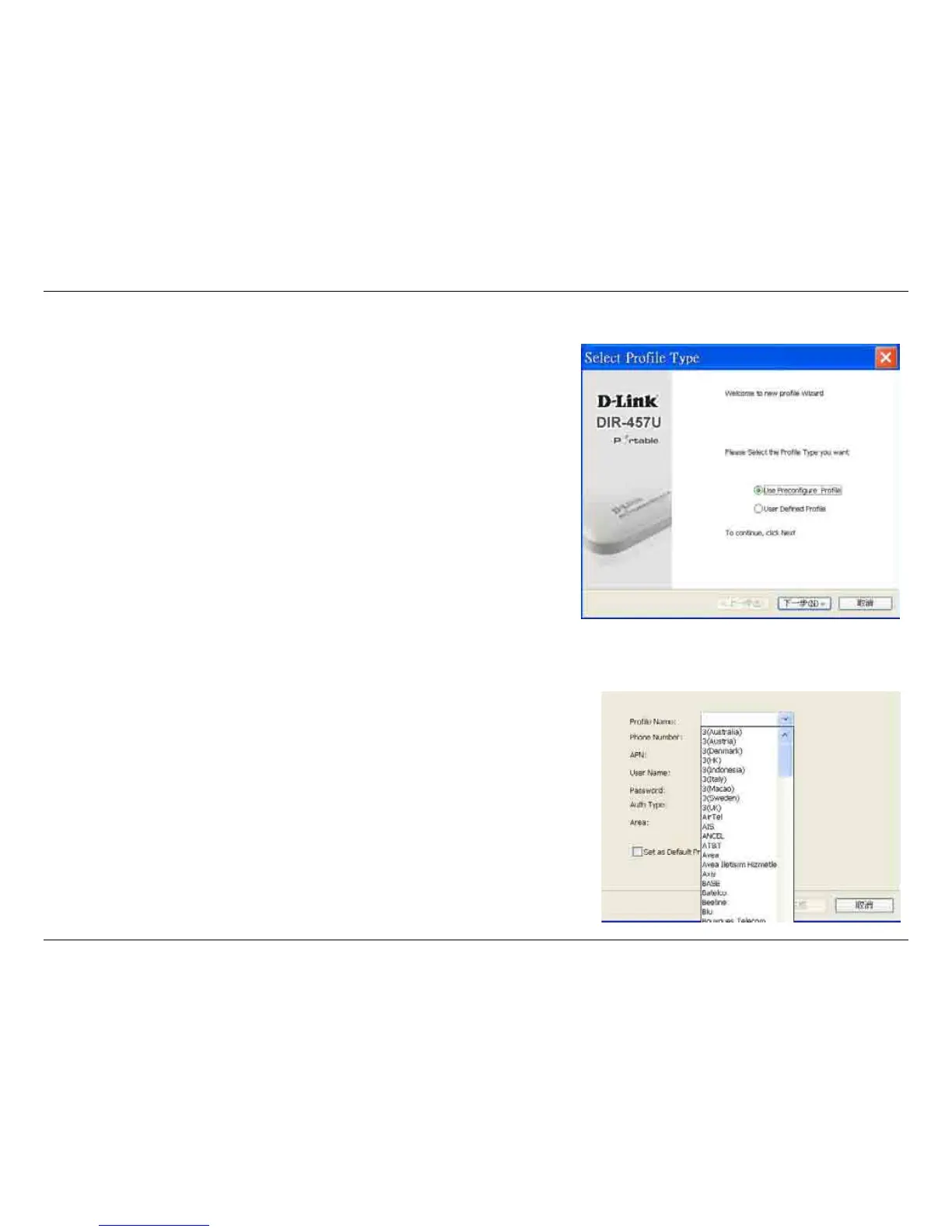
New Profile
Before starting, if the mobile service provider associated with your
SIM card is listed in the preset prole list, you can directly connect
to the desired network using its pre-dened prole.
You also can create your own prole by following the steps below:
1. Click the Prole button.
2. Click the New button to activate the wizard which will help you
create a new prole.
3. Select the prole type, Precongured Prole or User Dened
Prole. Click Next to continue.
Use Default Profile (Preset)
1. Select a Prole Name from the drop-down menu. Most of the required
information will be populated into the elds automatically.
2. If needed, ll in the Phone Number, APN (Access Point Network),
User Name, and Password.
3. If desired, click the check box to set this as the default prole.
4. Click Next to continue.



 To Next Page