40D-Link DIR-457U User Manual
Section 4 - Device Setup using D-Link Connection Manager (MAC OS)
Ending a Connection
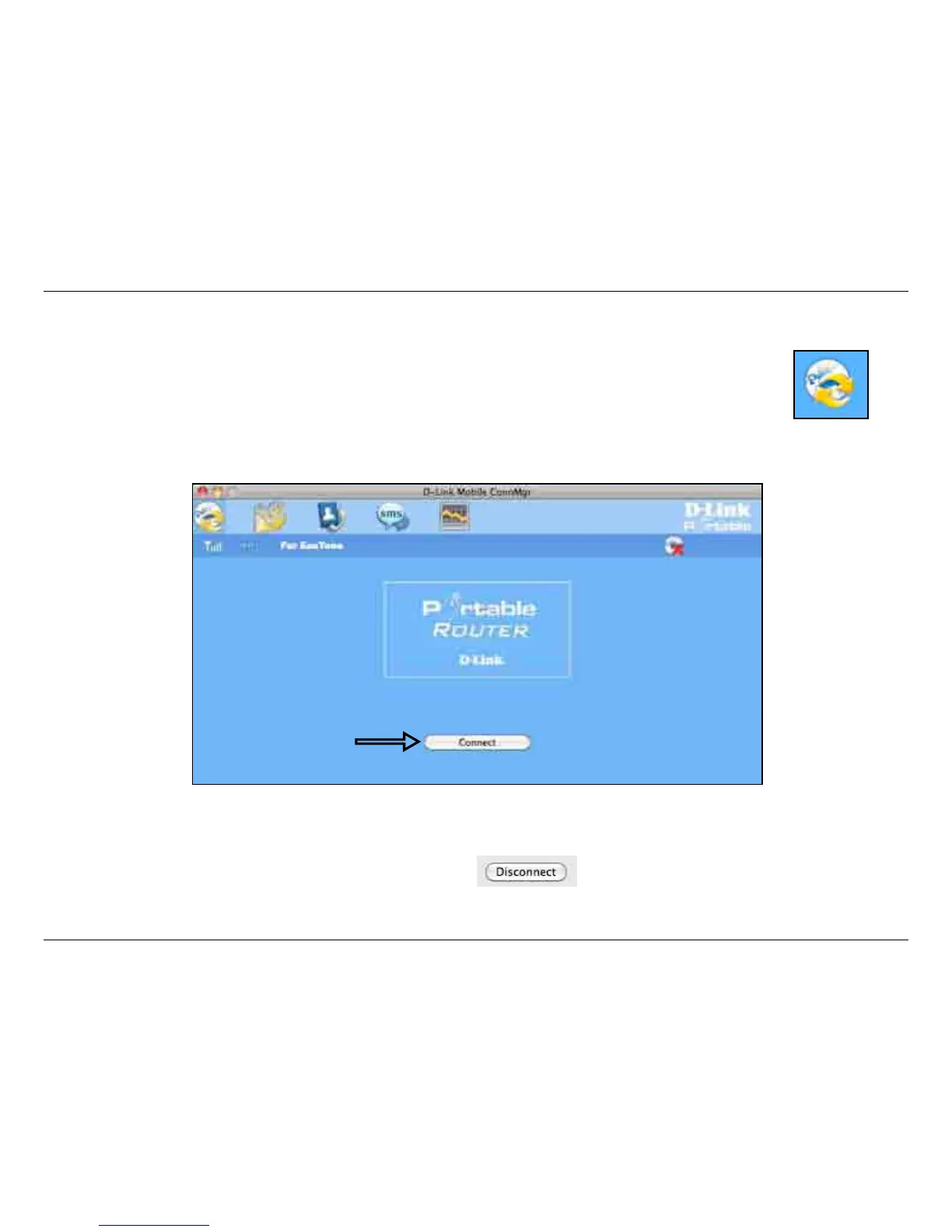
Establishing a Connection
You can click the Connect button to connect to the network via the default prole. Once connected, the icon
on the right side of the window will display a green checkmark instead of a red X. Once connected, you can
use the mobile service network to browse the Internet, send e-mail, send text messages, and perform other
tasks online.
Note: The Connect/Disconnect button will be grayed-out when no SIM card is present.
If you wish to disconnect, click the Disconnect button.
Connect



 To Next Page