41D-Link DIR-457U User Manual
Section 4 - Device Setup using D-Link Connection Manager (MAC OS)
Profile Management
Editing a Prole
1. Click the Prole button.
2. Select a prole and click the Edit button.
3. Click the appropriate tab and enter the information in the elds.
4. Click OK to close the Edit Prole window.
Note: Proles may only be edited when you are disconnected.
Deleting a Prole
1. Click the Prole button.
2. Select a user-dened prole and click the Delete button.
3. Click Yes to conrm the deletion.
Setting the Default Prole
1. Click the Prole button.
2. Highlight the prole to use when the DIR-457U is started.
3. Click Set as Default prole.
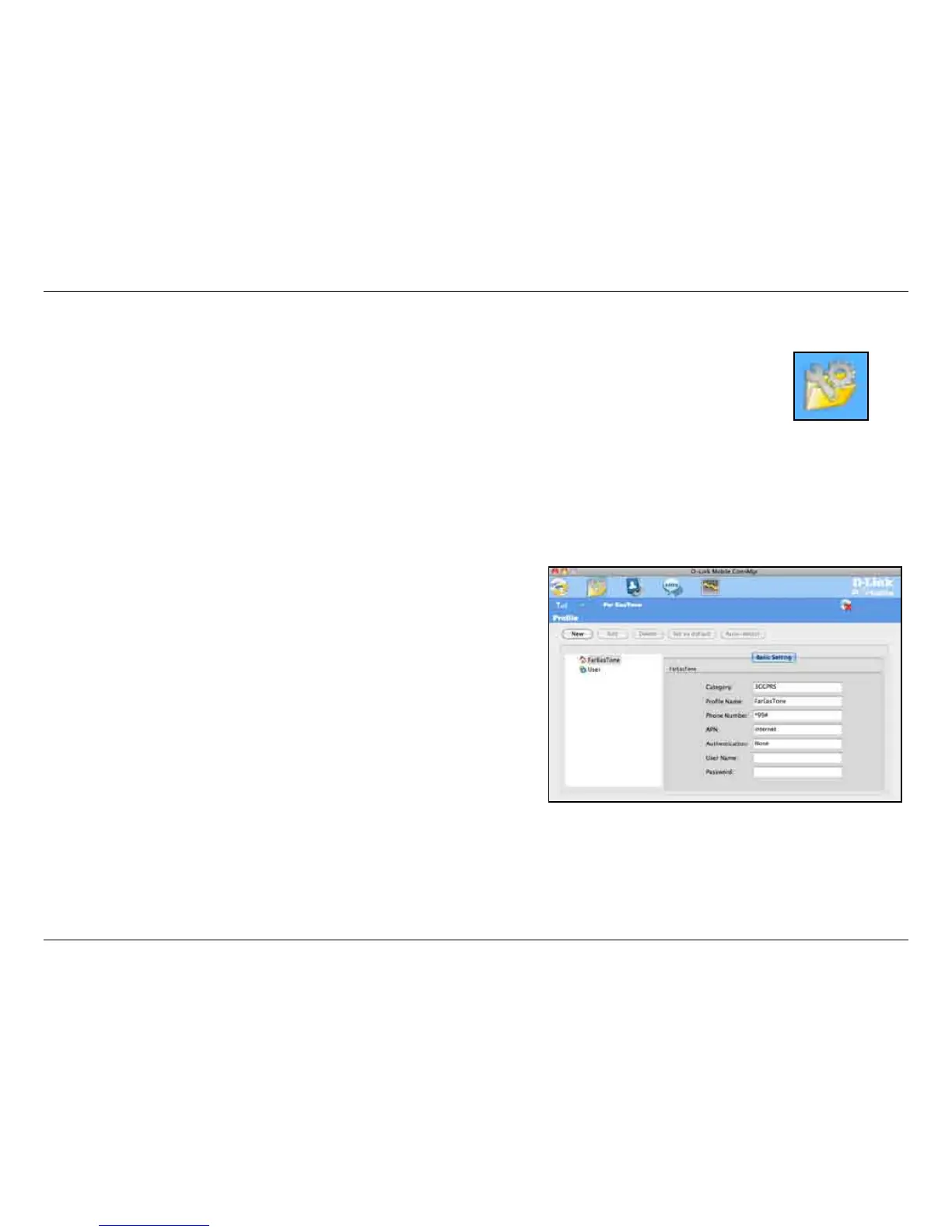
Under the Proles icon, users can create, edit and delete proles as well as preset proles.
Prole



 To Next Page