31D-Link DIR-457U User Manual
Section 3 - Device Setup using D-Link Connection Manager (Windows)
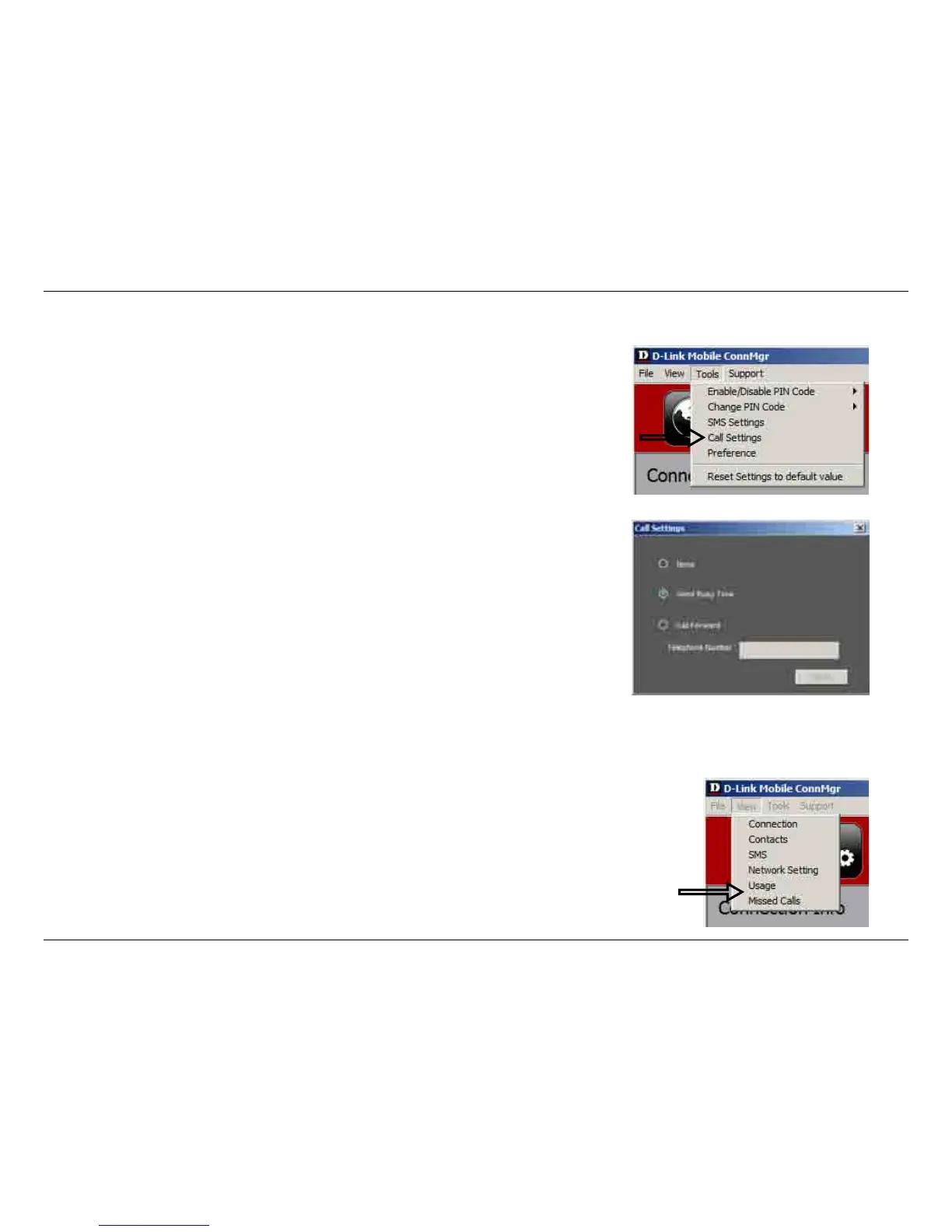
Select Tools > Call Setting.
You may select from one of the following options:
None - No answer.
Send Busy Tone - The caller will hear a busy tone, or will be transferred to
voice mail.
Call Forward - The incoming call will be forwarded to the phone number you
enter into the Telephone Number text box.
Note: The call settings query may fail if the network is busy; in this case please
try again later.
Call Settings
Missed Calls
1. Select View > Missed Calls.
2. If the call setting is None or Send Busy Tone, D-Link Mobile Connection
Manager AP will register the incoming call in the missed calls list.



 To Next Page