34D-Link DIR-457U User Manual
Section 3 - Device Setup using D-Link Connection Manager (Windows)
In the Wi-Fi settings screen you can set the SSID, Wireless
Channel, and Security Mode for the DIR-457U.
Wi-Fi Settings
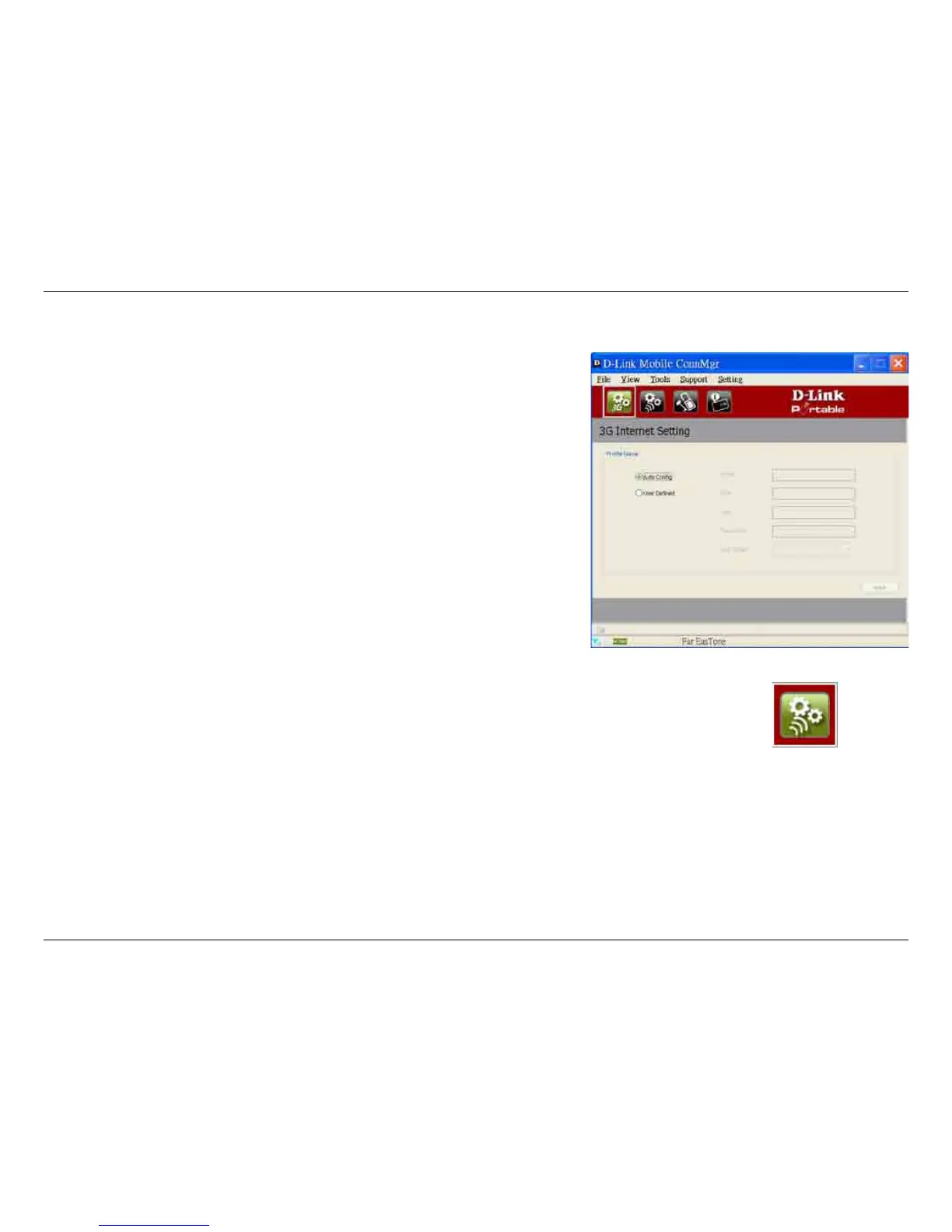
Changing the Profile Information
You can either set the Prole Information to Auto Congure or
manually choose a Phone Number, APN, User Name, Password,
and Authentication Type.



 To Next Page