18D-Link DIR-457U User Manual
Section 3 - Device Setup using D-Link Connection Manager (Windows)
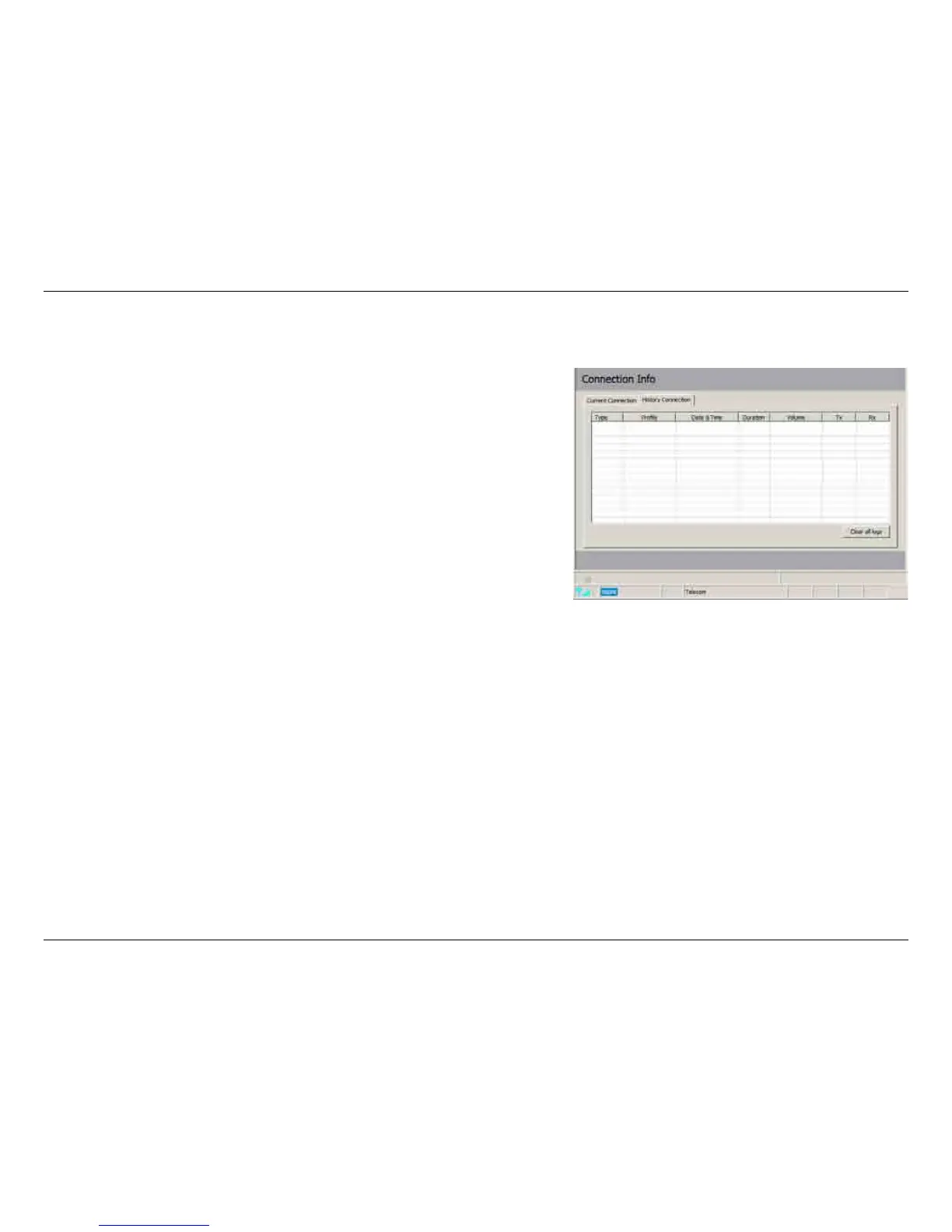
Connection History
The History Connection tab displays the following information:
Type - The type of connections made.
Prole - The names of the proles used.
Date & Time - The date and time of the connection.
Duration - The duration of the connection in hours, minutes,
and seconds.
Volume - The total amount of data transmitted and received.
Tx - The total number of bytes transmitted.
Rx - The total number of bytes received.
Follow the steps below to clear the Connection History:
1. Click Clear All Logs to clear the logs.
2. Click Yes to conrm.



 To Next Page