51D-Link DIR-457U User Manual
Section 4 - Device Setup using D-Link Connection Manager (MAC OS)
Changing a PIN Code
SIM cards often contain two PIN codes that can be changed.
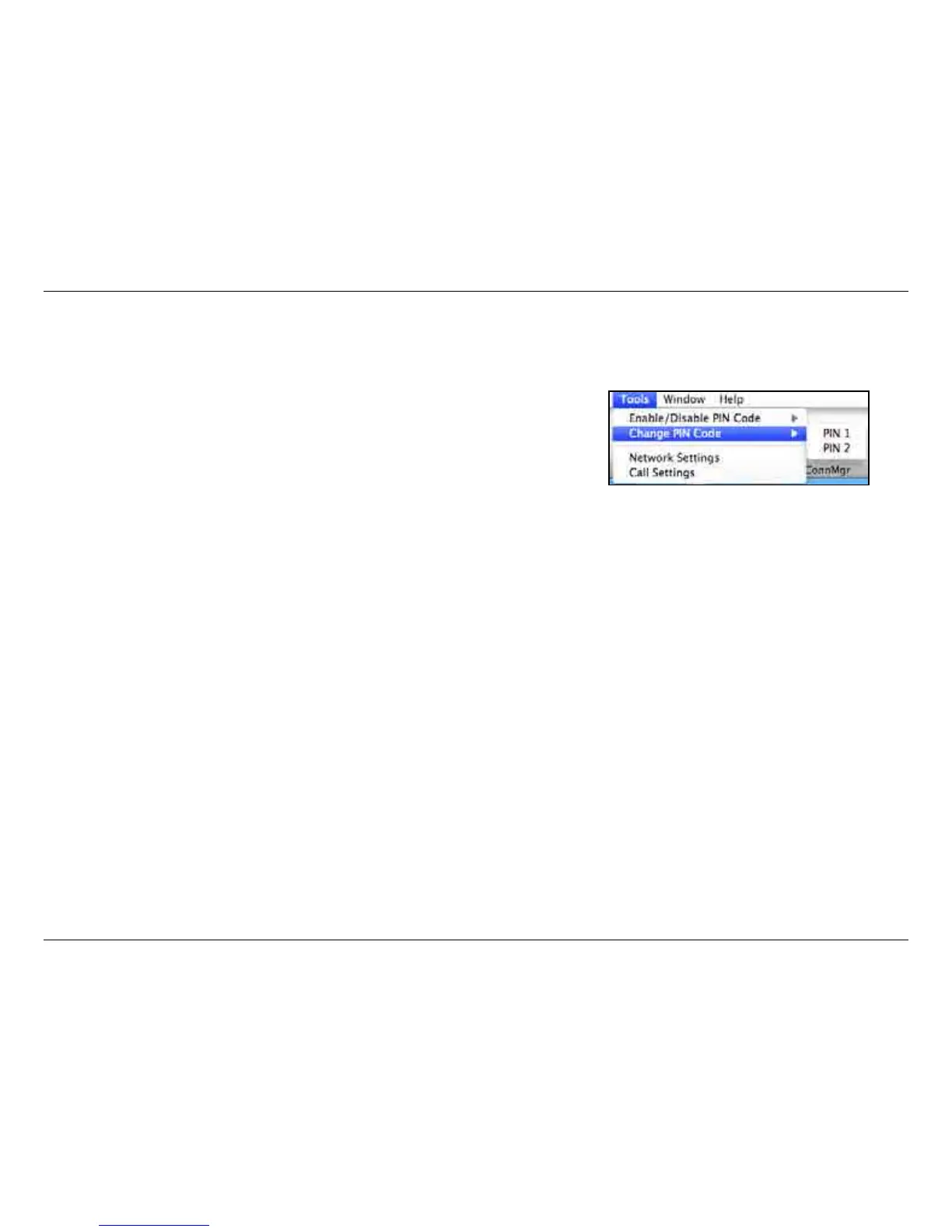
1. Click Tools > Change PIN Code > PIN1 or PIN2.
2. Enter the details in the following elds: Current PIN Code, Enter New PIN
Code and Conrm New PIN Code.
3. Click OK to change.
4. Once complete, a conrmation window will be displayed. Click OK to close
the window.
Warning: The PIN code must be entered correctly within three tries. Failure to do
so will cause the SIM card to become locked.
Note: The PIN codes cannot be changed while the DIR-457U is connected to a
mobile network.
Unlocking a PIN Code
If the PIN code has been entered incorrectly three times and the SIM card has been locked, follow the steps below to unlock it:
1. If a PIN is blocked, the unblock window will be displayed.
2. Enter the PUK code. Enter the new PIN Code, and conrm the new code.
3. Click OK to conrm the new PIN code.
Note: The PUK number is provided by your mobile service provider.



 To Next Page