55D-Link DIR-457U User Manual
Section 5 - WEB Configuration
In order to congure basic and advanced settings for DIR-457U, rst establish a connection through the 802.11g
wireless interface, then launch a web browser and direct it to the IP address of the DIR-457U. Once the connection
is made, options for quick setup include using the Internet Connection Wizard to congure the 3G interface, or the
Wireless Connection Wizard to congure the 802.11g Wireless interface. Alternatively, the Internet and Wireless network
settings can be congured manually without using the connection wizards. The DIR-457U web interface is used for
conguration of basic device settings, advanced network settings, device management and status monitoring. Follow
the instructions below to connect to the web-based management interface.
WEB Configuration
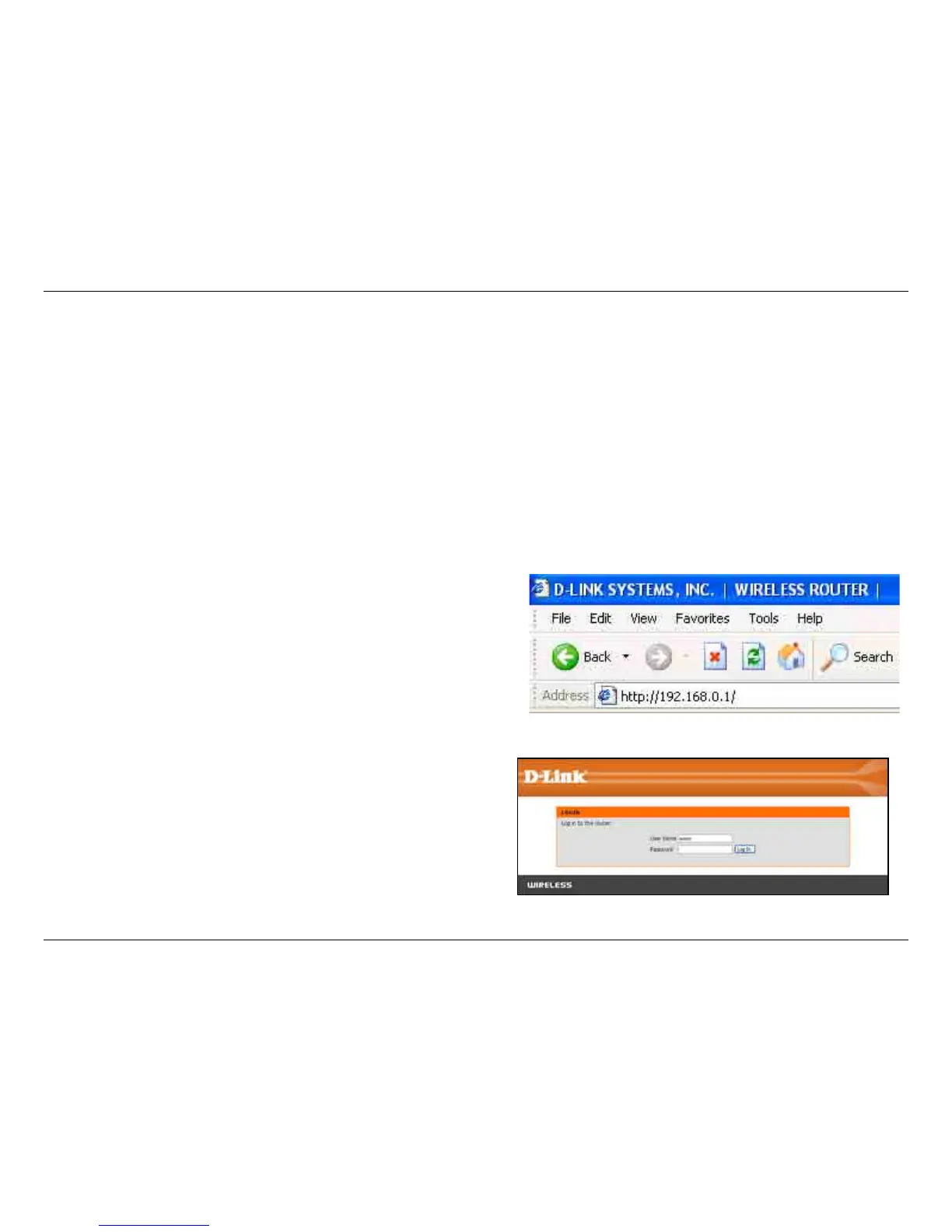
To access the conguration utility, open a web-browser
such as Internet Explorer and enter the IP address of
the router (192.168.0.1).
Type Admin in the User Name eld and then enter your
password. Leave the password blank by default.
Click the Login button to log in to the router.
If you get a Page Cannot be Displayed error, please
refer to the Troubleshooting section for assistance.



 To Next Page