User’s Manual
208
AI search
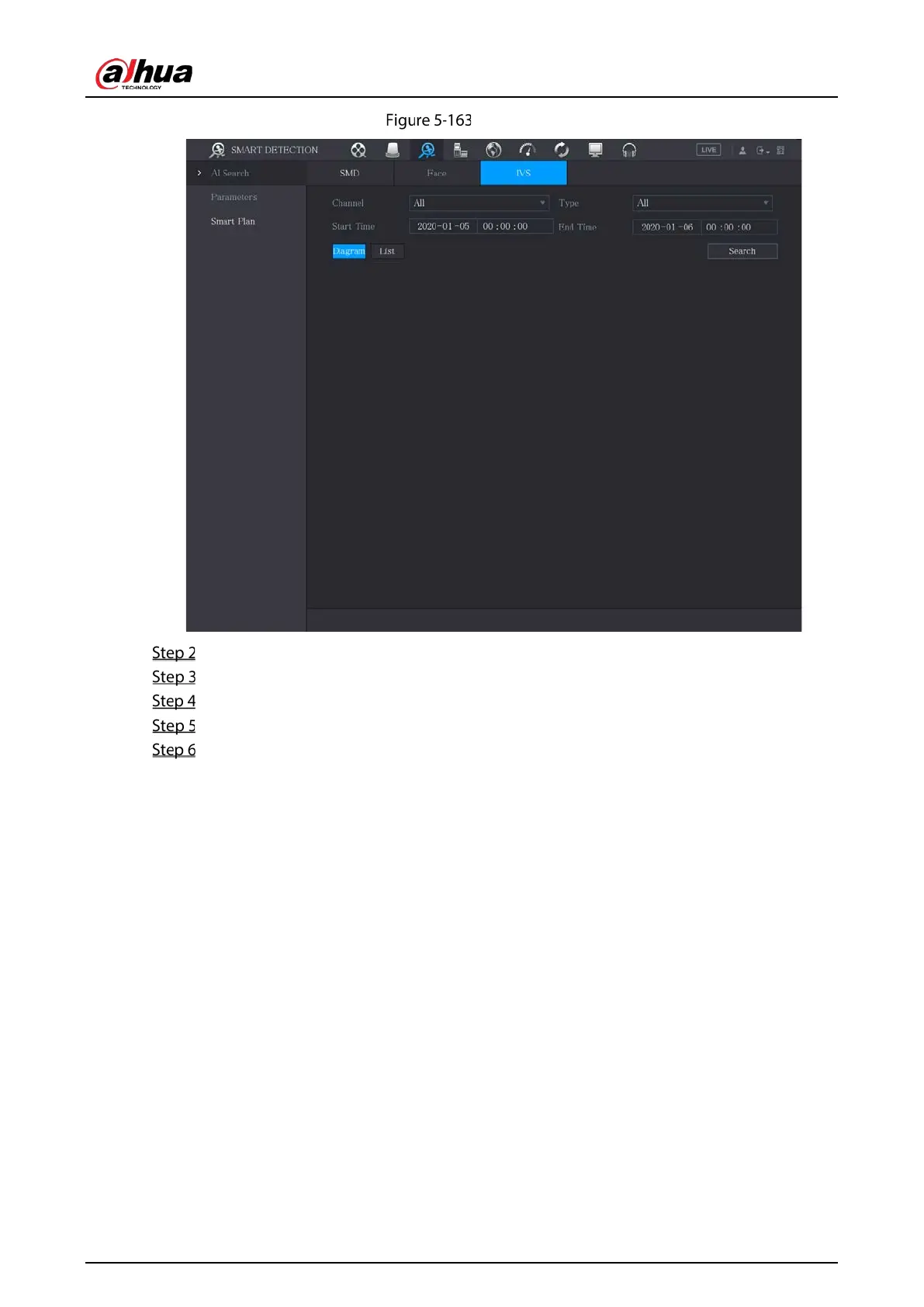
In the Channel list, select the channel that you want to search for the events.
In the Type list, select the event type that you want to search.
In the Start Time box and End Time box, enter the date and time.
Select the display mode of the search results by clicking Diagram or List.
Click Search.
The results that satisfy the searching conditions are displayed.


 To Next Page
 Loading...
