User’s Manual
317
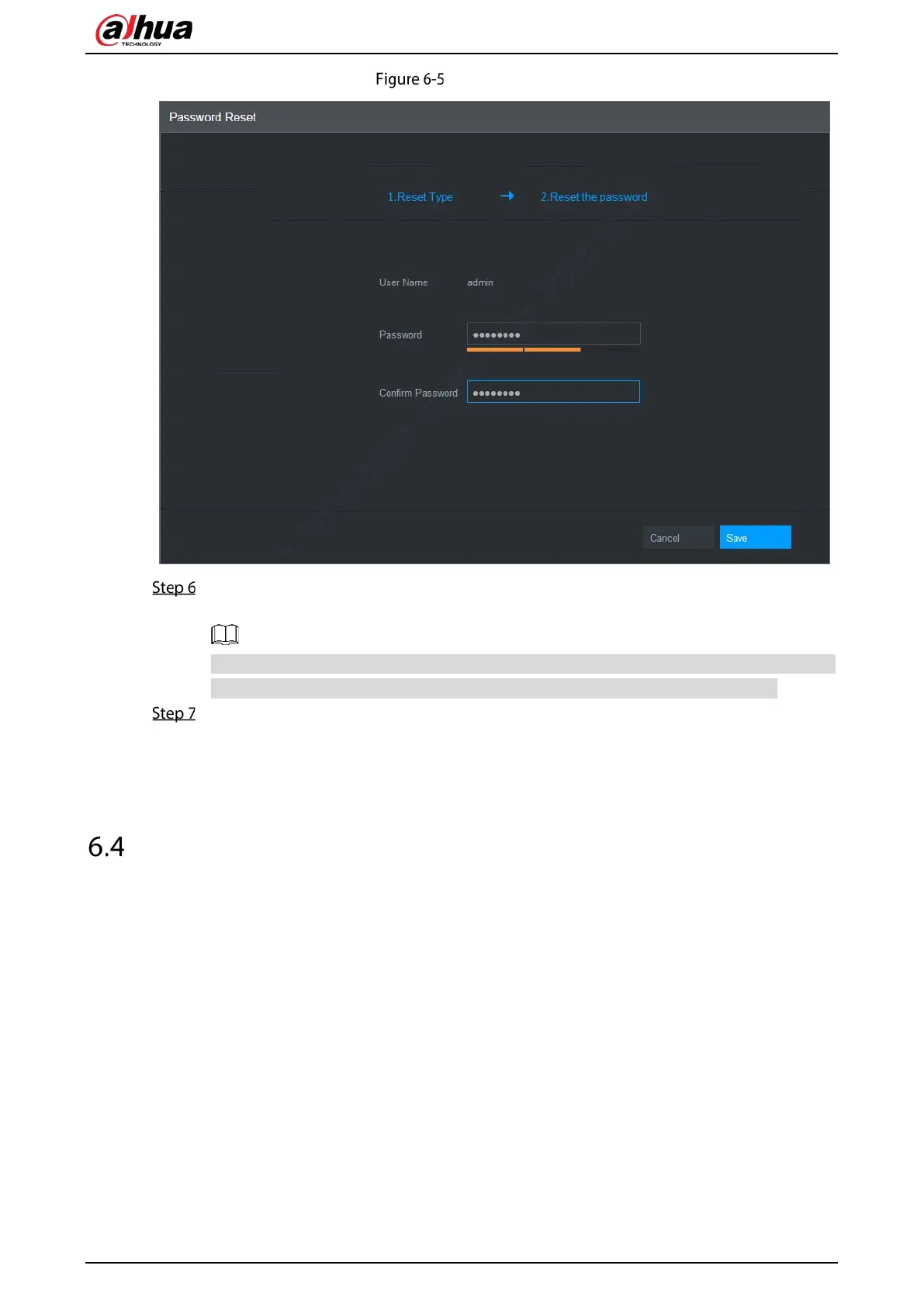
New password
In the Password box, enter the new password and enter it again in the Confirm Password
box.
The new password can be set from 8 characters through 32 characters and contains at least
two types from number, letter and special characters (excluding"'", """, ";", ":" and "&").
Click Save. The password resetting is started.
After resetting is completed, a pop-up message is displayed to indicate the result and you will
see the login interface is displayed. Then you can use the new password to log in to the web.
Web Main Menu
After you have logged in the web, the main menu is displayed.
For detailed operations, you can refer to "5 Local Configurations."



 To Next Page
 Loading...