User’s Manual
248
Authentication Type Includes MD5 and SHA. The system recognizes automatically.
Authentication
Password
Enter the password for authentication type and encryption type. The
password should be no less than eight characters.
Encryption Password
Encryption Type
In the
list, select an encryption type. The default
setting is CBC-DES.
Compile the two MIB files by MIB Builder.
Run MG-SOFT MIB Browser to load in the module from compilation.
On the MG-SOFT MIB Browser, enter the Device IP that you want to manage, and then select
the version number to query.
On the MG-SOFT MIB Browser, unfold the tree-structured directory to obtain the
configurations of the Device, such as the channels quantity and software version.
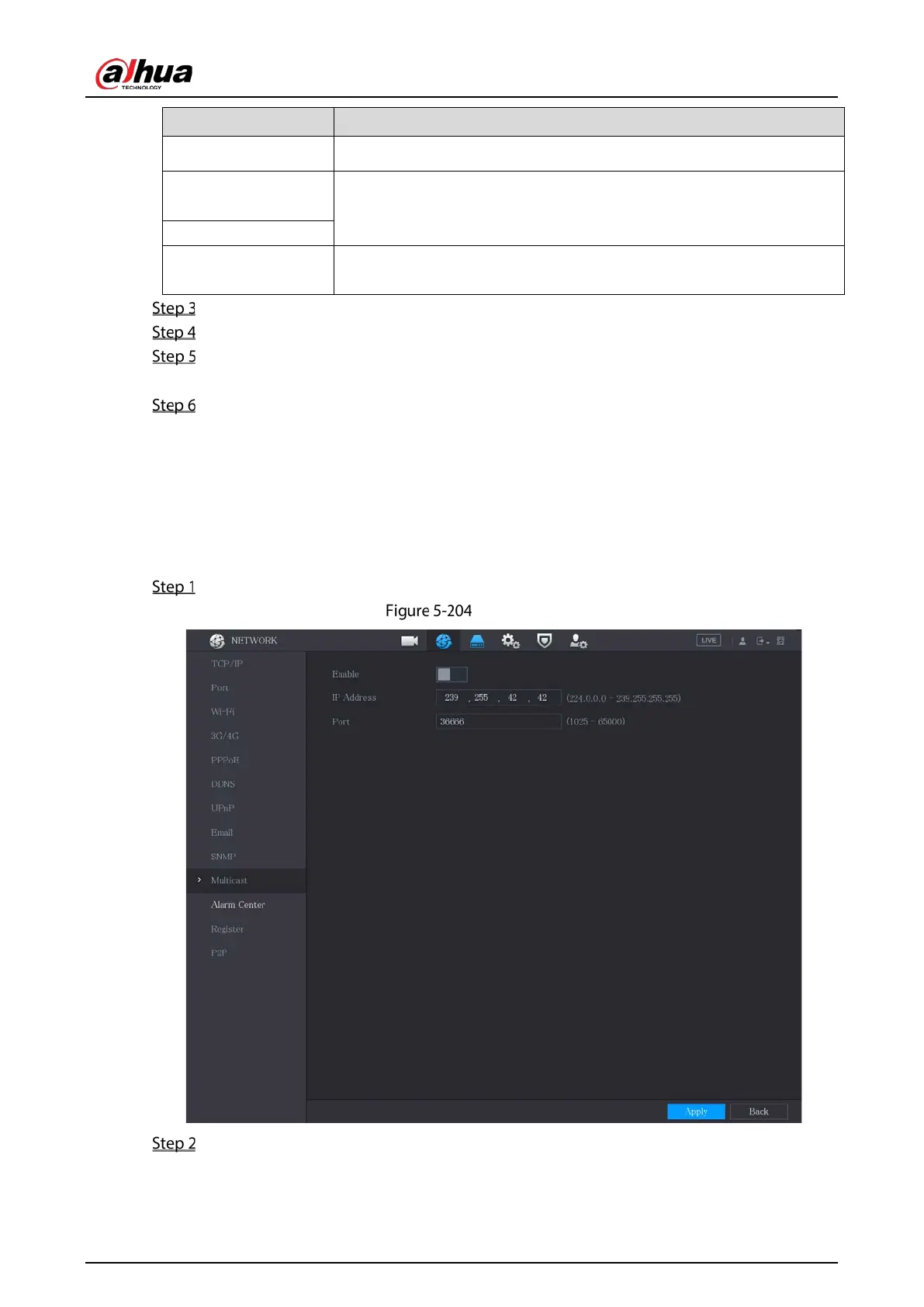
5.15.1.10 Configuring Multicast Settings
When you access the Device from the network to view the video, if the access is exceeded, the video
will not display. You can use the multicast function to group the IP to solve the problem.
Select Main Menu > NETWORK > Multicast.
Multicast
Configure the settings for the multicast parameters.


 To Next Page
 Loading...
