Button lock function
- activation / de-activation by pushing 4 sec on menu button
pushing a non-operable button: message “key are locked” and explenation how to unlock is shown.
Typical application: child lock
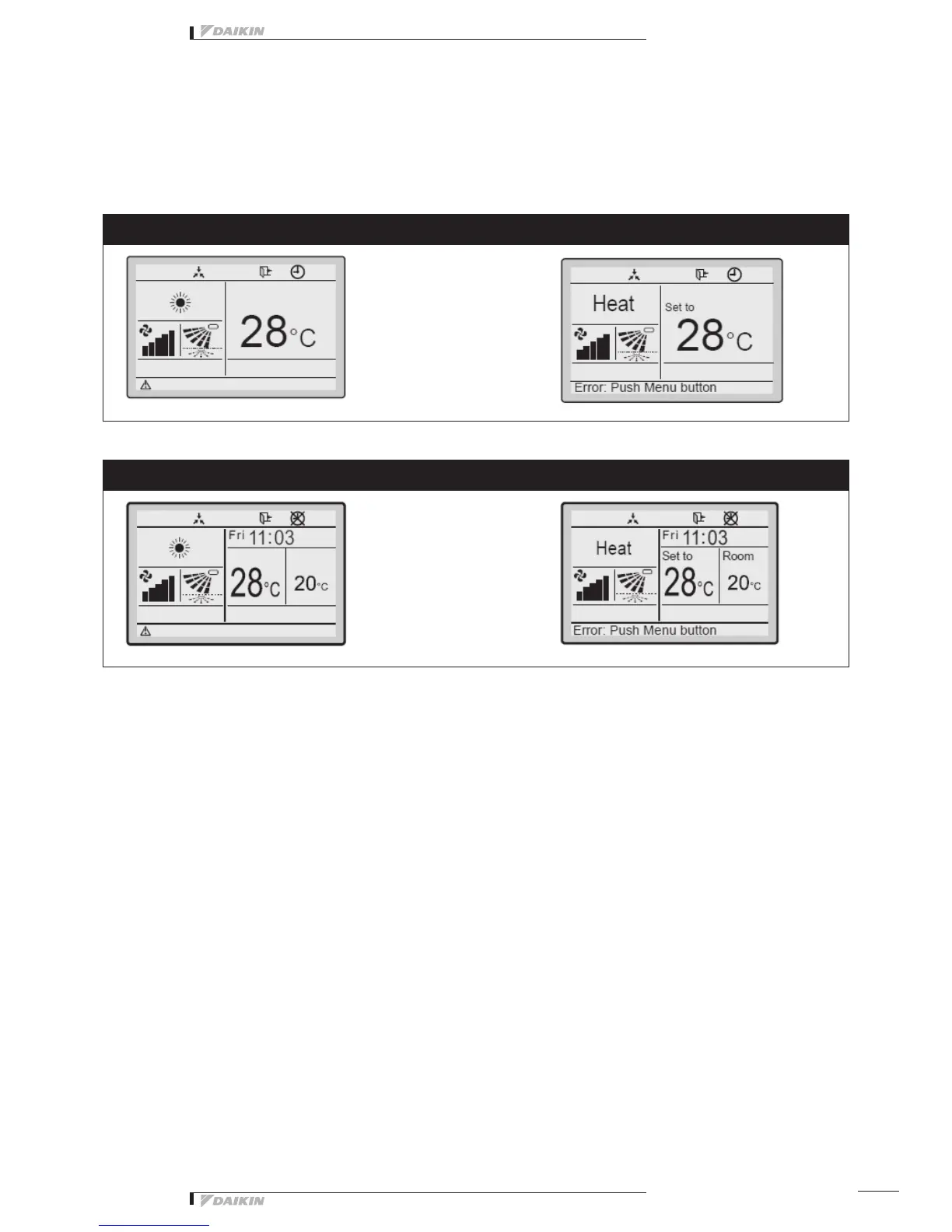
Basic Screen:
Standard display
Detailed display
- Display Selection (standard/detailed display mode)
In detailed mode: room temperature or outdoor temperature can be displayed.
Notice: Depending on the outdoor unit model, the outdoor temp is not visible when the indoor unit is OFF.
- Basic Screen: Symbols only (no text is used) (allowed to change to combination of “Text & symbols” by fieldset-
ting)
5.3. Clock function
- Real time clock (display 12h or 24 h time format)
- Daylight saving time (Summer/ winter time automatic change over)
5.4. Schedule timer function
- 3 independend schedules can be programmed: nr 1,2 & 3
(e.g. Nr 1: summer schedule, nr 2: winter schedule , nr 3: intermediate schedule)
A maximum of 5 actions can be programmed for each day of the week (totalling 35 actions)
Schedule timer nr 1, nr 2 or nr 3 can be enabled/disabled at any time (but manual selection)
Each action linked to a Cooling and heating set temperature or OFF (with setback or without setback) operation
“last command” overrules previous command until next scheduled command
- Holiday function: the schedule timer will be disabled for days that have been set as holiday
Note: Schedule timer function can be restricted in case central controller is installed via the KRP928 adapter
With icons (default) With icons and text
With icons With icons and text
21



 To Next Page