KLIC-DD Size xxmm KLIC-DI Size xxmm
Split Sky Air VRV
Basic control
On/Off
• • •
Mode Auto, heat, dry, fan, cool Auto, heat, dry, fan, cool Auto, heat, dry, fan, cool
Temperature
• • •
Fan speed levels or + auto or or
Swing Stop or movement Stop or movement Swing or fixed positions ()
Advanced functionalities
Error management Communication errors, Daikin unit errors
Scenes
• • •
Auto switch off
• • •
Temperature limitation
• • •
Initial configuration
• • •
Master and slave configuration
• •
KNX interface
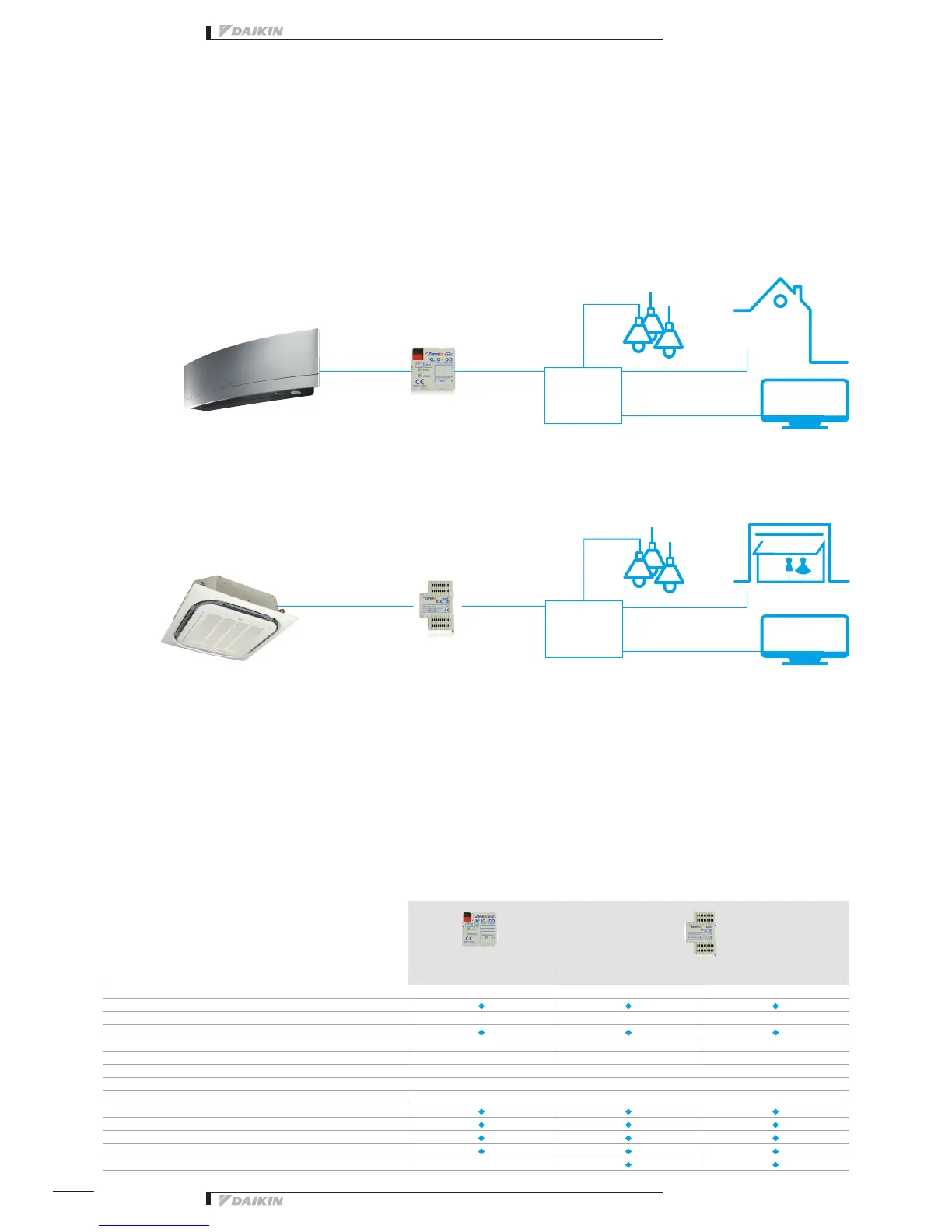
KLIC-DD
KLIC-DI
Integration of Split, Sky Air and VRV in HA/BMS systems
Connect split indoor units to KNX interface
for Home Automation system
shutter control
house
ConceptConcept
Domotica
Controller
Connect Sky Air / VRV indoor units to
KNX interface for BMS integration
KNX interface line-up
The integration of Daikin indoor units through
the KNX interface allows monitoring and control
of several devices, such as lights and shutters, from
one central controller. One particularly important
feature is the ability to programme a ‘scenario’
light
light
shutter control
shop
KNX interface for
Interface Daikin protocol/ KNX
Interface Daikin protocol/ KNX
tv
tv
- such as “Home leave” - in which the end-user selects
a range of commands to be executed simultaneously
once the scenario is selected. For instance in
“Home leave” , the air conditioner is off, the lights are
turned off, the shutters are closed and the alarm is on.
Domotica
Controller
134


 To Next Page