3.3.4. Connections
This chapter describes the procedure for connecting the iTM integrator with the intelligent Touch Manager.
Required procedures • 2.3 Connecting power supply
• 2.2 Connecting a LAN cable
WARNING
• Do not turn the power supply on until all connections are made. Also, make sure that the
local circuit breaker, if available, is turned off. Not doing so may cause an electric shock.
• After completing connections, check again that all wires are connected correctly before
turning on the power supply.
• All field supplied parts and materials, electric works must conform to local codes.
• All wiring must be performed by an authorized electrician.
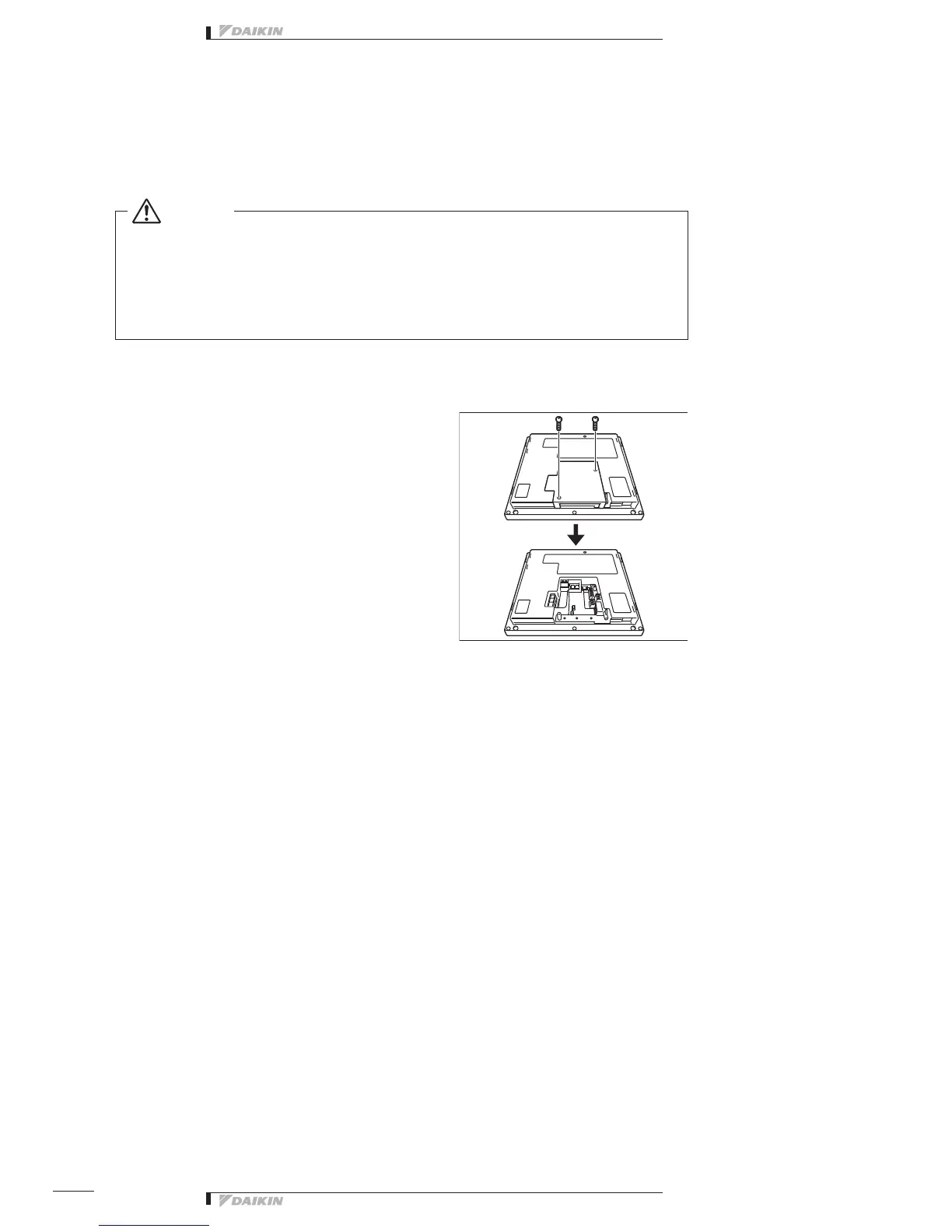
Removing terminal cover from rear face
<Removing terminal cover>
Before you start any of these connection procedures, remove
the terminal cover from the rear face. To do so, remove two
screws using a Phillips screwdriver.



 To Next Page