Operating instructions
34
Daikin RoCon HP
Daikin Controller
008.1420844_13 – 02/2016
4 x Initial start-up
4.2 Operating Support during 1st.
Commissioning and during System
Extensions
When the Daikin Altherma EHS(X/H) or the room station
EHS157034 are switched on for the first time, you are normally
offered the opportunity of setting the user language.
Then, on the Daikin Altherma EHS(X/H) you will be asked "Use
Stand
ard Config?". This question can normally be answered with
"Yes".
Only with special applications (e.g. several heat generators in the
RoCon system should the answer be "No"). In this case you will
be offered the parameter level "Basic Configuration", in order to
be able to set the necessary adaptions (see tab. 6-14).
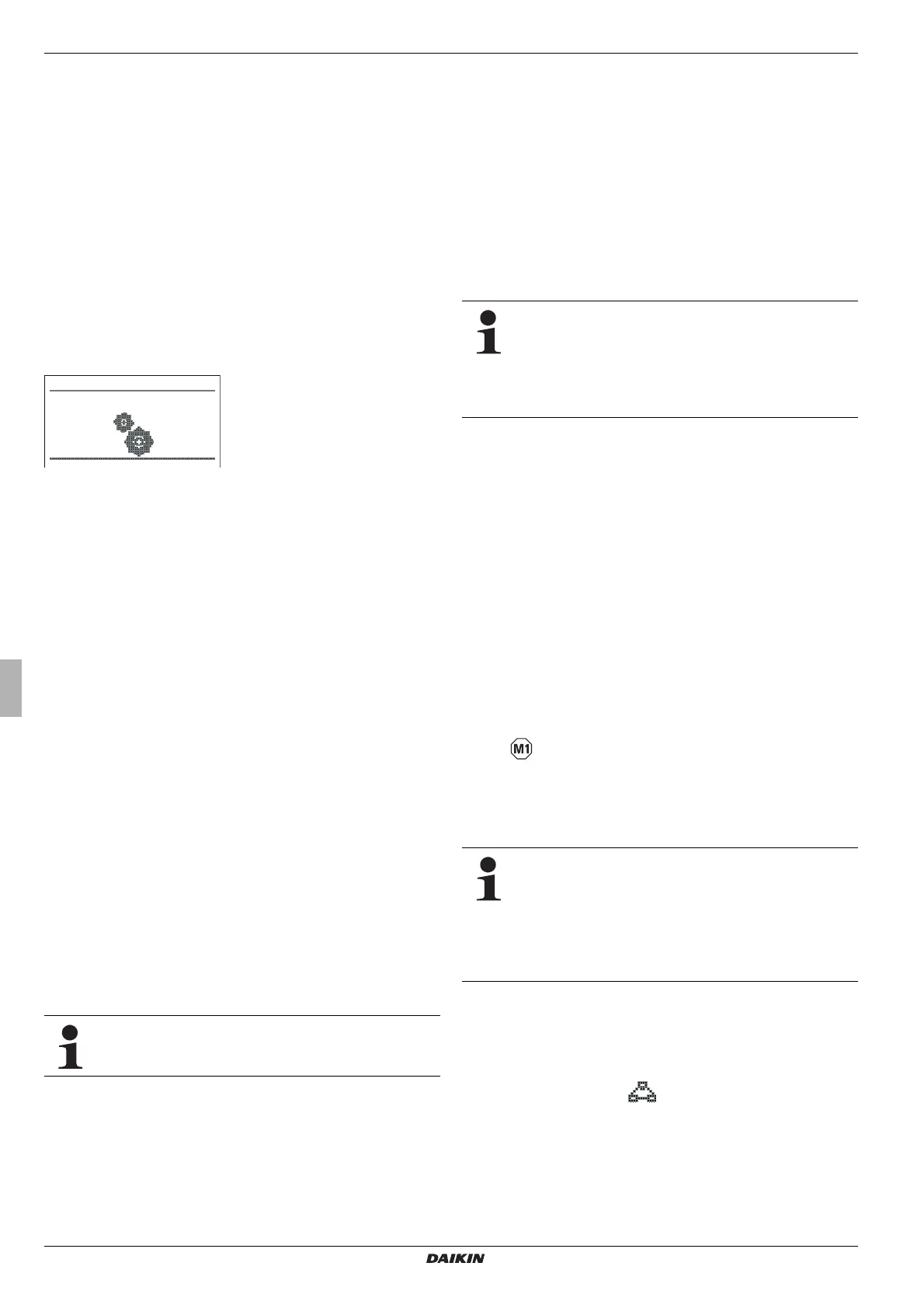
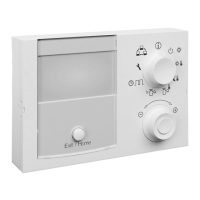
With the room station EHS157034, after setting the user lan-
guage, the installation menu "
Setup Wizard" appears.
Fig. 4-1 Display "Setup Wizard"
The items for definition of the function, the authorisation and the
IDs of the of the room station in the RoCon system are requested
and checked for plausibility.
This prevents setting duplicate device and terminal IDs.
We therefore recommend that, when extending or making
changes to the RoCon system of the heating installation, you use
this installation menu. For this, a room station already incorpo-
rated in the heating installation m
ust first be reset.
1. Enter the technician code (see section 3.6.1).
2. Depress the exit button for at least 5 secs.
Menu "Special Level" is displayed.
3. Select the programme "RoCon B1/U1 Reset" with the rotary
switch.
4. Execute the programme by briefly pressing on the rotary
switch.
The installation menu "Setup Wizard" starts.
4.3 Starting up the Daikin Altherma EHS(X/H)
A precondition for initial commissioning is the completion of all
preparatory installation work in accordance with the installation
and maintenance instructions for the Daikin Altherma EHS(X/H).
● T
urn power supply to Daikin Altherma EHS(X/H) on.
After the start phase, the operating language selector is
displayed.
● U
se the rotary switch to select the desired language.
The operating language can be changed again at any
time.
● C
onfirm the changes with a brief push of the rotary switch.
The message "Use Standard Config?" is displayed.
● Con
firm the standard stipulation "Yes" with a brief push on the
rotary switch (see also section 4.2).
The Basic Configuration of the RoCon device is loaded.
The message "Starting Up" is displayed.
The message "Initialization" is displayed.
The standard display for the current rotary switch setting
is displayed.
● At the RoCo
n device, adjust the settings to suit the configu-
ration of the heating system (see chapter 3.6).
4.3.1 Allocating the terminal ID on the control unit
RoCon B1 of the Daikin Altherma EHS(X/H)
If several control units are connected in the RoCon
system via the data bus, you must note that the pa-
rameter [Terminaladress] = 0 must be set for a heat
generator.
Make sure not to assign a duplicate value as the setting
of the [Terminaladress] in the RoCon system.
● Enter the technician code (see section 3.6.1).
The "Setup" level is displayed after entering.
● Se
lect the parameter [Terminaladress] with the rotary switch.
● Confirm the changes with a brief push of the rotary switch.
● Within the display, use the rotary switch to set the unique
terminal address.
For reasons of clarity, this control unit must be allocated the
valu
e = 0.
● C
onfirm the changes with a brief push of the rotary switch.
Change has been accepted. Jump back to previous dis-
play.
More detailed explanations and possible setting values for this rotary switch setting
can be seen in chapter 6.2.1.
4.4 Commissioning optional RoCon system
components
4.4.1 Mixer module EHS157068
The EHS157068 mixer module has no control unit of its own.
For configuration and operation it
must be connected using a
CAN bus cable to a RoCon-Controller installed in the heat gen-
erator or to an EHS157034 room station.
In conjunction with a room station the mixer module can
also be operated as a free-standing heating circuit con-
troller.
To operate the mixer module directly via the control unit
RoCon B1 of the Daikin Altherma EHS(X/H), it must
have a terminal ID allocated to it and the terminal
function will have to be activated (see chapter 3.4.9).
After selection and confirming an external device, the terminal
fu
nction for this device is activated and the associated standard
display for this device is shown in the display.
The operating component is then in terminal mode.
In the rotary switch setting , the local control unit operates
as a remote control for the external device. In this case all the
control functions are provided and saved 1:1 as on the external
equipment.
For reasons of clarity, this control unit must be allocated the
value = 0.



 To Next Page