to select the desired slave unit; Units that are off will be bypassed
automatically.Parameters thatcanbecontrolledareon/off, timerweeklyprogram,set temperature,mode,
fanspeed,swingandsleep.Parameteroperationmethodsarethesameasabove.Press
NET
buttonagain
toexitnetworkingcontrolmode.
Hold down
S
W
I
N
G
and
FRESH
buttonsfor 3 seconds to enter into global control mode, will lights up.
Repeatthesametoexitglobalcontrolmode.Inglobalcontrolmode,thesettingsofthemasterunitwillbe
broadcasttoalltheslaveunits.
n) Unitoperationparametersbrowsing
Hold down
CANCEL
and
FAN
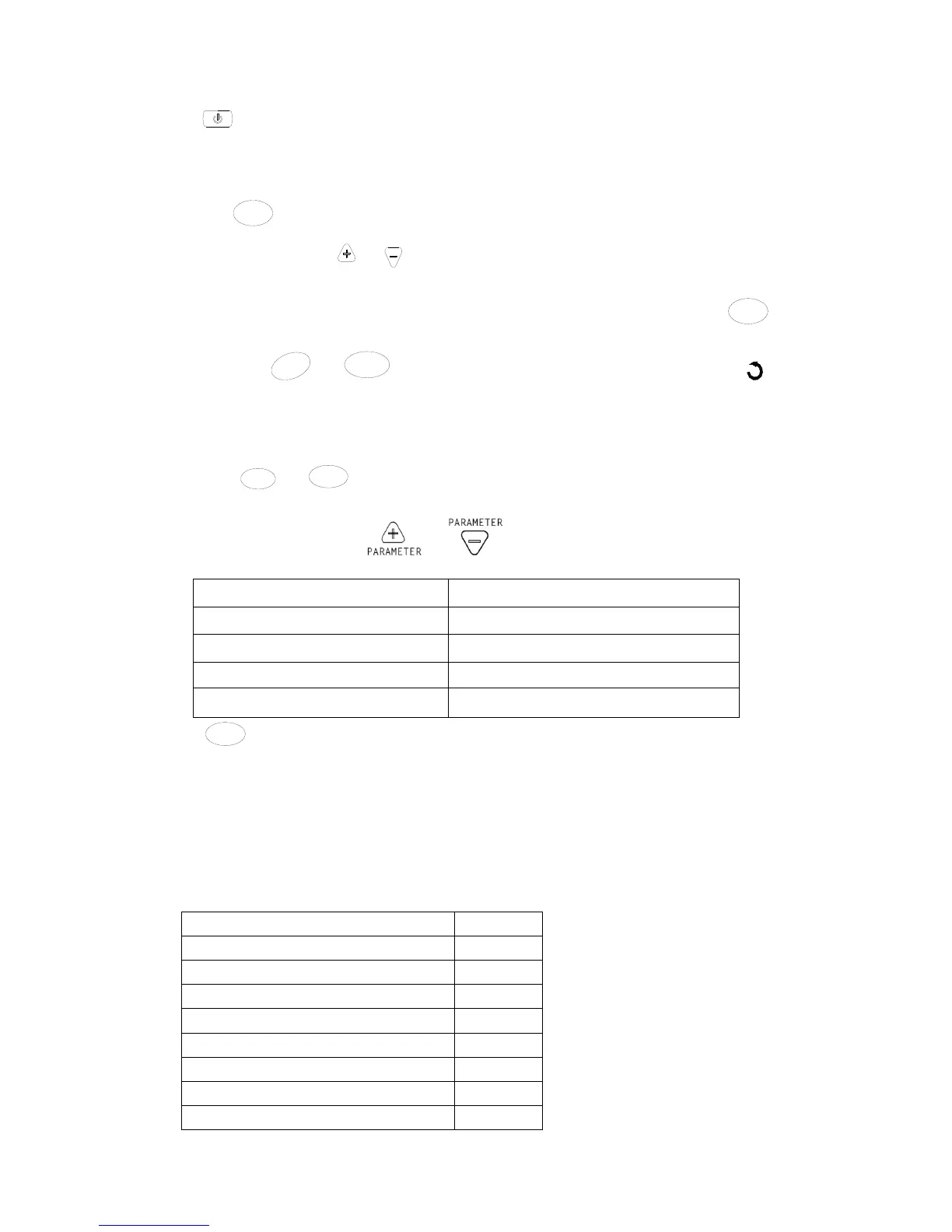
buttons for 3 seconds to enter into operation parameters browsing mode. Unit’s
display area shows the address of the slave unit being viewed. Slave unit selection method is the same as in
networkingcontrolabove.Press
or tobrowsevariousparametersasfollow:
Wallpaddisplaytemperaturearea Wallpaddisplaytimearea
C0 Returnairtemperaturedisplayed
C1 Indoorcoiltemperaturedisplayed
C2 DIPswitchsettingdisplayed
C3 Indoorcoil2temperature
Press
CANCEL
buttontoexit.
o) Errorindication
Whena faulty slaveunit is detected, the master unit’sdisplay areashowsthefaulty unitaddress,the timearea
showstheerrorcodeandthe wallpadbacklightchangesto thecolorred.Shouldtherebemultipleunitshaving
problems,addressesanderrorcodeswillbeshownoneafter
another.
Errorcodedefinition:
Error Errorcode
Electricalheaterfaulty E1
Indoorcoilsensor2faulty E2
Returnairsensorfaulty E3
Indoorcoilsensor1faulty E4
Indoorcoillowtemperatureprotection E5
Indoorcoiloverheatprotection E6
Floatswitchalarm E7
Localcommunicationerror E8


 To Next Page