Dakewe (Shenzhen) Medical Equipment Co., Ltd
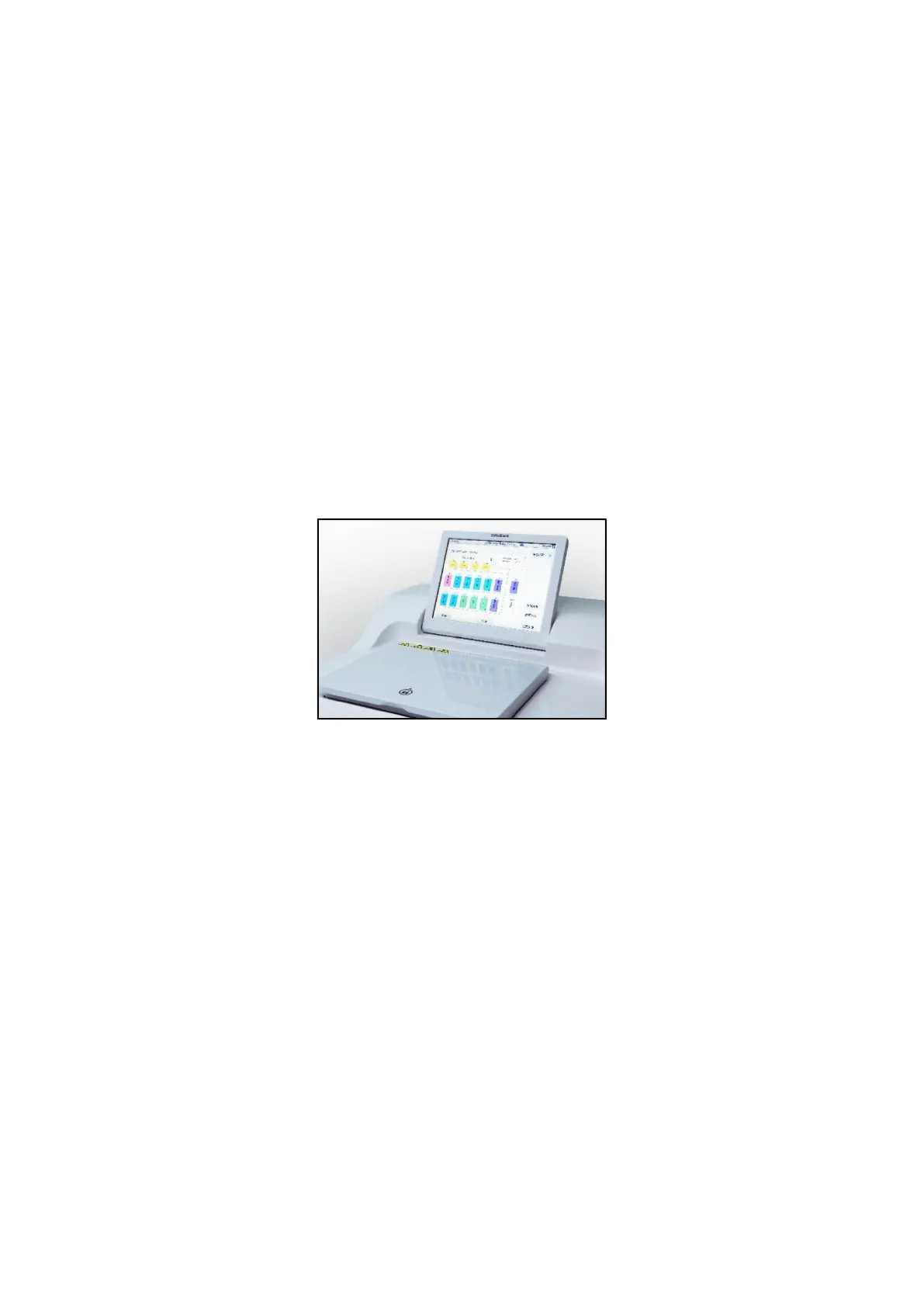
4.3.2 Color LCD touch screen
HP300 Plus is operated by a color LCD touch screen, the size of the display is
12.1 inches;
The angle of the HP300 Plus's touch screen can be adjusted through the
support at the back, with a total of 3 adjustable gears;
By default, if you don’t tap the screen within 30 minutes, you will enter the
screen saver. This time can be configured in the software settings. The screen
display can be restored by touching any place. In order to prevent accidentally
touching a certain button, the functions on the screen are unavailable within
the first few seconds after the screen display is restored;
The surface of the touch screen is affixed with a silica gel film, which can
withstand the corrosion of all reagents. However, during use, you should still
avoid any reagents splashing on the touch screen, if any, please wipe it
immediately!
Figure 4.4.2 Color LCD touch screen
4.3.3 Dehydration Cylinder
Turn on or off the dehydration cylinder
If power is not on, it is only allowed to rotate the manual opening knob for
unlocking. The entire opening process takes about 3 minutes. Do not try to
force open the dehydration cylinder lid.
After the instrument powered on, click the “open lid” button on the display
interface. The cylinder lid lock (Figure 11-1) will open automatically.
Manually open the dehydration cylinder lid, you will see the Teflon plating
inside the cylinder lid. If there is any residue, you can use the cleaning cloth
attached to the machine for wiping and cleaning.
After complete the tissue processing, manually flip the dehydration cylinder
lid to closed and then click the “close lid” button. The electronic lock will
automatically seal the dehydration cylinder lid.
The on / off status of the dehydration cylinder will be displayed on the



 To Next Page