Dakewe (Shenzhen) Medical Equipment Co., Ltd
8.1 Manual Running of the Dehydration Program
8.1.1 Routine operation of dehydration program
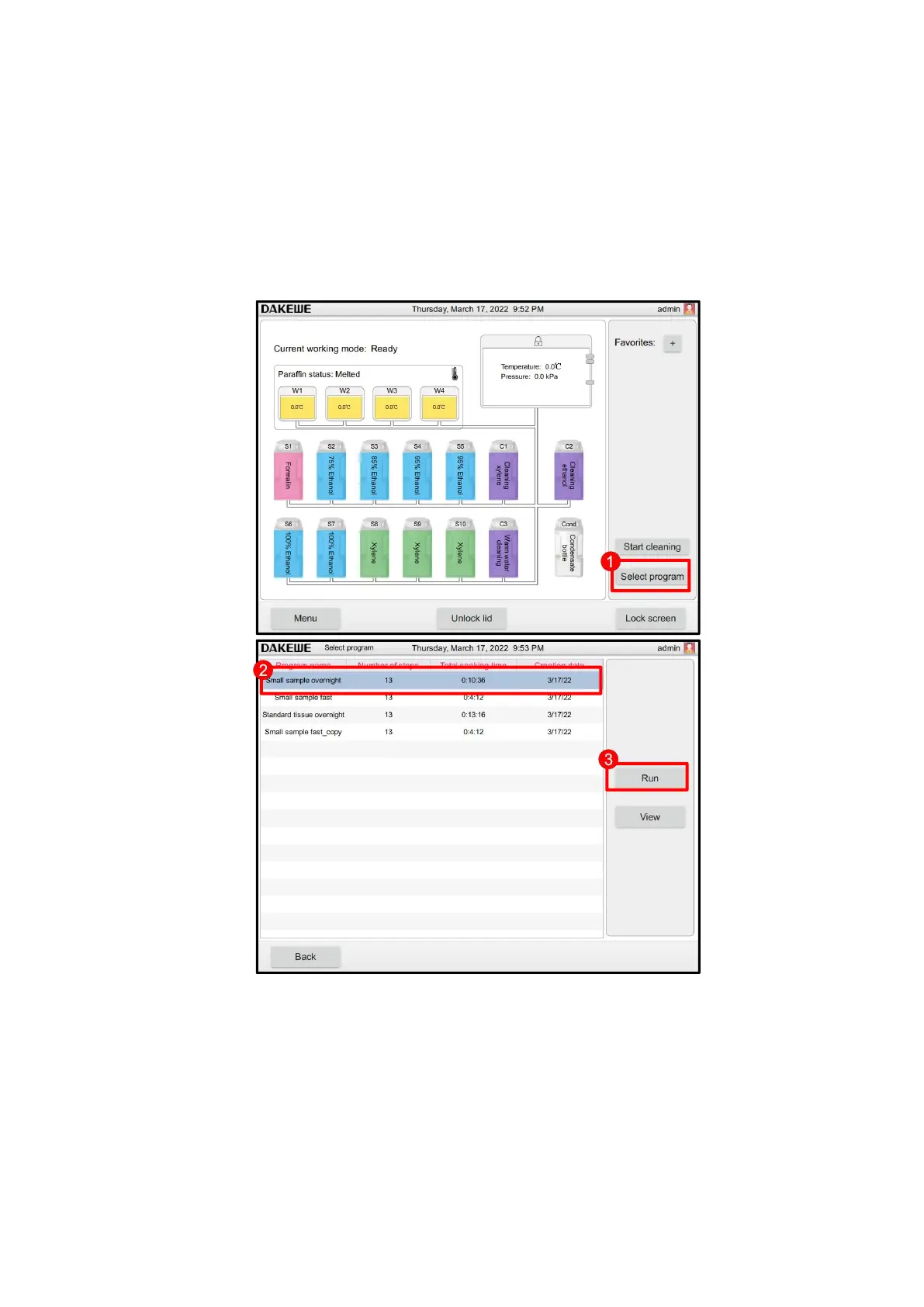
Click the “Select Program” button (Figure 72-1). Select a program in the program
list interface. The selected program name and icon are highlighted (Figure 72-2).
Check again whether the highlighted program is the one that you wish to run. Then,
press “Start” (Figure 72-3).
The confirmation window pops up. After confirmation, click “Next” (Figure 73).



 To Next Page