Dakewe (Shenzhen) Medical Equipment Co., Ltd
5.3 Account login
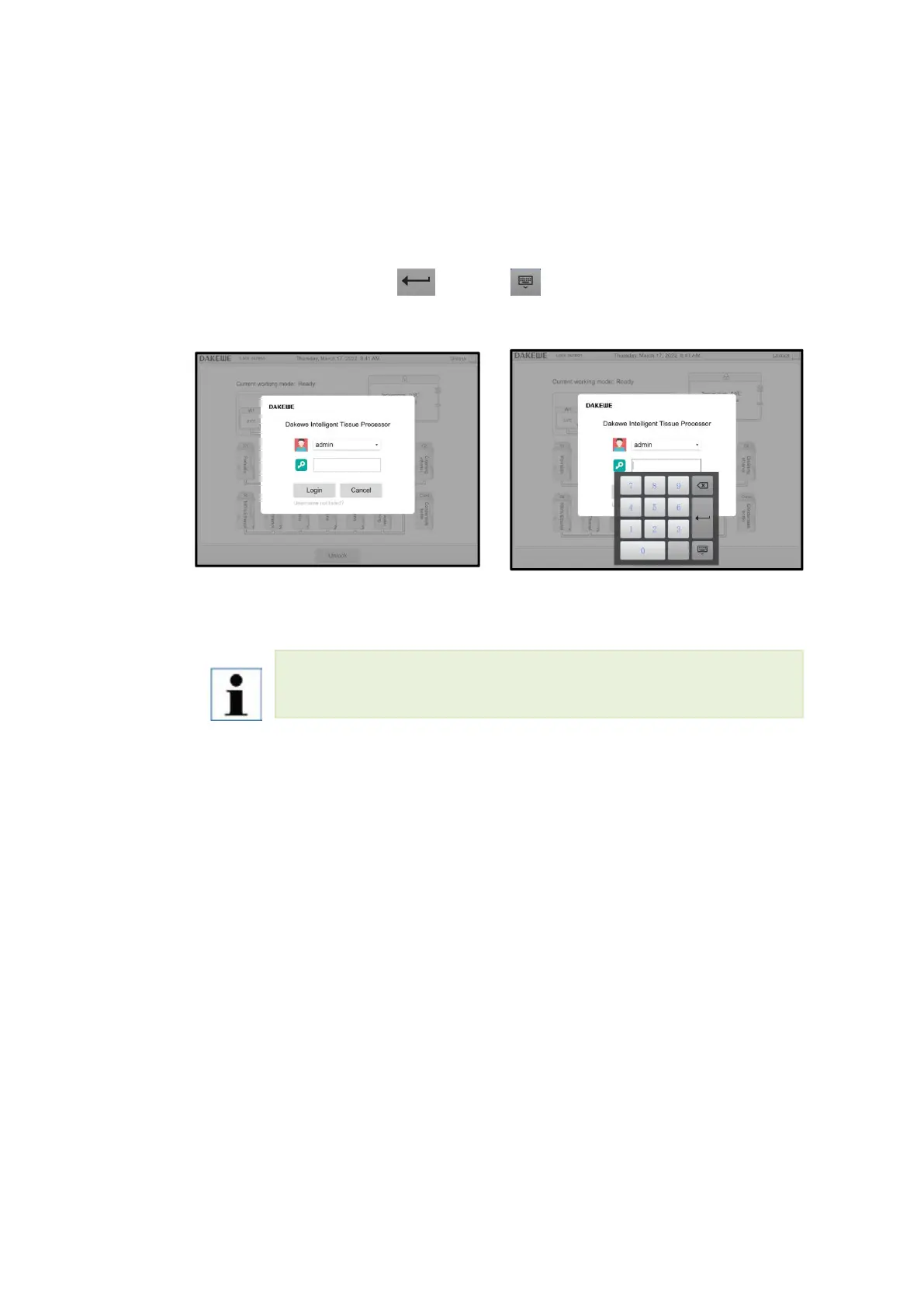
The user needs to log in with the account and password to run the program. The login
method is as follows:
Click the input field behind the user icon to pop up the user list, and select the account
to log in from the list; Click the input field behind the password icon to pop up the soft
keyboard, and then click " " or " " to close the soft keyboard after
entering the password; Click the login button to log in.
(a)Show user list (b)Enter password to log in
In the menu Basic FunctionsUser Management, create the user’s account. After
the creation is successful, you can find the created account name on the login page.



 To Next Page