Dakewe (Shenzhen) Medical Equipment Co., Ltd
5.4 User Interface
Only the control elements that are actually accessible to the user are displayed on the
screen.
The settings that can be accessed and set depending on the user’s permission level are
also different.
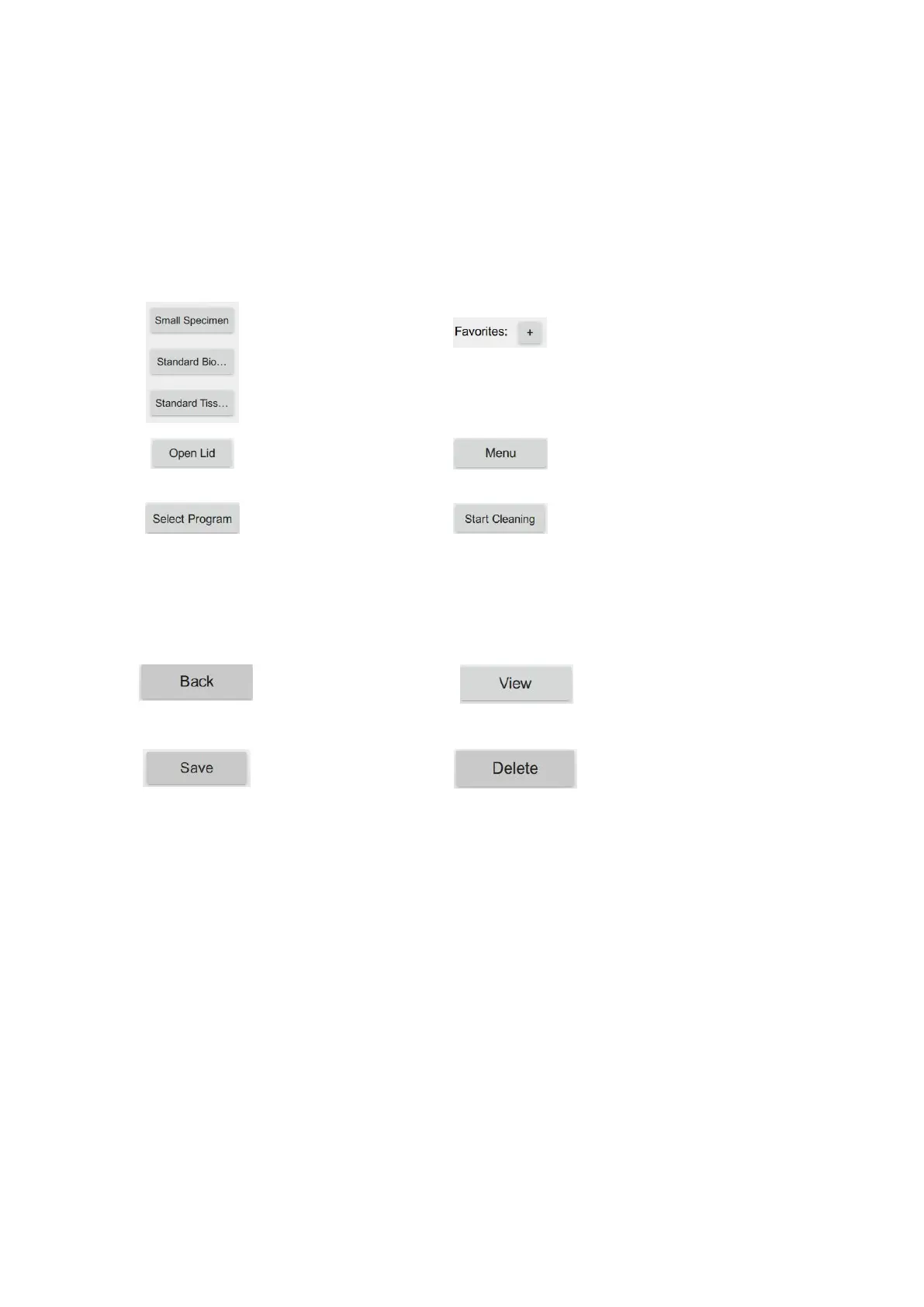
User interface icon button
Generic icon button
Shortcut icon: Click the icon, so
that the processor can perform
the dehydration operation
according to the dehydration
program configured by this
button.
System menu icon: Click to enter
the next menu.
Rinse program running icon:
Click to enter the rinse program
list interface. You can select any
rinse program for execution.
The processor lid can be
opened after clicking the
“Open Lid” button.
Click to return to the
previous menu or exit the
current interface.
Select a list and click the
“View” button to view the
information.
Select a list and click the
“Delete” button for deletion.
Click to save current
settings and exit.
Program shortcut key setting
icon: Click “+” to enter the
shortcut program setting
interface, so that the program in
the list can be assigned to the
shortcut button.
Program running icon: Click to
enter the program list interface.
You can select any program for
execution.



 To Next Page