Dakewe (Shenzhen) Medical Equipment Co., Ltd
6.2 Relevant Settings
"Settings" provides the operation of time setting, software setting and one-key
6.2.1 Software Setting
The module allows the user to make basic settings for system language, sound,
display, brightness, etc.
6.2.1.1 Language setting
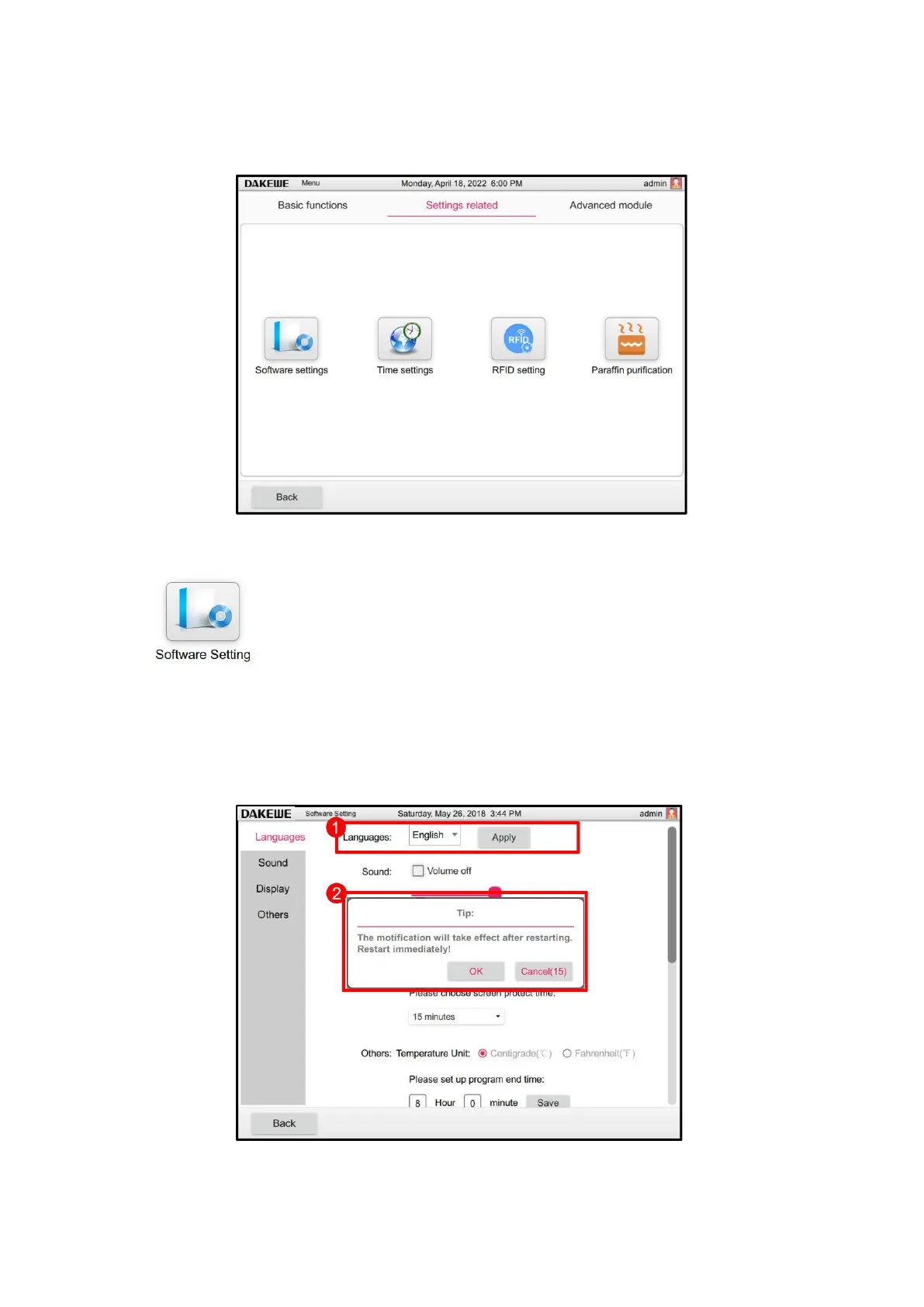
Touch the language setting column to pop up the drop-down box. Select the language, then click
the “Apply” button (Figure 53-1). At this time, the modified confirmation restart dialog box pops
up, click "OK" to save the modification and restart, click "Cancel" to cancel this modification.
6.2.1.2 Volume setting



 To Next Page