Dakewe (Shenzhen) Medical Equipment Co., Ltd
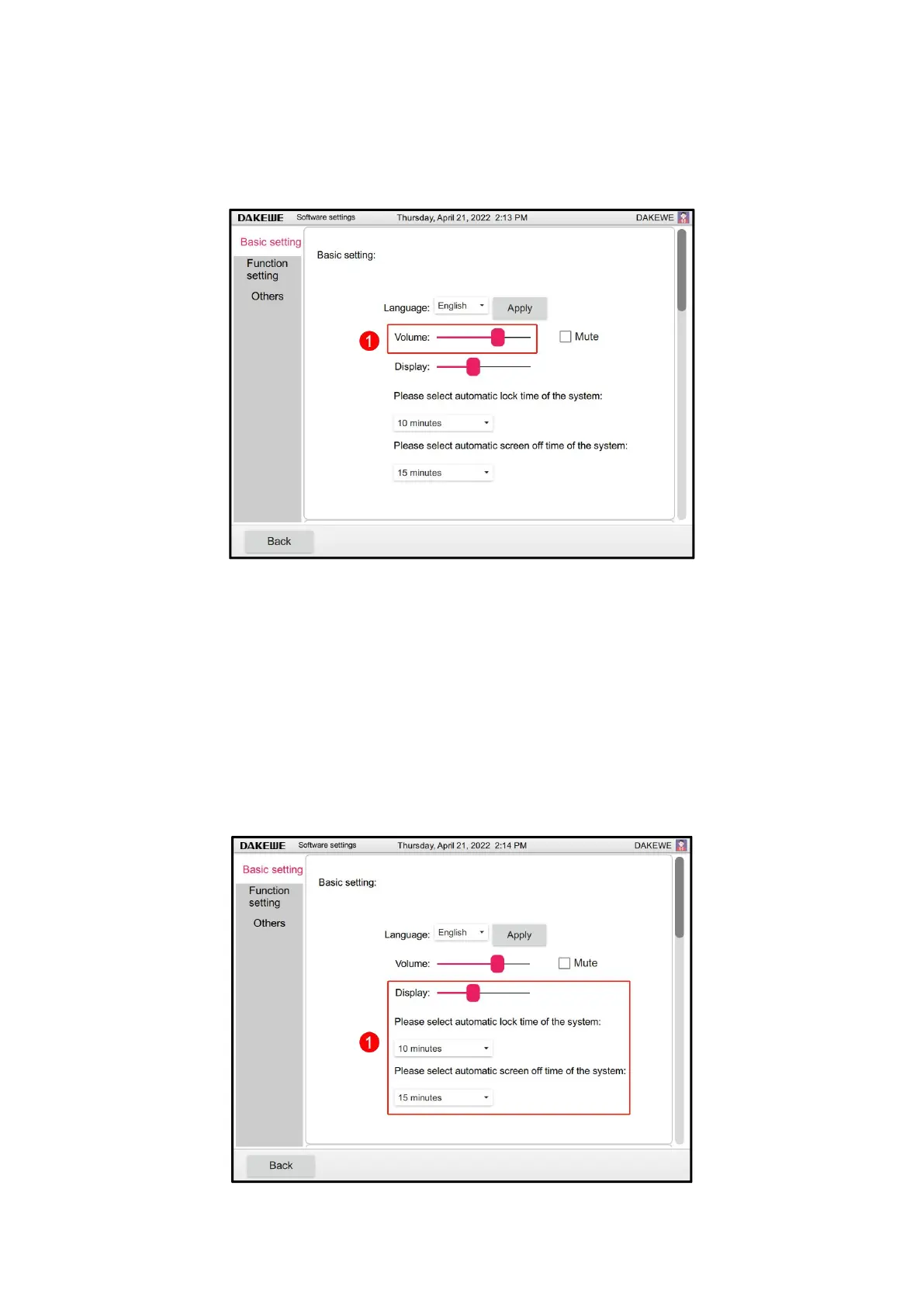
Mute: Voice is turned on in the system by default. After checking the mute option, the system will
turn off voice (Figure 54-1).
Volume adjustment: The slider can be used to adjust the volume. Swipe to the right with a finger
to increase the volume and swipe to the left to decrease the volume.
6.2.1.3 Display and brightness setting
Brightness control: The slider can be used to adjust the display brightness. Swipe to the right with
a finger to increase the brightness and swipe to the left to decrease the brightness.
Touch the automatic time locking column. Select the time in the drop-down box to complete the
system locking time setting. In case the screen is not touched within the set time period, the
operating system will lock the screen. It is necessary to log in the account again for unlocking.
Touch the automatic black screen time column. Select the time in the drop-down box to complete
the black screen time setting of the system. In case of no system operation within the set time
period, the display screen will stop working. Touch the display screen to relight the display screen.



 To Next Page