Installation Guide
TG-0259_9 TM4 CO200-A3 Installation Guide
© Dana TM4 inc., 2020-2022
4.2.1 Using separate brackets to support MCU and motor
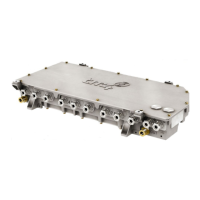
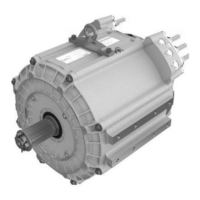
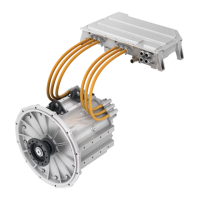
The MCU must not be attached to the motor using the same support or bracket.
The MCU must be decoupled from the motor as the MCU and the motor were designed to resist different
vibration profiles. The MCU could be permanently damaged if exposed to the vibration profile of the motor.
The MCU must be installed on its own support which is attached to the frame of the vehicle.
Note: It is the responsibility of the system integrator to design the MCU support brackets and vibration
damping mechanism in order to ensure that the vibration profile of the MCU does not exceed the limitations
referred to in the System Specifications [4].
4.2.2 Respecting the physical integrity of the MCU
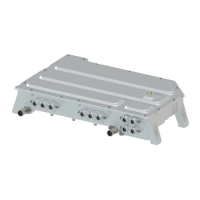
The MCU is a sealed unit requiring no physical customization before or after installation. You must not
under any circumstances attempt to modify any part of the MCU as this could permanently damage the
product and cause injury to the user. This includes any modification that changes the state of the original
product, such as:
• Drilling holes into the casing.
• Adding and/or removing parts including hardware, screws, and connectors.
4.2.3 Protecting the casing from external loads
The MCU casing is able to tolerate a load of 100 kg maximum for short periods of time, but is in no way
intended to be a load bearing component of your integration.
In general, the MCU casing was not designed to bear weight from external loads such as:
• Components sitting on top of the casing.
• Components suspended from the bottom of the casing.
• Components attached to the sides of the casing.
4.2.4 Correctly positioning the MCU
The MCU can be installed in a variety of positions, but we do not recommend that it is installed in an
inverted (upside down) position as there is a risk of water accumulation that may cause product damage.
Ensure that any warning labels on the product remain visible at all times and not removed or obscured by
cables or accessories. Also take care to avoid obstructing the vent (see Figure 1) on the MCU casing.


 To Next Page