Installation Guide
TG-0259_9 TM4 CO200-A3 Installation Guide
© Dana TM4 inc., 2020-2022
4.5.5 Phase cables
Power cables are required between the MCU and the motor to connect each phase.
IMPORTANT NOTE: Carefully read all safety instructions related to electrical installation in Section 4.5.1
and general information for installing cables and harnesses in Section 4.5.2 before continuing with your
integration. Then disable the high-voltage and auxiliary batteries before connecting or disconnecting the
phase cables.
4.5.5.1 Preparing the phase cables
There are two types of cables that can be used with the CO200-A3 and in both cases the integrator can
prepare the cables following the instructions provided by TM4:
• Regular (with lugs), see the cable specification documents [9] for your installation.
Note we recommend that to prevent damage to the product, before installing the cables that you
identify each one with the corresponding letter on the casing.
• Quick Connect, see the assembly instructions [13]. These cables can also be purchased pre-
assembled. See [12] for information to help you select the appropriate harness configuration for your
integration.
Note: Phase cables can be up to a length of 5 m.
4.5.5.2 Installing the phase cable harness
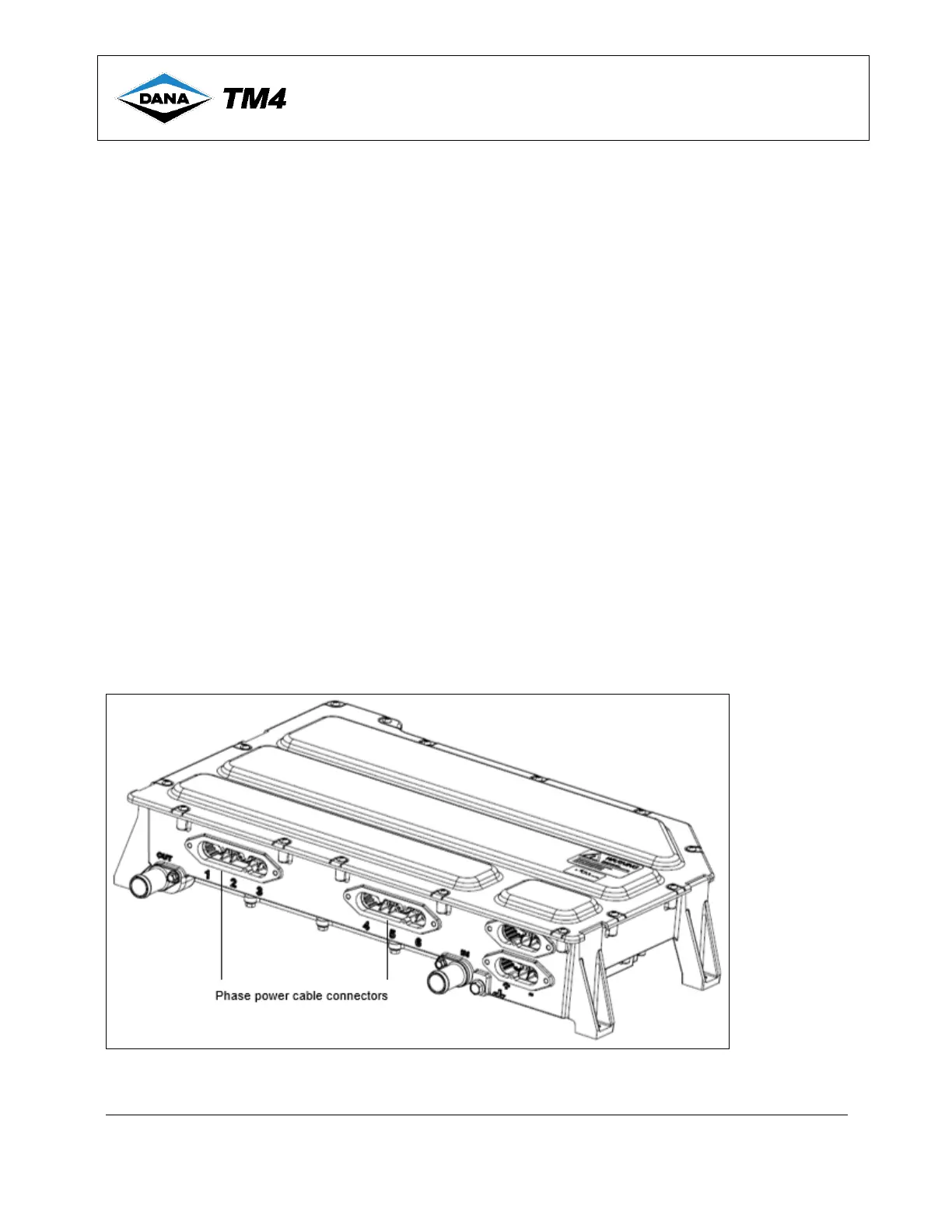
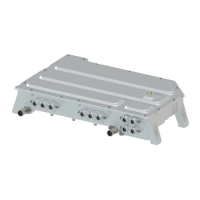
Power cables connect phases between the MCU and the motor; both components have numbers/letters
engraved on the casing to help you with the installation, see Table 4 for standard and reversed mappings.
Using the harness you have prepared or purchased from Dana TM4, refer to the product interface drawing
[8] for illustrated cable installation information.
Figure 7 Phase cable identification
Note: If installed, remove snap-fit caps before installing the cable connectors as per instructions in the product Interface drawing.
For cable preparation information, see [13].


 To Next Page