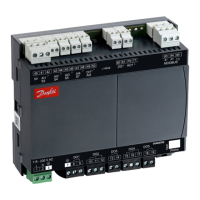
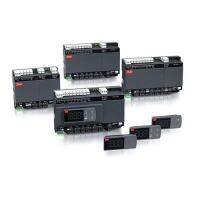
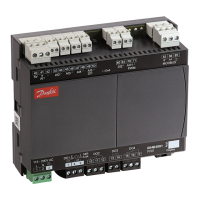
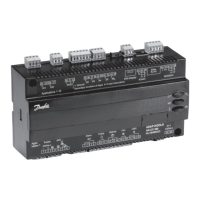
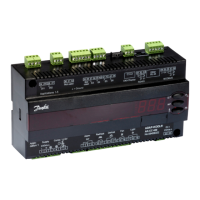
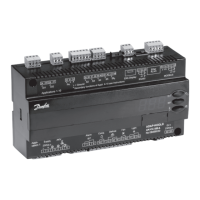
Figure 5: AK-CC55 Water Loop Figure 6: AK-CC55 Water Loop with external display.
Connectivity
The diagram outlines the connectivity options presented by AK-CC55 for the design of system functionality.
Figure 4: Connectivity
Remote Display Service App
AKA 245: LON units
only and max 250
controller parameters
System Manager
Display Bus
Modbus
Modbus
LON/ TCP/IP (SNMP)
Modbus
LON/ TCP/IP (SNMP)
Bluetooth
AK-UI55 Bluetooth
AK-UI55 Set
AK-UI55 Info
Smart Device
(iOS or Android)
AK-CC55 Connect
AK-CC55 Single Coil UI
AK-CC55 Multi Coil
AK-CC55 Compact
KoolProg
Case Controller
Danfoss
80G8333
Data communication
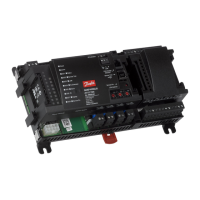
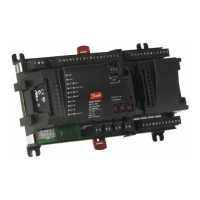
The AK-CC55 Water Loop controller has built-in MODBUS data communication only.
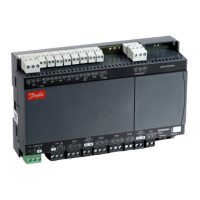
AK-CC55 Water Loop
An application mode setting will congure inputs and outputs for the desired use. There are eight applications to
choose from.
Temperature control is performed by on/o control of a single or dual compressor, variable speed control of a
compressor or a brine pump.
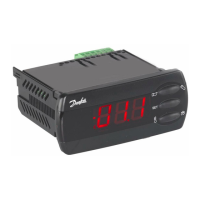
AK-CC55 Water Loop is without display, and can be extended with one external display (see Figure 5 and Figure 6):
External display
There are three versions available with dierent functions:
• AK-UI55 Info: Temperature display.
• AK-UI55 Set: Temperature display with control buttons on the front.
• AK-UI55 Bluetooth: Temperature display with Bluetooth communication, for use with AK-CC55 Connect Mobile
app.
© Danfoss | Climate Solutions | 2022.04 BC378540472015en-000101 | 7
AK-CC55 Water Loop




 To Next Page