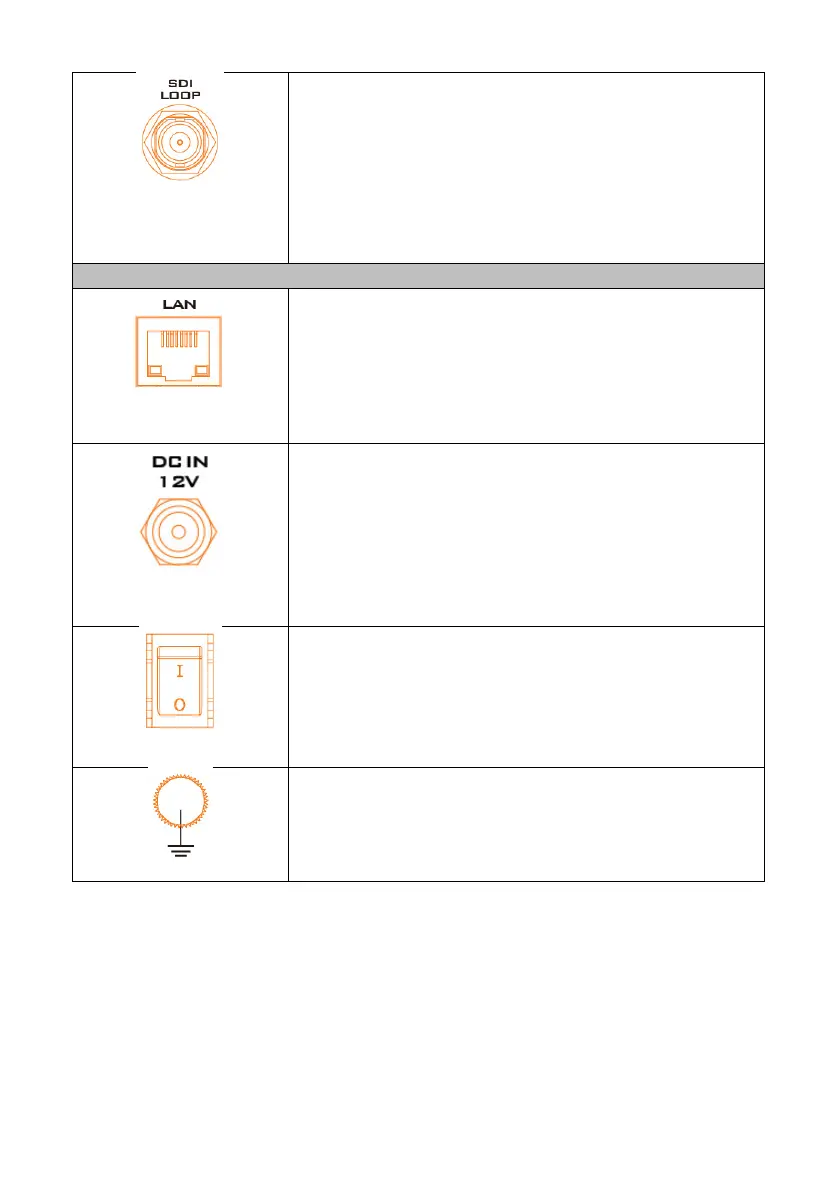
Connect an SDI cable from this connector to a monitor
or projector with the SDI interface to output the SDI
input source
LAN
The LAN port is an auto-negotiation 10/100/1000 Base-
T Ethernet port which connects the NVS-40 to an
Ethernet network through a standard RJ-45 Ethernet
cable.
DC IN 12V Power Connector
Power the NVS-40 device by connecting the device to an
AC outlet through a power cord and a power adapter. To
power off the NVS-40, simply disconnect the device from
the power source and any logged errors will be cleared.
All current settings are kept even after the device is
powered off.



 To Next Page